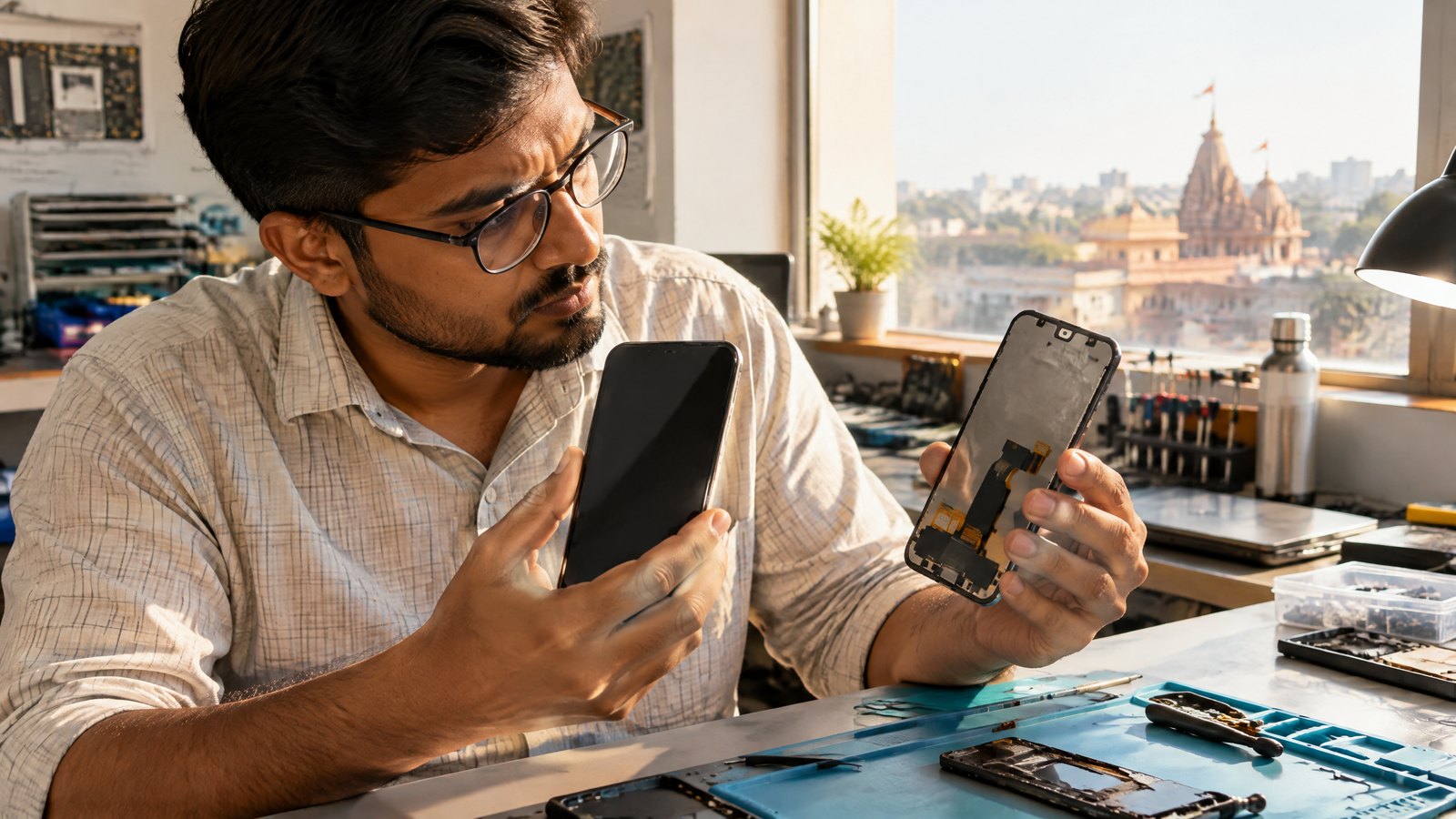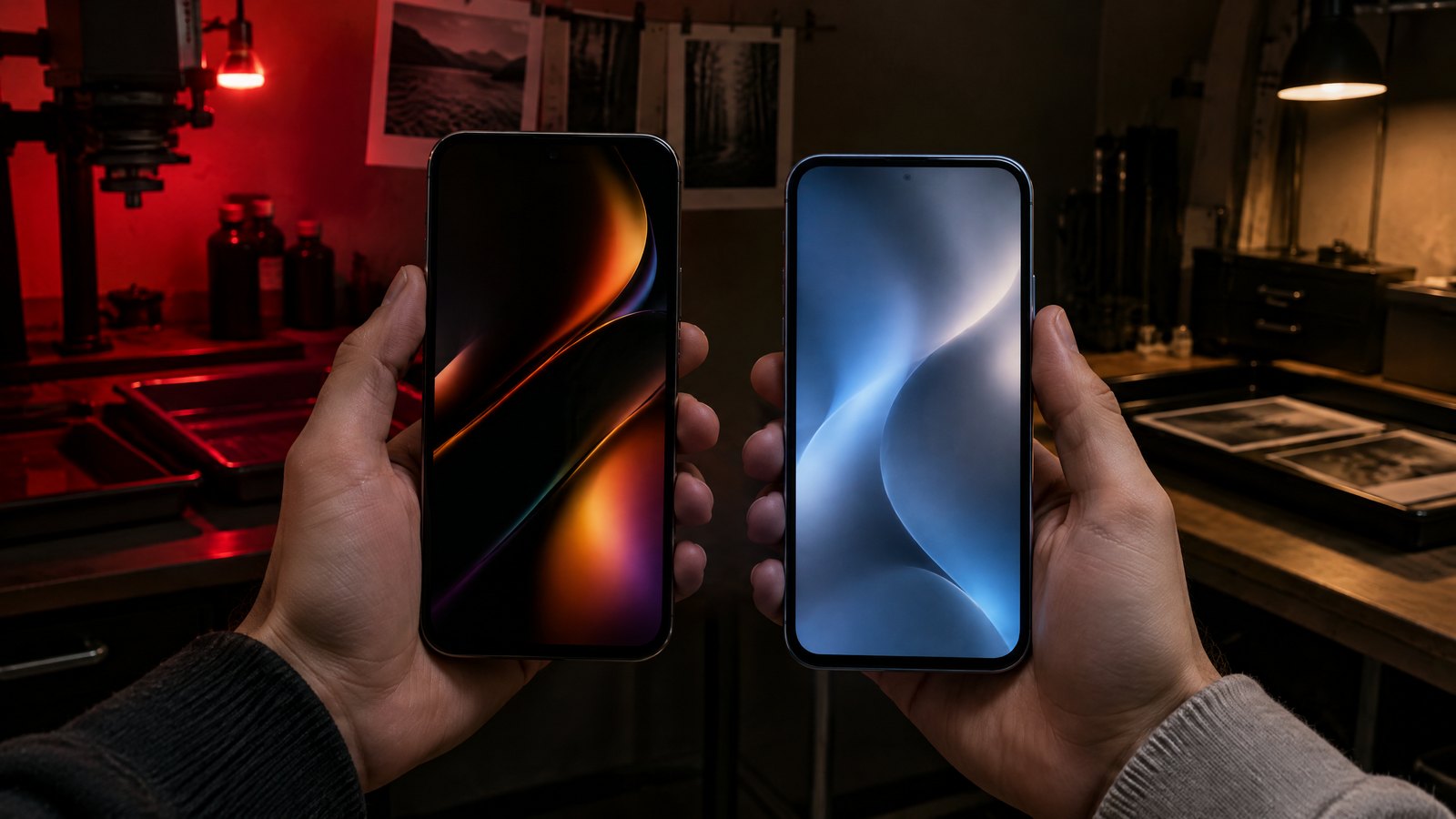
An OLED screen can make a dark film scene look striking because its light-emitting pixels can go dark individually. An LCD uses a backlight behind a liquid-crystal layer, so its black level and contrast depend on how well that light is controlled. That difference matters, but it does not settle every purchase. A phone used for maps in afternoon sun, one held at very low brightness before bed, and one likely to need a display repair face different trade-offs. Start with the complete phone, not the panel label: compare the specific model's brightness behaviour, screen settings, warranty and local service options. For most people, OLED is a strong choice for dark-room contrast; LCD can still be the more sensible phone when the exact device, price or replacement path suits them better.
This article is part of the consumer technology guide library.
OLED vs LCD smartphone display: the quick buying decision
Choose OLED when deep blacks and high perceived contrast are priorities for films, dark interfaces or always-on elements, and you have checked the individual phone's low-brightness comfort. Choose LCD when a particular handset gives you the price, daylight performance, software support or repair option you need. Neither word on a specification sheet tells you the whole story about outdoor legibility, eye comfort or durability.
A useful way to decide is to rank your own use. A late-night reader who is sensitive to a screen's brightness modulation should investigate that exact model before ordering. A commuter who uses tickets, maps and UPI under harsh light should compare sustained brightness, reflections and automatic brightness in a shop if possible. Someone keeping a phone for several years should ask the brand or authorised service centre about the display assembly, out-of-warranty estimate and parts availability. These checks are more actionable than treating OLED as automatically premium or LCD as automatically poor.
Panel technology also does not define processor speed, camera quality, battery health or account safety. It is one part of the device. The broader hardware picture is explained in the linked smartphone overview, while this guide stays focused on what a screen can and cannot change in daily use.
| Priority | Usually favours | What to verify on the exact phone |
|---|---|---|
| Dark-room video and black backgrounds | OLED | Shadow detail, colour mode and whether very dark areas look comfortable to you |
| Outdoor maps, messages and payments | No automatic winner | Sustained outdoor brightness, glare, automatic-brightness behaviour and screen protector reflections |
| Sensitivity to dim-screen flicker | Model-specific, not panel-specific | Dimming method, relevant accessibility setting and a return or in-store viewing option |
| Long-term fixed interface elements | LCD may avoid OLED-specific burn-in concern | Screen timeout, brightness habits and the brand's support guidance |
| Cracked-screen planning | No automatic winner | Authorised quote, display assembly availability, warranty terms and local service location |
Contrast and blacks: why OLED often looks richer in a dim room
OLED is emissive: each pixel produces its own light. When a pixel is asked to show black, it can be switched off. LCD pixels instead regulate light from a backlight. Even a good LCD can look excellent, especially with effective local dimming, but backlight control and minor light leakage make perfect-looking black harder in a mixed dark-and-bright scene. The difference is easiest to notice in a dark room: an OLED letterbox bar can blend into a black bezel while an LCD bar may look dark grey.
VESA's DisplayHDR work illustrates the underlying distinction, not a rating for every phone. Its True Black criteria for emissive displays permit a very low black level, while LCD performance can use dimming tests to improve contrast. That is evidence for the technology advantage in black level; it is not proof that every phone advertised as OLED has better calibrated colour, brighter HDR or better shadow detail than every LCD phone.
Do not confuse contrast with a guarantee of a better photo. Display modes can make colours more saturated, and a screen may clip subtle dark detail if tuned aggressively. If you edit images, compare familiar photos with brightness set similarly and look for detail in dark hair, night skies and black clothing. For camera choices, the separate camera guide explains how the phone creates the image before the display renders it.
Outdoor visibility: ignore the panel label and check the whole screen
In Indian summer light, a phone needs more than a high peak-brightness number. Readability depends on usable screen luminance, the brightness of the surroundings, reflections from the cover glass and protector, the colour and size of text, and whether the phone reduces brightness as it warms. A peak figure may describe a small highlight or a brief condition rather than a white navigation screen held outdoors. Ask whether the maker publishes a full-screen or high-brightness-mode figure, but do not assume it predicts every outdoor minute.
OLED phones can be very bright, and LCD phones can be very readable. Conversely, either can be difficult to read through a reflective protector or after automatic brightness has reduced output. An LCD's backlight can make white pages look forceful; an OLED's contrast can help dark text stand out. Neither observation replaces a model-by-model comparison. If you can inspect the phone, open a white page, a map and a dark message screen near a window rather than judging only a shop demo loop.
Heat is another practical limit. GPS navigation, mobile data and charging can warm a phone, and the display may change brightness to manage the device. That is a device and environment issue, not a promise broken by one panel type. Consider your usual route, whether you wear polarised sunglasses, and the screen protector you actually plan to fit. A screen that looks superb indoors can still be the wrong fit for a delivery rider or frequent traveller if its everyday outdoor readability is not comfortable.
Burn-in and image persistence: separate a temporary ghost from lasting wear
OLED materials age with use, so a repeatedly driven area can age differently from surrounding pixels. In a severe case, a faint outline of a fixed high-contrast image can remain after the content changes; that is commonly called burn-in. Apple distinguishes this from temporary image persistence, which it says can disappear after a few minutes of normal use. Its guidance also says burn-in can occur in more extreme cases when the same high-contrast image is continuously shown at high brightness for prolonged periods. This is a useful manufacturer example, not a frequency estimate for all OLED phones.
For a typical phone, varied scrolling, video, messages and photos are different from leaving a dashboard, game controls or a bright static sign on screen for long stretches. Use a sensible auto-lock time, avoid unnecessarily holding static content at maximum brightness, and keep software up to date when the maker recommends it. These are risk-reduction habits, not a guarantee that an OLED will never develop uneven ageing. Brands may use pixel-shifting, adaptive brightness or other controls, but the exact feature and its effectiveness are model-specific.
LCD is not an immunity card against every screen problem. It can have its own faults, such as uneven backlighting, dead pixels or temporary retention in some circumstances. The practical comparison is narrower: OLED has a distinctive long-term differential-ageing risk with static bright content, whereas the LCD backlight architecture does not create that same per-pixel organic-emitter wear pattern. If your job routinely keeps fixed controls visible for many hours, give that risk real weight instead of relying on a marketing phrase.
Flicker and low brightness: test the phone, not the OLED stereotype
Flicker is rapid change in emitted light. A display can use pulse-width modulation, often shortened to PWM, or another brightness-control approach. It is separate from refresh rate: a 120 Hz screen does not, by that number alone, reveal how its brightness is dimmed. Some people report discomfort with particular displays or at particular low-brightness settings, while others do not notice a problem. That experience is real to the person, but a specification alone cannot diagnose or promise a health outcome.
The available standards and certifications need careful reading. IEEE 1789-2015 discusses modulation and recommendations for LED lighting and dimming applications, rather than serving as a pass-or-fail comfort certificate for every smartphone. TÜV Rheinland describes flicker-free display testing and notes that its cited Eye Comfort programme is mainly for monitors and notebooks. Neither source lets us label an untested phone universally safe, unsafe, flicker-free or comfortable. The IEEE listing is also now marked inactive-reserved, so it should not be presented as current phone certification.
If you know that low-brightness screens bother you, inspect the exact retail unit for several minutes with your usual text size and a dark background. Look in the specifications and accessibility settings for a named flicker-reduction or dimming option, then confirm whether it is available on that model and software version. A return policy can matter more than an impressive PWM number because methods, brightness ranges, firmware and individual response differ. If screen-related symptoms are persistent or concerning, seek appropriate clinical advice rather than trying to self-diagnose from a phone comparison.
Screen repair in India: panel type does not predict the final bill
A cracked OLED is not automatically more expensive to repair than every cracked LCD, and an LCD is not automatically easy to replace. The final quote can reflect the model, whether the screen is supplied as a bonded display assembly, fingerprint or face-unlock integration, frame damage, warranty or accidental-damage cover, taxes, labour and local parts availability. Ask for a written estimate for your precise model before assuming that a lower initial price means a lower repair cost.
Use an authorised route when you need the maker's stated repair process, part provenance or service guarantee, and compare that with any independent option only after understanding the trade-offs. Apple, for example, says its service price is final only after inspection, that authorised providers can set their own fees, and that options vary with parts availability and location. This is an example of how manufacturer service works, not a price guide for Indian Android or iPhone repairs.
The European Union's smartphone ecodesign rule is also useful context, but it is not an Indian repair entitlement. For phones within its scope, it requires display assemblies to be made available to professional repairers and end users from 20 June 2025 or a defined later placement-on-market point, for at least seven years after the product's market placement ends. India buyers should instead check the brand's Indian support page or authorised centre for the exact model. Before handing over a phone, back up data, record its condition, ask about part and labour warranty, and confirm whether the service will preserve the features that matter to you.
OLED vs LCD smartphone display FAQs
These answers summarise the buying trade-offs. They cannot replace the specifications, support terms and in-person comfort check for a particular model.
Is OLED always better than LCD on a smartphone?
No. OLED usually has an advantage in black level and dark-room contrast because its pixels emit their own light. But the better purchase depends on the exact phone's brightness, reflections, colour tuning, dimming behaviour, price, software support and repair path.
Is an OLED screen easier to see outdoors?
Not automatically. Outdoor legibility depends on sustained brightness, glare, auto-brightness behaviour, heat, text and the protector as well as panel technology. Compare the exact models in bright conditions where possible.
Will an OLED phone definitely get burn-in?
No. OLED can show long-term differential ageing in severe static, bright, prolonged use, but it is not a certainty for every user or timeframe. Temporary image persistence is different from permanent burn-in. Sensible screen timeout and brightness habits can reduce static-content exposure without guaranteeing an outcome.
Does a high refresh rate mean a phone is flicker-free?
No. Refresh rate describes image updates; flicker can relate to brightness modulation. Check the exact model's dimming information and settings, and try it at the low brightness you actually use. A generic OLED or LCD label cannot answer the comfort question.
Source notes
Reporting record
techduopulse stores source destinations privately. Public notes remain non-clickable so every visitor journey stays on this website.
EU smartphone and tablet ecodesign regulation
Primary source · Screen repair in India: panel type does not predict the final billEmissive-display black-level and HDR context source note
Primary source · Contrast and blacks: why OLED often looks richer in a dim roomBlack-level, local-dimming and measurement-scope source note
Primary source · Contrast and blacks: why OLED often looks richer in a dim roomOLED image persistence and burn-in distinction source note
Primary source · Burn-in and image persistence: separate a temporary ghost from lasting wearLED modulation and flicker-scope source note
Primary source · Flicker and low brightness: test the phone, not the OLED stereotypeDisplay flicker-testing programme and product-scope source note
Primary source · Flicker and low brightness: test the phone, not the OLED stereotypeManufacturer inspection, estimate and parts-availability caveat source note
Primary source · Screen repair in India: panel type does not predict the final billVersion 1: original India-focused buyer comparison covering contrast, real-world outdoor limits, OLED image persistence and burn-in, flicker uncertainty, and repair caveats. Claims are bounded to verified standards, manufacturer support and regulator sources; no model rankings, price promises or simulated testing.