Smartphone technology combines computing hardware, mobile software, sensors, radios, and a battery inside a handheld device. When you tap, take a photo, or send a message, the phone senses the input, its operating system and chips process it, and the result is stored, sent over a network when needed, or shown on the screen. This guide explains that system rather than recommending a model to buy. The exact parts, enabled features, radio bands, performance, update support, and privacy behaviour vary by device, software version, region, carrier, and configuration.
This article is part of the consumer technology guide library.
A smartphone is a connected computer in your pocket
Calling a smartphone a phone with apps misses most of the engineering. It is a compact computer, camera, radio device, sensor platform, and battery-powered system. The screen and speakers are its most obvious outputs. Touch, cameras, microphones, motion sensors, buttons, and radio receivers provide inputs. Between them sit the operating system, apps, working memory, storage, specialised processors, network interfaces, and power controls that coordinate each action.
A useful model is input, compute, optional connection, then output. A tap can stay entirely on the device when it opens a menu or changes a local setting. The same tap can start a longer path when an app needs a map tile, a message, a cloud file, or a remote artificial-intelligence service. Storage is also conditional: displaying a calculator result need not save a file, while taking a photograph normally creates persistent data. The phone selects a path based on the app, permissions, network state, and operating-system rules.
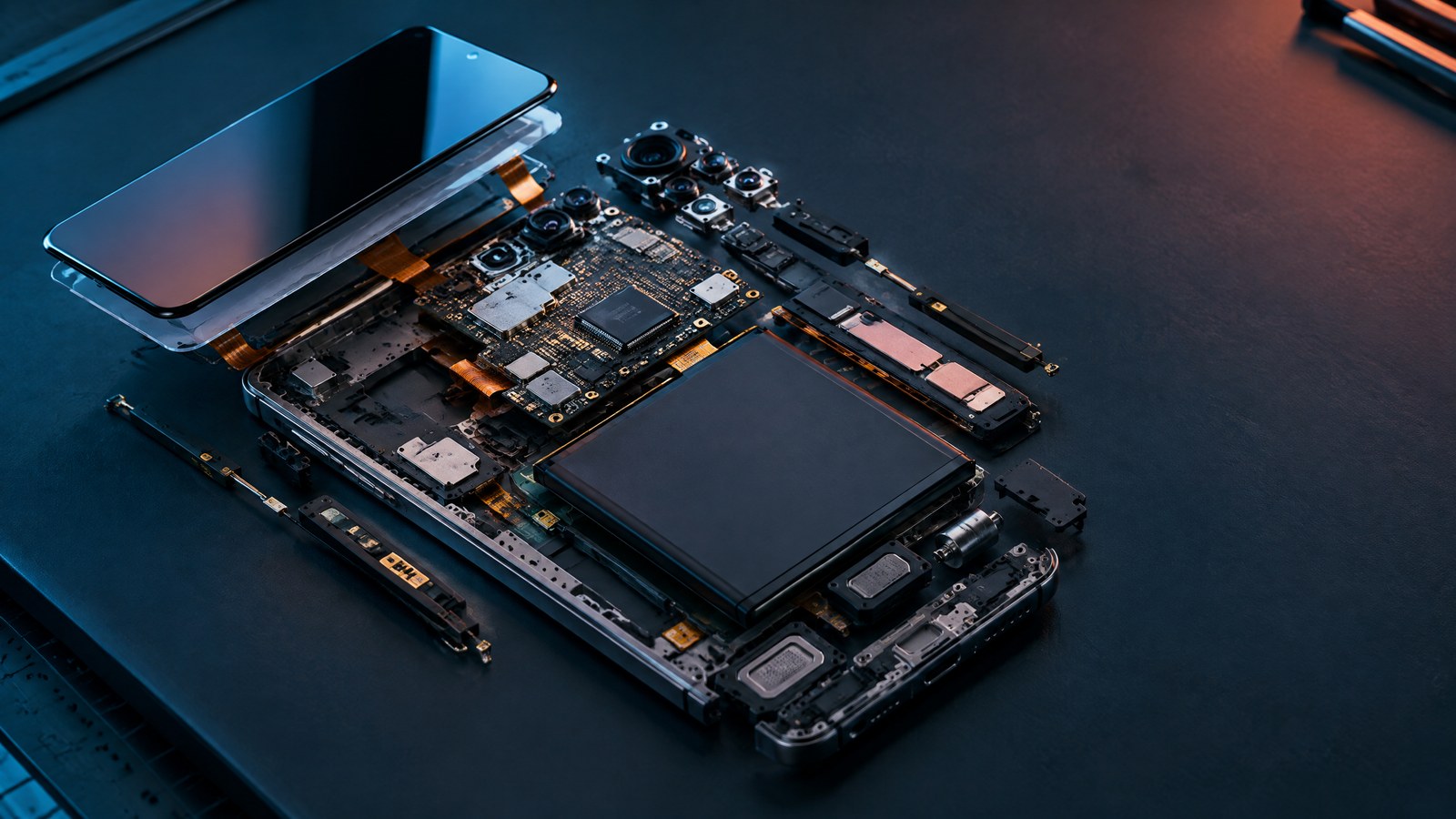
The large board inside the handset connects these paths. A system-on-chip coordinates much of the computing work, but it is not the whole phone. Separate or integrated controllers manage charging, touch input, cameras, audio, radios, and display output. The battery supplies energy to every stage, while thermal controls watch how much heat the combined workload creates. This is why a feature cannot be judged from one headline component. A fast processor, bright screen, powerful modem, or large camera sensor still depends on the rest of the system.
- Inputs: touch, cameras, microphones, buttons, motion and environmental sensors, and incoming radio signals.
- Compute: the operating system, apps, system-on-chip, memory, and specialised accelerators interpret and process data.
- Conditional branches: storage keeps data after power is removed, while radios connect to local accessories, networks, or remote services when needed.
- Outputs: the display, speakers, vibration motor, stored files, and transmitted data present or preserve the result.
- Control layer: battery management, permissions, security checks, and thermal limits affect every stage.
What happens when you tap the screen?
The display and touch sensor are related but separate systems. A capacitive touch layer measures a change in an electrical field when a conductive object such as a finger approaches the surface. A touch controller turns that measurement into coordinates and movement information. The operating system then decides which window or app should receive the event. Moisture, electrical noise, gloves, the controller design, and the sensing method can change how reliably that first step works.
After the app receives the event, its logic decides what should happen. It may update a local state, read working data from random-access memory, retrieve a file from storage, ask a protected operating-system service for access to hardware, or start a network request. The central processor handles general instructions, while other blocks can take over graphics, image processing, machine-learning inference, audio, or cellular work. A simple button animation may use only a fraction of this path.
The visual result is not painted directly by the app onto physical pixels. Apps produce graphical buffers, and the system combines visible surfaces before sending the composed frame toward the display. Android's public documentation names parts of this path EventHub, InputReader, InputDispatcher, BufferQueue, SurfaceFlinger, and Hardware Composer. Those names describe a documented Android implementation. Other platforms can use different names while following the same broad pattern: capture input, route it, run logic, compose output, and update the panel.
- The touch grid detects a change and reports coordinates to its controller.
- A driver and input service translate the signal into an operating-system event.
- The system routes that event to the active app or interface element.
- App logic runs and may use memory, storage, a sensor, or a network service.
- The graphics system produces and combines the required visual buffers.
- The display controller updates the panel, while the speaker or vibration motor may provide feedback.
The compute core: chip, RAM, storage, and software
The system-on-chip, usually shortened to SoC, places several computing functions in one package. The central processing unit, or CPU, runs general operating-system and app instructions. A graphics processing unit, or GPU, handles graphics and some parallel workloads. An image signal processor, or ISP, helps turn camera-sensor data into usable image information. Some designs add a neural processing unit, or NPU, for compatible machine-learning operations. A cellular modem handles cellular radio and protocol work. Exact integration varies: a modem or another controller can be inside or outside the main SoC.
These blocks divide work because one design is not equally efficient for every job. A CPU is flexible. A GPU is suited to highly parallel graphics and compute work. An NPU can run supported models efficiently, but its presence does not mean every artificial-intelligence feature is local, private, or able to use that accelerator. An ISP is one part of a camera system rather than a magic quality switch. A modem supports specified radio capabilities, but the final connection also depends on antennas, enabled bands, firmware, the network, the plan, coverage, and configuration.
Random-access memory, or RAM, is temporary workspace for running software and active data. Persistent flash storage keeps the operating system, apps, photos, and files when the phone is powered off. More capacity does not by itself guarantee speed. Memory bandwidth, storage controller behaviour, free space, temperature, software, and the workload all matter. Mobile devices commonly use low-power memory and storage interface families designed for this constrained environment, but the generation name alone does not describe the performance of a specific phone.
The operating system coordinates the parts and enforces boundaries. Apps normally ask operating-system services for camera frames, location, network access, files, or biometric confirmation rather than driving protected hardware directly. Drivers and hardware-abstraction interfaces translate general requests into device-specific operations. Android publicly documents a layered architecture with apps above framework and system services, a runtime, hardware interfaces, native components, and a Linux kernel. It is a useful example of the general division, not a universal naming scheme for every mobile platform.
- CPU: flexible general-purpose instructions for apps and the operating system.
- GPU: graphics and compatible parallel computation, working with the wider display pipeline.
- NPU or AI accelerator: an optional efficient target for supported local machine-learning inference.
- ISP: camera signal processing within a larger lens, sensor, stabilisation, and software pipeline.
- Modem: cellular radio and protocol work; it does not represent Wi-Fi, Bluetooth, NFC, or every antenna.
- RAM and storage: temporary working space versus persistent data that remains after power is removed.
How phones connect: cellular, Wi-Fi, Bluetooth, GPS, NFC, and satellite features
A phone contains several radio systems because they solve different problems. Cellular provides wide-area calls, messages, and data through a carrier network. Wi-Fi connects to a local network through an access point. Bluetooth creates short-range links to accessories. Global Navigation Satellite Systems, including GPS, let a receiver estimate position and time from satellite signals. Near-field communication, or NFC, supports very short-range interactions such as reading a tag or presenting a compatible credential. These interfaces are not interchangeable forms of internet access.
The cellular path combines modem functions, radio-frequency components, antennas, and a subscriber identity. A physical SIM stores a carrier profile on a removable card. An eSIM uses an embedded secure element that can receive supported profiles remotely. The change affects provisioning and form factor; it does not make a person anonymous or remove account-security concerns. A phone described as 5G-capable may still use LTE at a particular moment because coverage, network mode, band support, plan, power policy, and configuration affect the live connection.
Security boundaries differ by interface. Wi-Fi encryption can protect the radio link between a phone and an access point, while correctly implemented HTTPS protects a connection toward the final internet service. Bluetooth pairing creates a local relationship with an accessory, not a universal trust guarantee. GNSS satellites transmit signals that help a receiver calculate a position; the phone does not need to send its location to those satellites to perform that calculation. Apps, accounts, advertising systems, and network services can still collect or share location through separate data flows.
Some phones support limited satellite-related features, but support is device-, region-, service-, and policy-dependent. A satellite messaging feature is not the same as universal satellite internet, and emergency availability can have separate conditions. Short radio range also does not make NFC automatically safe: the phone still needs to validate the reader, credential, requested action, and user confirmation. The reliable rule is to judge each interface by its job, range, dependencies, and security controls instead of treating every wireless logo as one capability.
How a smartphone camera turns light into a photo
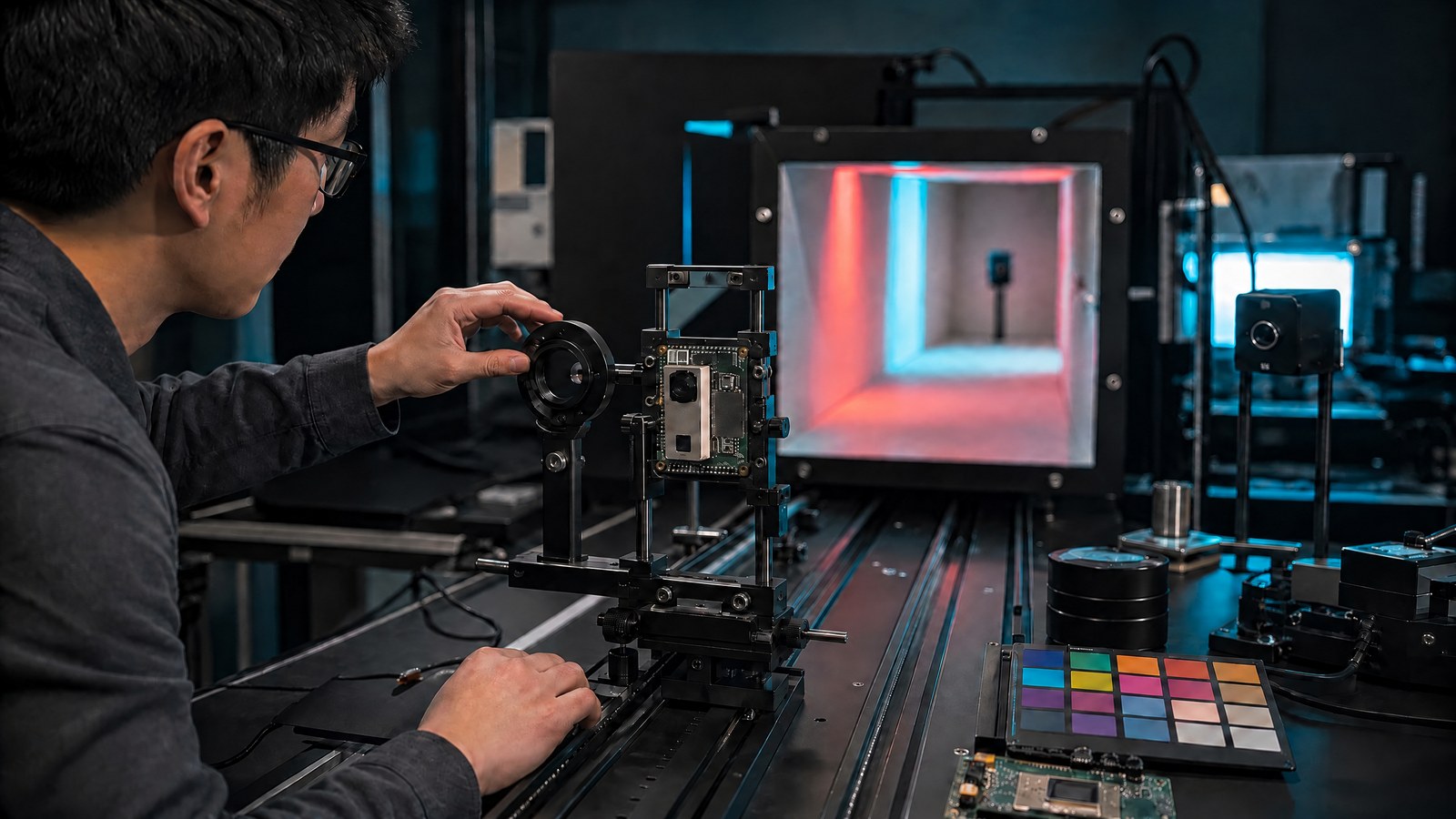
A camera begins with optics. A lens directs light onto an image sensor, where millions of light-sensitive sites measure incoming photons through a colour-filter arrangement. Autofocus moves or adjusts optical elements, and optical or electronic stabilisation can reduce some motion. The sensor output then passes through analogue and digital processing before image software produces a viewable file. This is why a smartphone photograph is a pipeline result rather than a direct copy of one instant at the sensor.
Computational photography combines measurements to overcome limits imposed by a thin device and small optics. For a backlit portrait, a phone may align several short exposures, reduce noise, preserve bright areas, and recover detail in darker regions. Google's documented HDR+ research is one implementation that aligns and merges a short burst, with the number of frames depending on conditions. Other manufacturers can use different capture strategies, tuning, hardware, and processing. The example explains the concept; it does not describe every phone.
Megapixels measure one property of the captured grid. They do not settle photo quality. Lens design, sensor area and architecture, light level, exposure time, focus, stabilisation, scene motion, colour processing, noise reduction, dynamic range, and display output all affect the result. Artificial-intelligence models can help with tasks such as scene segmentation or tone decisions, but processing cannot recover detail that was never captured, correct every focus error, or stop severe subject motion after the fact.
Displays, sound, sensors, and on-device AI
A display panel turns electrical control signals into visible light. In an organic light-emitting diode, or OLED, panel, individual pixels emit light rather than depending on a separate backlight. That design can produce deep blacks, but it still works with a display driver, graphics pipeline, power controls, and software. A maximum refresh-rate number is a capability, not a promise that every app or frame always uses it. Content, rendering speed, panel control, heat, and battery policy affect the delivered rate.
Microphones convert pressure changes into electrical or digital signals. Audio processing can combine microphones, reduce noise, or shape a recording. Speakers reverse the path by turning an electrical signal into mechanical motion and sound. Small enclosures create hard acoustic limits, so amplifiers and protection algorithms may monitor electrical behaviour to balance loudness with speaker safety. A microphone count or speaker label cannot establish recording quality without controlled testing of the actual device.
Motion and environmental sensors measure acceleration, rotation, magnetic field, proximity, pressure, or ambient light, depending on the hardware. The operating system can combine physical readings into software-derived estimates such as orientation or step detection. Sensor fusion does not make measurements perfect. Placement, calibration, motion, magnetic interference, sampling rate, and algorithm choices can change the result, and the available sensor set varies by device.
On-device AI means a compatible model operation runs locally rather than depending on a remote server for that operation. Local execution can reduce response time, work without a connection, and keep the immediate input on the device. It also consumes memory, energy, and thermal headroom. A local model does not establish that every related feature stays offline: backup, sync, analytics, account services, or another processing stage may still use a network. The feature's actual data path must be checked separately.
Battery, charging, heat, and performance are one trade-off
A phone battery is part of a managed power system, not a passive fuel tank. Charging electronics measure voltage, current, temperature, and state while negotiating with compatible power equipment. Lithium-ion charging commonly uses a constant-current phase followed by a constant-voltage phase in which current tapers near the target. This describes a common control approach, not a universal voltage, charging rate, or time. The device decides what it can safely accept under the current conditions.
The wattage printed on an adapter is a capability ceiling. The phone, cable, connector, charging protocol, battery state, temperature, and work being performed all affect accepted power. A high-capability adapter cannot force an unsupported phone to charge at its headline rate. Charging can also slow as the battery fills or warms. Software may delay part of a charge when it has a supported routine-based battery-protection feature, but behaviour differs by platform and configuration.
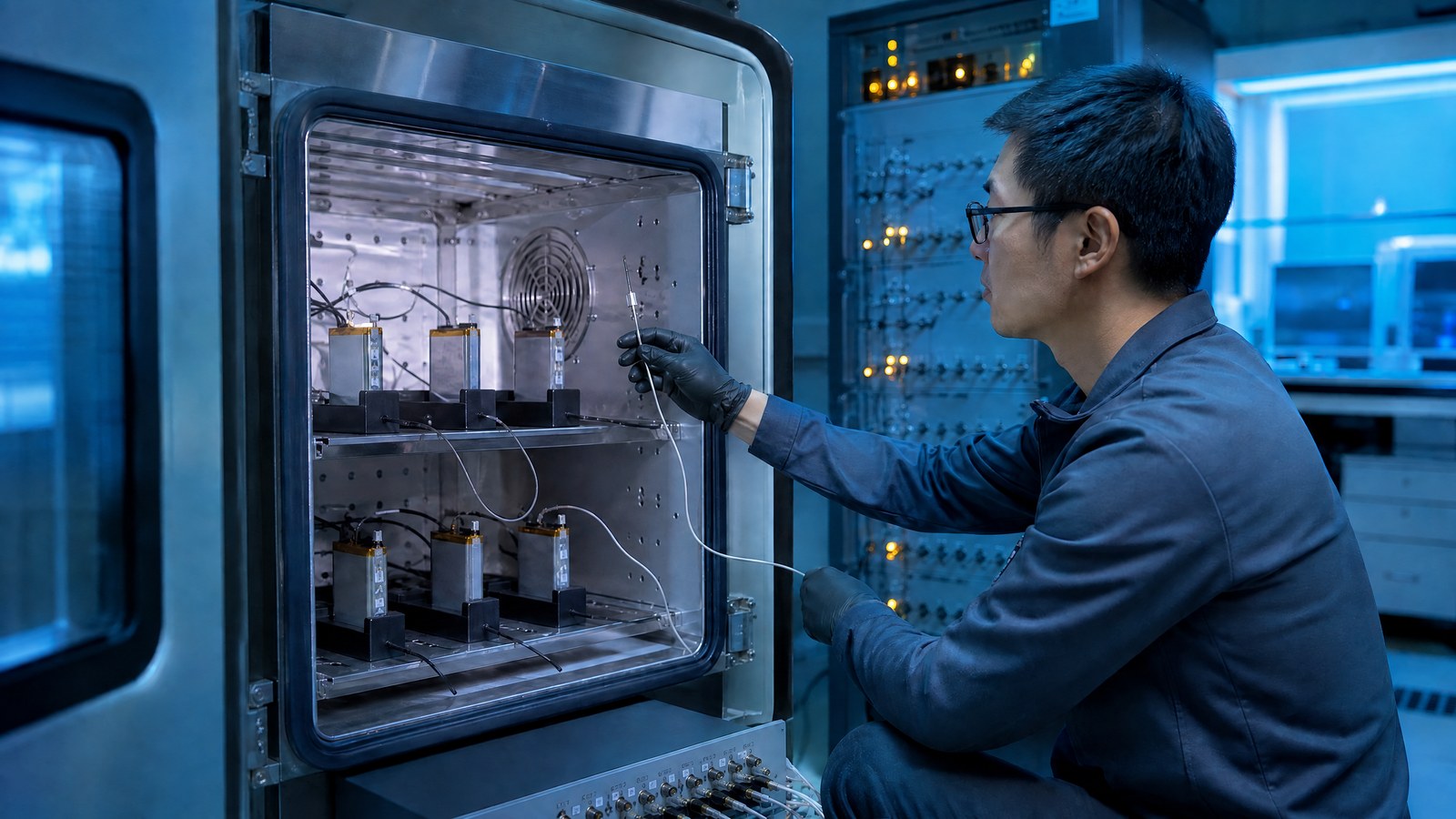
Heat connects performance, charging, camera use, radios, the display, storage, and AI. A long video recording can combine sensor readout, image processing, storage writes, a bright preview, and perhaps a cellular upload. Gaming combines graphics, CPU work, memory traffic, touch input, display output, audio, and networking. When thermal limits are approached, a phone can reduce processor speed, display brightness, charging power, radio activity, or another function. That protective response is not automatic proof of a defective processor.
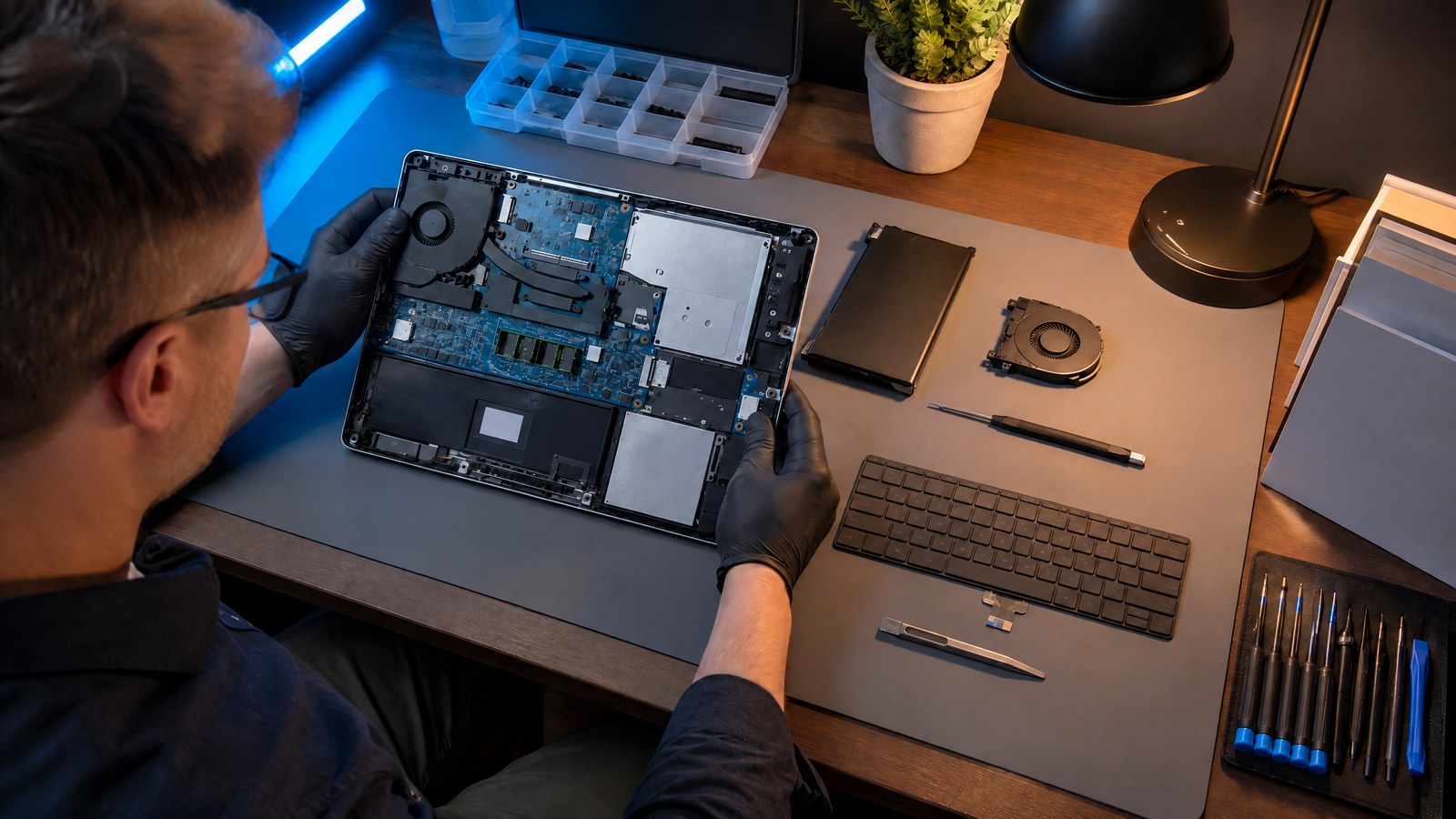
Battery ownership also includes ageing, replacement access, parts, documentation, software locks, and support life. Capacity alone does not show how useful a phone will remain after years of charging and heat exposure. A balanced assessment considers battery condition, the ease and cost of service, the availability of updates, and whether repairs preserve important functions. Those questions are more useful than treating one health percentage or one repair score as a complete verdict.
Security and privacy are layers, not a single switch
Smartphone security works through separate controls that answer different questions. Secure or verified boot checks authorised software before it runs. Application sandboxing limits what one app can access by default. Encryption at rest protects stored data when keys remain protected. Transport encryption protects data moving across a connection. Permissions control access to protected capabilities such as a camera, microphone, contacts, or location. Updates repair known weaknesses. None of these controls alone proves that a phone, app, account, network, or remote service is safe.
A locked and encrypted phone can still expose information after it is unlocked or after an authorised app sends data to a service. A secure Wi-Fi link does not determine what a remote provider stores. A sandbox can limit cross-app access while an app retains information that the user knowingly supplied. Permissions reveal operating-system access state, but they do not disclose every retention period, sharing arrangement, deletion process, or third-party software-development kit. Privacy therefore depends on the complete data path, not one settings screen.
Biometrics make device authentication convenient, but they are not unbreakable secrets. Systems account for false matches, false non-matches, and attempts to present a copied characteristic. A device credential remains an important fallback and recovery control. Account security is another layer because an attacker who gains a cloud account or recovery channel may reach synced data without defeating the phone's local biometric sensor.
Updates are a live property rather than a brand slogan. A fix must exist for the relevant software, reach the exact model and region, pass any required carrier or vendor process, and be installed. Support periods and patch timing vary by device, build, region, and date. Before making a security claim about a specific phone, verify its installed version, available update, lock settings, apps, permissions, accounts, and network exposure.
What is changing now? Read every feature with a confidence label
Smartphone specifications often mix mature architecture with features that depend on one model, market, carrier, or software release. A dated confidence label makes that difference visible. This article was technically reviewed on 25 September 2026. The label describes the evidence state for this edition, not a promise that all current devices share the same implementation.
Widely available system concepts include apps, a system-on-chip, cameras, cellular and local radios, navigation receivers, battery management, app isolation, and stored-data protection. The exact parts and strength of each implementation still vary. Device-, region-, carrier-, or software-dependent capabilities include 5G mode and bands, eSIM, a particular Wi-Fi generation, satellite-related services, biometric type, camera modes, on-device AI, fast charging, and update availability. Research or early-stage ideas need current primary evidence before they are described as shipping features.
This approach avoids a common problem in technology explainers: an old forecast is repeated until it sounds like a universal present-day capability. For a named phone, verify the regional model, software build, carrier conditions, and date. For an architecture explanation, state the durable principle and show where the implementation can vary. That distinction keeps a guide useful without turning uncertainty into a sales claim.
- Widely available: durable system concepts, still subject to device-level implementation differences.
- Device, region, carrier, or software dependent: verify the exact product and live conditions.
- Research or early-stage: describe as research until current primary evidence shows real deployment.
The smartphone terms worth remembering
A small set of terms explains most smartphone specifications. A system-on-chip is an integrated compute and input/output platform. The CPU runs general instructions, the GPU handles graphics and parallel work, the NPU can accelerate supported machine-learning inference, and the ISP contributes to camera processing. A modem handles cellular protocols and radio work. RAM is temporary workspace, while persistent storage keeps files after power is removed.
The operating system coordinates applications, hardware access, security boundaries, scheduling, and user interaction. An app is software built on those services. Firmware is lower-level software associated with hardware or a subsystem. A SIM or eSIM holds a carrier subscription profile. Cellular, Wi-Fi, Bluetooth, GNSS, and NFC are separate interfaces with different roles. Sensor fusion combines measurements or estimates from more than one source.
Computational photography uses software and often multiple measurements to produce an image. Thermal throttling reduces activity when heat approaches a limit. Encryption transforms data so that authorised keys are needed to read it in the protected context. A sandbox restricts an application's default access to other apps and system resources. On-device AI is local model execution for a particular operation; it does not describe every data flow around the feature.
Smartphone technology FAQs
These short answers cover the most common distinctions. They describe general architecture; a named phone can differ by model, software, region, carrier, and configuration.
Is a smartphone a computer?
Yes. A smartphone is a compact computing system with a processor, memory, storage, operating system, input and output hardware, and network connections. Its battery limits, radios, cameras, and integrated sensors shape how that computer behaves.
What is the difference between cellular data and Wi-Fi?
Cellular data connects through a carrier network, while Wi-Fi connects through a local access point. Both can carry internet traffic, but they use different radio paths, providers, availability conditions, and security boundaries.
What does a smartphone chipset do?
A chipset or system-on-chip coordinates much of the phone's computing and input/output work. It commonly includes CPU and graphics functions and may include image, AI, or modem blocks, but exact integration and enabled features vary by device.
Why does my phone get hot?
Heat rises when energy-intensive systems work together, such as the display, camera, cellular radio, charging circuit, CPU, GPU, storage, and AI accelerator. The phone can reduce speed, brightness, charging, or features to protect the system.
Does on-device AI keep all my data private?
No. Local inference can avoid a network connection for one model operation, but it does not establish how backup, sync, search, analytics, account data, or other service stages are handled. The specific feature's complete data path must be checked.
Source notes
Reporting record
techduopulse stores source destinations privately. Public notes remain non-clickable so every visitor journey stays on this website.
Android platform architecture source note
Primary source · Platform layers and hardware interfacesAndroid input-path source note
Primary source · Touch input pathAndroid graphics pipeline source note
Primary source · Graphics buffers and display compositionMobile connectivity boundaries source note
Primary source · Cellular, Wi-Fi, Bluetooth, GNSS, NFC, and SIM5G architecture source note
Primary source · Cellular system architectureComputational photography source note
Primary source · Multi-frame camera processing exampleMobile sensor source note
Primary source · Physical and software-derived sensorsOn-device machine learning source note
Primary source · Local machine-learning execution exampleLithium-ion charging source note
Primary source · Constant-current and constant-voltage chargingMobile thermal-management source note
Primary source · Thermal signals and mitigationVerified boot source note
Primary source · Boot integrity and rollback protectionBiometric authentication limits source note
Primary source · Biometric matching and presentation risksVersion 1: Day 1 cornerstone explainer; smartphone inputs, compute, connectivity, cameras, power, security, and feature-dependency boundaries reviewed.