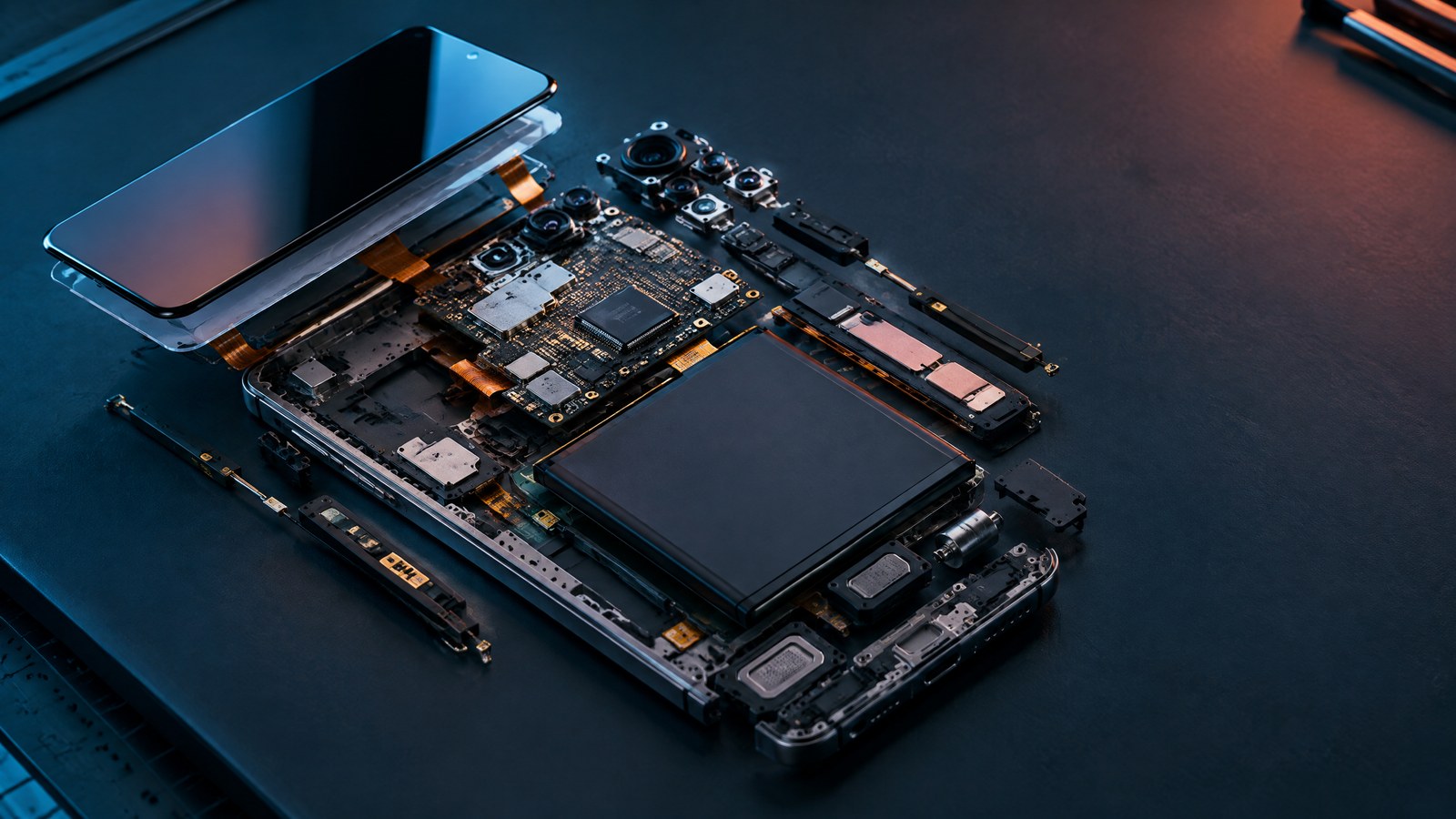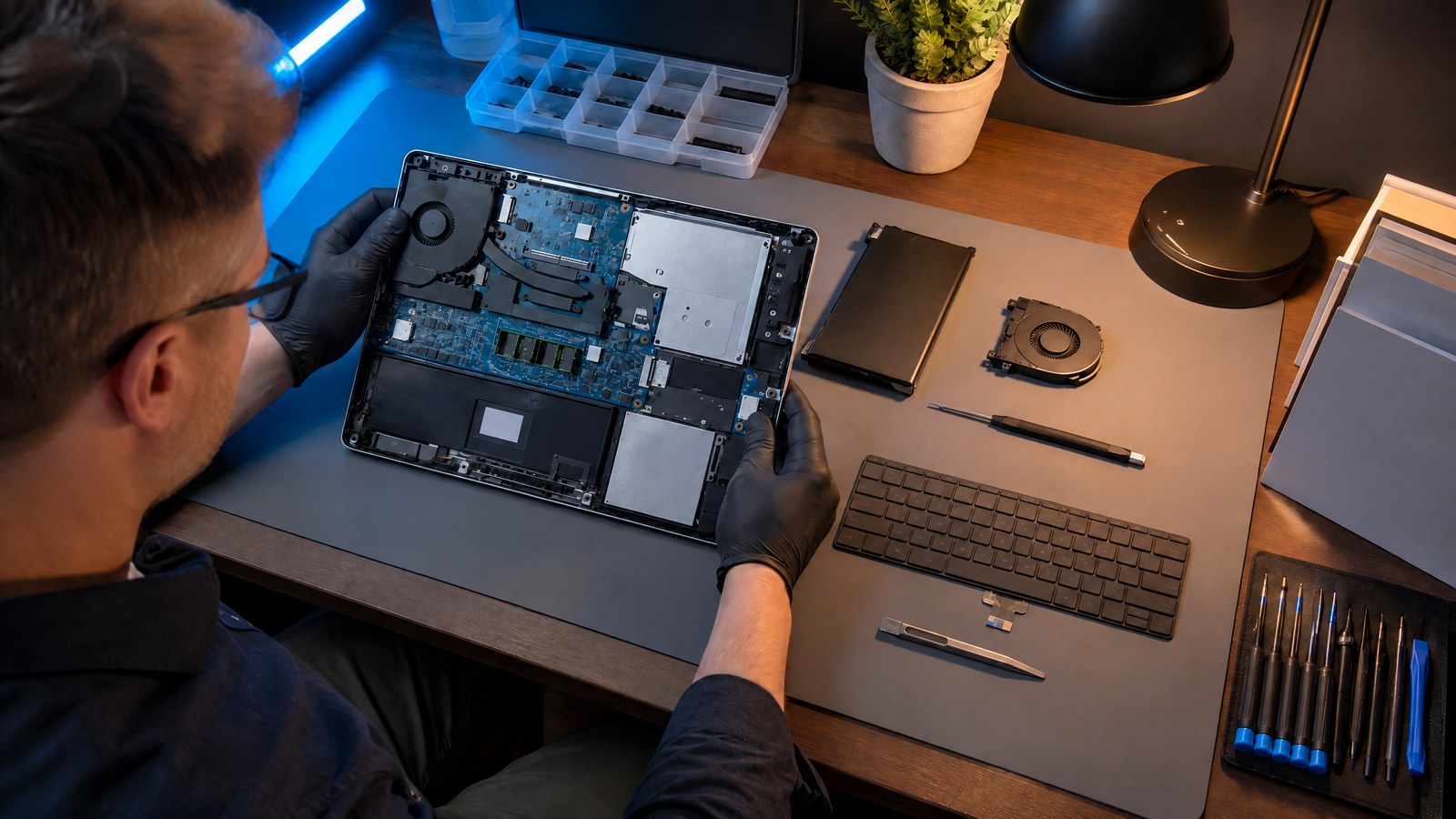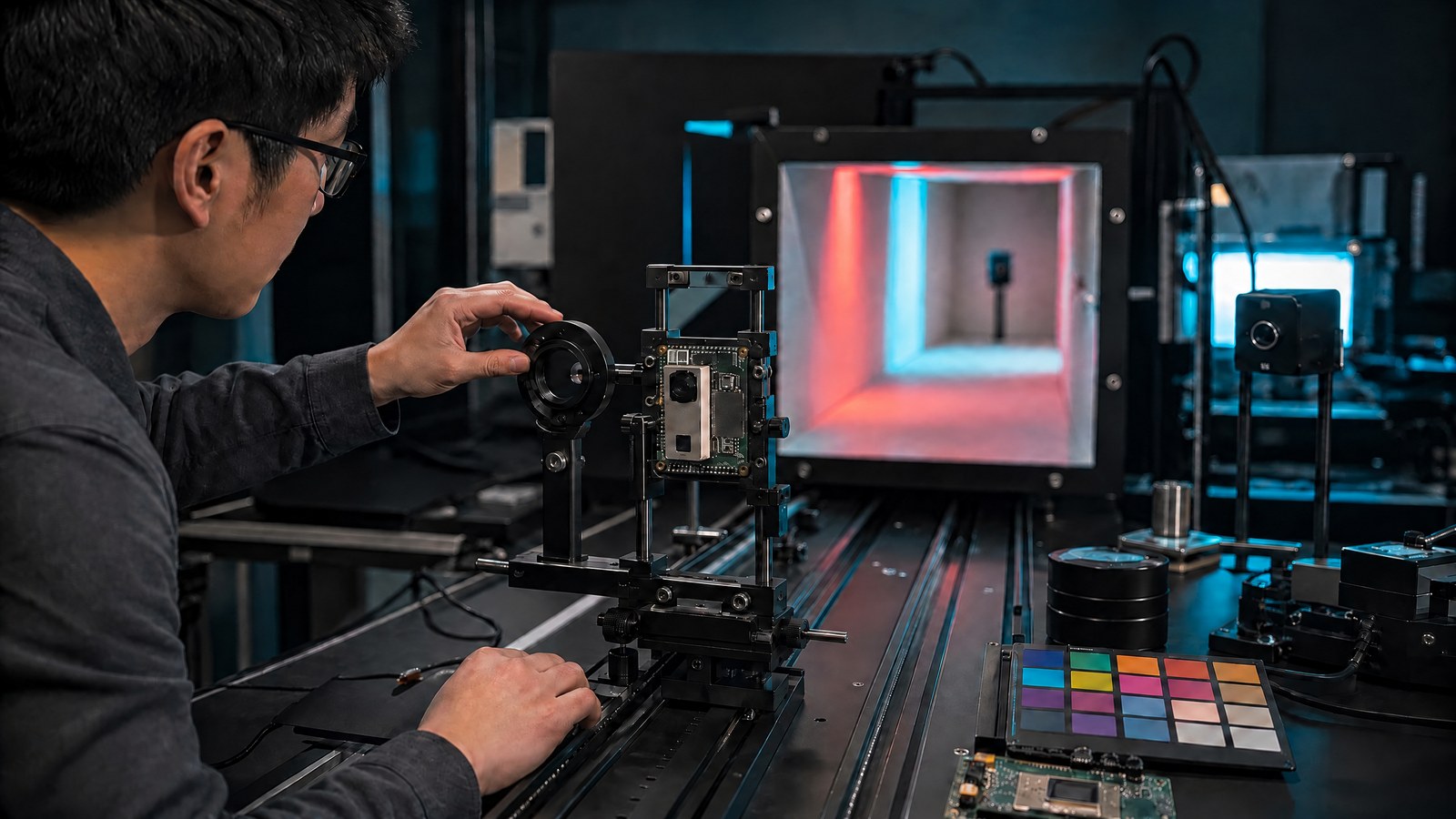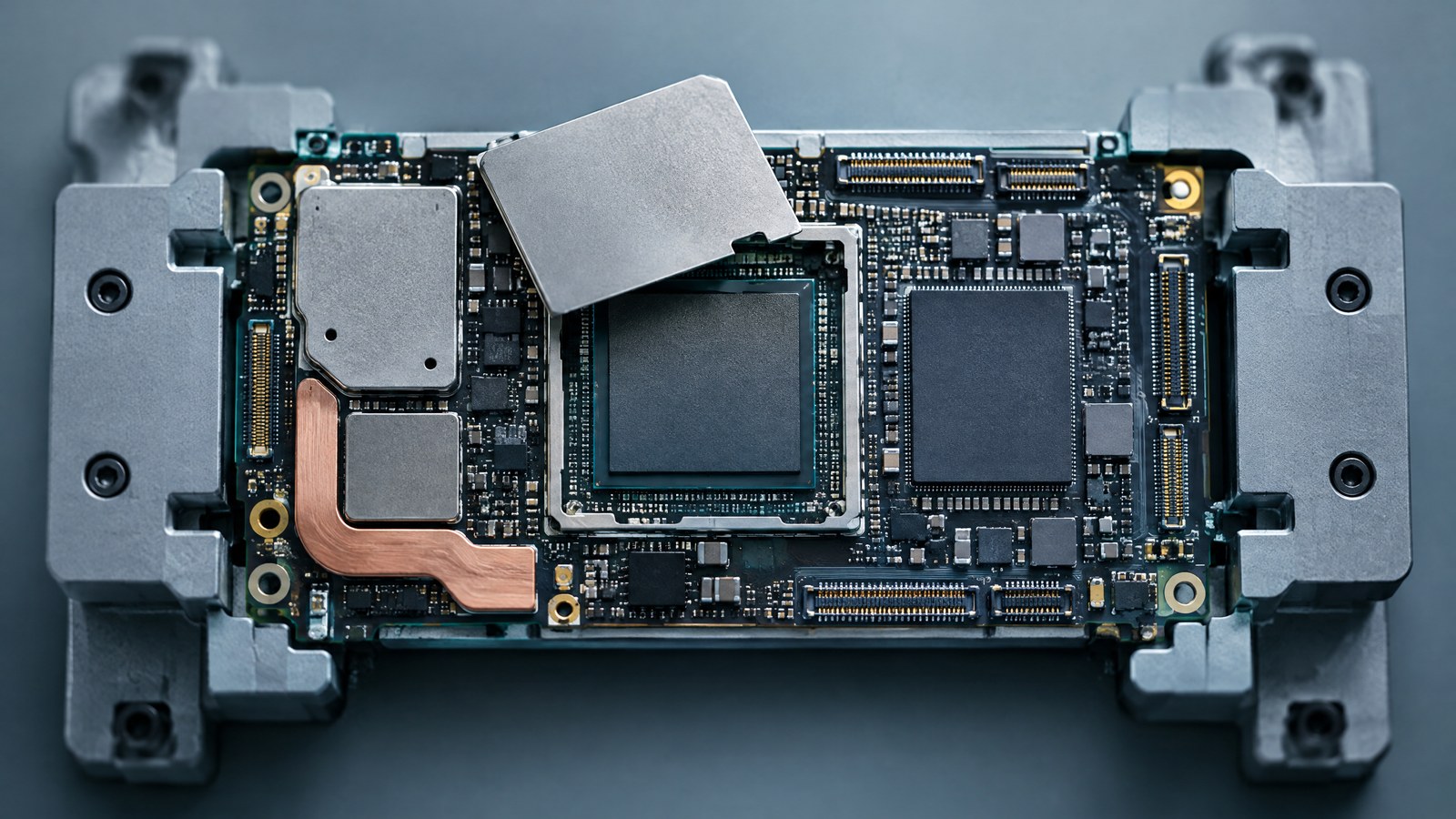
A smartphone processor is usually a system-on-chip, or SoC: one silicon platform that coordinates CPU work with graphics, camera, AI, memory and cellular functions. It is not the whole phone, and its exact blocks vary by device. Real speed depends on software, memory, power and heat—not just cores, GHz or a node label.
This article is part of the consumer technology guide library.
What is a smartphone processor?
In everyday product language, processor, chipset and SoC often overlap. The clearest technical term for a modern mobile platform is system-on-chip because it combines several types of processing and input or output control on one piece of silicon or within one tightly integrated package. The central processing unit, or CPU, is an important part of that platform, but it is not the entire processor system.
The SoC also is not the complete smartphone. Working memory, flash storage, power-management hardware, radio-frequency parts, antennas, cameras, display hardware, sensors, battery, enclosure and cooling path sit around it. The operating system and drivers decide how software can use those parts. A strong SoC can be limited by slow storage, memory pressure, poor cooling, a weak radio design or software that does not schedule work well.
A phone processor is a system-on-chip
A mobile SoC puts different engines close together so they can exchange data without building the phone from many large, separate chips. The exact layout varies. One design may integrate a cellular modem, while another may use a separate modem. Security functions, audio processing, video engines, display controllers and sensor hubs may also be arranged differently. A block diagram from one vendor should never be treated as the universal floor plan for every phone.
These blocks communicate through on-chip interconnects and a memory hierarchy. Small caches keep frequently used instructions and data near a processor. A memory controller manages access to external low-power random-access memory, or RAM. Direct-memory-access engines and other controllers can move data without asking a CPU core to copy every byte. The aim is coordinated work, but all clients still face shared limits.
Memory bandwidth, electrical power and thermal headroom are the three constraints readers should remember. A graphics workload, camera pipeline, local AI model and cellular transfer can operate at the same time. They can compete for data movement, power and the phone's ability to move heat into its frame and surrounding air. This shared-system view explains why one impressive specification cannot guarantee the result of a complete task.
- The SoC integrates several compute and control functions, but it does not contain every part of the phone.
- Blocks share interconnects, caches, memory bandwidth, power budget and thermal limits.
- Physical integration, software routing and enabled features vary by model, region and software build.
- A named platform capability is not the same as a measured result from a finished handset.
What the CPU, GPU, NPU, ISP, modem and memory controller do
Each specialist block is designed for a class of work. That division can improve speed or energy use when the software, runtime and driver can route a compatible task to the right engine. It also creates dependencies: the engine must receive data, complete supported operations and return a result while staying inside the device's power and temperature limits.
The table below gives each block a job and a boundary. The boundary matters because processor marketing often names a component without explaining the rest of the system needed to produce a useful result.
| Block | Primary job | What it does not prove by itself |
|---|---|---|
| CPU — central processing unit | Runs general operating-system and app instructions and coordinates many foreground and background tasks. | Overall speed; core design, scheduling, memory, storage, software and thermal limits also matter. |
| GPU — graphics processing unit | Renders graphics and performs compatible parallel compute work. | A particular game frame rate; engine, settings, resolution, driver, display policy, memory and heat matter. |
| NPU — neural processing unit | Accelerates supported machine-learning inference operations. | That every AI feature is local, private, offline, fast or routed to the NPU. |
| ISP — image signal processor | Processes camera-stream data within a larger imaging pipeline. | Camera quality; sensor, optics, calibration, software tuning and capture conditions matter. |
| Modem or baseband | Handles cellular protocols together with radio-frequency hardware and the network. | Guaranteed speed or coverage; bands, carrier, signal, RF design, region, plan and heat matter. |
| Memory controller | Schedules transfers between SoC clients and external low-power RAM. | That RAM capacity or a memory-generation label alone will prevent bottlenecks. |
CPU cores, clocks, caches and scheduling
CPU cores execute general instructions for the operating system and apps. Many mobile designs use different core types. Some are tuned for high performance, while others aim to complete lighter work with less power. The exact number, size and arrangement are design choices rather than a universal formula. Eight cores in one architecture do not automatically outperform six cores in another.
The operating system schedules runnable threads, not entire apps permanently assigned to one core type. A foreground app can have interface, network, media and background threads with different priorities. The scheduler considers available capacity, task priority, power policy and thermal state. Implementation details differ across phones and software versions, so a diagram that labels whole apps as performance-core or efficiency-core work is too simple.
Clock speed, usually expressed in gigahertz, describes cycles per second under a stated condition. It does not tell you how much useful work a core completes per cycle, how often the peak clock is available or how long the phone can hold it. Cache design matters too. A cache is fast, automatically managed memory close to the processor. It is not extra app storage and cannot replace RAM. Core architecture, cache behavior, scheduling and memory access turn the clock figure into useful work.
The GPU and the path from an app to the display
The graphics processing unit handles graphics and compatible parallel calculations. In a game, CPU threads may run game logic and prepare commands while the GPU transforms geometry, shades pixels and writes image buffers. The workload then passes through composition and display hardware before the panel presents a frame. The GPU is central, but it is not the only part of the path.
Frame rate therefore depends on more than a GPU name. Game engine behavior, scene complexity, resolution, graphics settings, driver quality, memory bandwidth, CPU submission, display refresh policy and temperature can each become a limit. A phone may produce a strong short graphics result and then settle at a lower level after its initial thermal headroom is used. Stable delivery over time matters more than one peak when the real task is a long game session.
The NPU and compatible on-device AI work
A neural processing unit, or NPU, is an accelerator for supported machine-learning inference. It can be efficient when the model, operations, datatypes, tensor shapes, memory requirements, runtime and driver all match the hardware. Software may divide a model across more than one engine. Unsupported operations can run on a CPU or GPU, and a feature can avoid the NPU entirely.
An NPU label does not establish that every feature runs locally, privately or without an internet connection. A feature may combine local preparation with a remote model, send selected data to a service, or use the network for account, backup or analytics functions. Even a fully local operation still uses memory and energy and can contribute to heat. The complete feature data path, not the processor badge, determines the privacy and connectivity boundary.
Why the ISP is not the whole camera
The image signal processor, or ISP, helps turn camera-sensor output into usable image data. Depending on the phone and capture mode, it may contribute to demosaicing, noise reduction, color processing, lens correction, scaling, statistics and other stages. Camera software, CPU, GPU, NPU and fixed-function video blocks may also participate. The exact split is a product implementation, not a universal sequence.
An ISP specification cannot settle camera quality. The sensor area and architecture, lens, focus, stabilization, exposure strategy, calibration, multi-frame processing, software tuning, subject motion and lighting all affect the result. Public camera interfaces describe requests, metadata and buffers, but they do not expose every proprietary processing choice inside a finished phone.
The modem and the larger cellular path
A cellular modem, also called a baseband processor, implements cellular protocol work inside the phone. It operates with radio-frequency transceivers, power amplifiers, filters, antennas, subscriber credentials, firmware and the carrier network. The network path continues beyond the handset through the radio access network and core network. The modem is important, but it is not the complete connection.
A headline modem rate is not a guaranteed user speed. The regional phone model, enabled bands, carrier spectrum, aggregation support, signal strength, interference, network load, plan, antenna placement, RF components, software and thermal policy all affect the live result. Cellular work can also share power and heat limits with the display, processor and charging system. Wi-Fi, Bluetooth, near-field communication and satellite-navigation reception are separate radio systems even when product descriptions group them under connectivity.
Memory controller, RAM, storage and bandwidth
Low-power double-data-rate RAM, usually shortened to LPDDR, is the phone's volatile workspace. It holds active code and data while power is available. Flash storage keeps the operating system, apps, photos and files after shutdown. A memory controller schedules transfers between external RAM and SoC clients, while caches keep selected information closer to compute engines.
CPU, GPU, NPU, ISP, video, display and modem activity can all create memory traffic. A capable engine can wait when data does not arrive fast enough. Capacity is only one part of the story. Memory bandwidth, latency, controller policy, cache behavior, storage speed, compression, background activity and software design affect responsiveness. More RAM can help a phone retain more active work, but it does not turn slow code into fast code or remove thermal limits.
How common phone tasks divide the work
Opening an app can involve storage reads, CPU work, memory allocation, background services and GPU rendering before the display system presents a frame. If the app is already resident in RAM, part of that path may be shorter. If the phone is under memory pressure, it may need to recreate more state. Compilation state, storage I/O and background work can change what feels like processor speed.
A game frame usually combines CPU logic, graphics commands, GPU rendering, memory traffic, input, audio and perhaps network work. Taking a computational photo combines sensor readout, ISP functions and camera software, with other processors assisting in some modes. Running a compatible local model requires a runtime to place supported operations on an NPU or another engine and move model data through memory. These are illustrative paths. A particular phone may divide them differently.
The practical lesson is that task performance belongs to a pipeline. If one stage waits for data, reaches a power limit or receives work the accelerator cannot support, another specification cannot erase that constraint. Two phones using the same named SoC can behave differently because the surrounding memory, cooling, storage, display, radio hardware and software policies differ.
What a process node can and cannot tell you
A process node is a manufacturing-generation or technology-family label associated with a semiconductor foundry's design rules and production options. A newer family can offer opportunities for density, performance or lower power, but the label is not a universal physical measurement shared across companies. It is also not a finished-phone score.
The number on a node name does not tell you the CPU architecture, GPU design, cache hierarchy, memory bandwidth, voltage target, physical layout, exact process variant, package, yield, cooling or software. Foundry families can include several variants with different priorities. A design can spend an efficiency gain on more peak performance, hold power lower, add functions or make another trade-off.
Treat a label such as 3 nm as context, not a verdict. Compare the exact phones under the same defined workload and duration. A smaller-sounding label cannot, by itself, prove that one phone will be faster, cooler or longer-lasting than another.
- Useful context: foundry technology family, density and design options.
- Missing context: architecture, voltage, package, memory, software, device cooling and workload.
- Reliable conclusion: test the finished phone under disclosed conditions instead of ranking it from the node name.
How to read a smartphone processor benchmark
A benchmark measures a defined workload on a particular phone in a particular state. It can answer a narrow question when two results use the same benchmark version, mode and conditions. It cannot create a universal ranking for every app, game, camera mode, local model or network task.
Single-core and multi-core CPU scores represent different workload shapes. A single-core result shows how one main stream of work performs in that test. A multi-core result measures work that the benchmark can divide across available cores under its method. Real apps vary in how much work can run in parallel. A high multi-core score cannot make a mostly serial task scale across all cores.
Graphics tests use a defined scene, resolution, graphics interface and loop. Real games have different engines, assets, settings, CPU demands and driver paths. Machine-learning results need even more context: the named model, data, quality target, precision, software stack, accelerator route, latency or throughput metric and energy method. A raw operations-per-second figure does not describe the complete feature.
Short CPU tests and long stress tests answer different questions. Some benchmark methods insert rest periods to reduce ordering and heat effects, while a graphics stress method may repeat a scene for many minutes and report stability between its best and lowest loops. Neither method is automatically superior; each must match the claim being made.
- Confirm the same benchmark and version, mode, graphics interface or resolution, and settings.
- Confirm the same regional phone model and software build, including any performance or battery mode.
- Check ambient temperature, starting temperature, charging state, battery level, case or cooling accessory, and recent use.
- Look for repetitions and a trace over time rather than only the best short run.
- Choose a test that resembles the workload you care about; do not convert one score into a claim about every task.
Sustained performance and thermal throttling
Sustained performance is the level a phone can hold during a longer representative workload after the easy, cool starting period has passed. Thermal throttling is a protective reduction in performance potential when the device needs to manage temperature and related limits. It is a control response, not automatic evidence that the processor or phone is defective.
A phone has many heat sources and sensors. Long gaming, camera recording, local AI, cellular transfer, weak-signal radio activity, charging, high display brightness and background work can overlap. The thermal system may consider processor, graphics, battery, enclosure-surface and connector conditions. Depending on severity and device policy, software can reduce clocks, frame rates, charging power, display output, jobs or radio activity.
The result belongs to the whole handset. Enclosure materials, internal heat spreaders, board layout, available surface area, ambient temperature, a case, battery state, software and workload all matter. Two models with the same SoC can settle at different sustained levels. A cooler phone is not automatically slower, and a warmer surface can sometimes mean heat is reaching the enclosure instead of remaining concentrated near the chip. Controlled measurement is needed before making a verdict.
A useful sustained test records performance across time and states its conditions. For a future named-device comparison, record the exact model and region, software build, app or benchmark version, settings, ambient temperature, starting thermal state, charging and battery condition, accessories and repetitions. Without that information, keep the conclusion limited to the observed run.
A practical way to compare phone processors
Start with the workload, not the chip name. A reader focused on interface responsiveness needs evidence about app launch, scrolling, memory pressure and storage. A long-session gamer needs stable frame delivery, power use and a sustained trace. Someone using local AI needs the exact model, runtime, supported operations, memory use and latency. A camera workflow needs the complete sensor, processing and software result.
Compare the same test version under disclosed conditions, then check whether the test matches your use. Look at the finished phone's RAM and storage configuration, display resolution, cooling design and regional modem support. Read several measurements rather than one score, and separate short peak behavior from the level held over time.
A current best-processor list would be a different article with commercial comparison intent. It would require dated device selection, controlled independent testing and a clear update schedule. This explainer does not name a winner because the durable answer is how to understand the system and the evidence.
Smartphone processor terms worth remembering
A system-on-chip, or SoC, integrates several computing and control functions. The CPU handles general instructions. The GPU handles graphics and compatible parallel work. The NPU accelerates supported machine-learning inference. The ISP contributes to camera-stream processing. The modem handles cellular protocols with the wider radio system. The memory controller coordinates access to external RAM.
A cache is small, fast memory near a processor. RAM is volatile working memory, while flash storage keeps data without power. A process node names a manufacturing technology family. A benchmark is a defined test workload and method. Peak performance is a short high result. Sustained performance is what the phone can hold over a longer workload. Thermal throttling is protective performance management used when temperature or related system limits require it.
Smartphone processor FAQs
These answers describe general architecture. A named phone can differ by platform, regional model, memory configuration, software, carrier settings and thermal design.
What does a smartphone processor do?
A smartphone processor is commonly an SoC that coordinates general computing with specialist work such as graphics, camera processing, compatible AI inference, cellular processing, and memory input or output. The exact components and their integration vary by phone.
Is a smartphone processor the same as a chipset or SoC?
The terms overlap in consumer use, but SoC most clearly describes a platform that integrates several functions in one silicon package. A CPU is one part of that platform, and phones do not all use identical component layouts.
What are the CPU, GPU, NPU, ISP, and modem in a phone?
The CPU handles broad app and system work; the GPU handles graphics; the NPU can accelerate compatible machine-learning operations; the ISP helps process camera data; and the modem manages cellular communications with other radio components. One block alone does not prove quality, privacy, or speed.
Do benchmark scores show how fast a phone will feel?
Not by themselves. A score reflects a specific workload and test condition. Software, memory and storage behavior, graphics settings, background activity, power policy, temperature, and test duration can change the experience.
Why does a phone slow down when it gets hot?
Long or combined workloads can use the phone's thermal headroom. Thermal management may reduce performance potential to protect the device and keep temperatures within its operating limits. The result depends on the complete phone, workload, environment, and software—not only its processor.
Source notes
Reporting record
techduopulse stores source destinations privately. Public notes remain non-clickable so every visitor journey stays on this website.
Android platform architecture source note
Primary source · SoC context and platform layersAndroid graphics pipeline source note
Primary source · GPU, buffers and display path5G architecture source note
Primary source · Modem and network contextMobile thermal-management source note
Primary source · Thermal signals and protective mitigationHeterogeneous CPU scheduling source note
Primary source · CPU cores and thread schedulingNeural-network acceleration source note
Primary source · NPU support, partitioning and fallbackCamera hardware-interface source note
Primary source · ISP and camera pipeline boundariesMobile low-power memory source note
Primary source · RAM and mobile memory contextSoC interconnect and shared-memory source note
Primary source · Interconnects, coherence and memory trafficSemiconductor node-label context source note
Secondary source · Process-node naming limitsFoundry technology-family source note
Primary source · Process-family variants and design contextCPU benchmark methodology source note
Primary source · Single-core, multi-core and test scopeGraphics stress-test methodology source note
Primary source · Sustained graphics performance methodMobile machine-learning benchmark source note
Primary source · Mobile AI benchmark scopeMobile AI benchmark rules source note
Primary source · AI model, quality, metric and accelerator disclosureSustained-performance thermal source note
Primary source · Application thermal status and responseMobile benchmark-condition source note
Primary source · Repeatable application benchmark contextVersion 1: Day 2 smartphone processor explainer; SoC blocks, workload routing, process-node limits, benchmark interpretation, sustained performance and thermal behavior reviewed.