Wi-Fi 7 is designed to make better use of wireless capacity and can introduce features that improve throughput, latency, and resilience. That does not mean a router label predicts the experience in every room or on every device. Wireless performance is shared and local: it depends on the spectrum available in your region, walls and distance, neighbouring activity, the access point, and the radios inside each client. Start with the environment before expecting a generation number to answer everything.
This article is part of the consumer technology guide library.
A standard feature is not an end-to-end result
Wi-Fi 7, also called IEEE 802.11be, adds mechanisms such as wider channels, higher-order modulation, multi-link operation, and more flexible spectrum use. They create potential capacity, not a promise that every connection will reach a headline data rate. A quoted maximum is usually based on favourable channel width, signal quality, spatial streams, and hardware support. Real traffic also shares airtime with other clients and competes with ordinary radio noise.
The most important question is what the client supports. A laptop or phone with one radio cannot use the same set of features as a multi-radio client, even when both connect to the same access point. Antenna design, power limits, software, and driver maturity can also matter. Evaluate a Wi-Fi upgrade as a system: access point, client devices, placement, and internet service each establish a different possible bottleneck.
Spectrum is the resource every device shares
Wi-Fi operates in frequency bands, commonly 2.4 GHz, 5 GHz, and 6 GHz where permitted. A channel is a slice of that spectrum used for communication. Wider channels can carry more data when the spectrum is clean and both ends support them, but they also consume more shared radio space. In dense environments, a narrower channel can sometimes be the more stable choice because it has fewer overlapping demands.
The Federal Communications Commission’s 6 GHz order adopted unlicensed standard-power and low-power indoor rules for the 5.925–7.125 GHz band in the United States. Those rules are important context, not a universal availability guarantee. Allocation, permitted power, and device operation vary by country. Before planning around 6 GHz or a particular channel width, confirm what the local regulatory environment and your equipment actually support.
Interference and contention are different problems
Interference is unwanted energy that disrupts wireless communication, whether from overlapping networks or non-Wi-Fi sources. Contention is the normal competition among devices trying to use the same shared medium. Both can reduce useful throughput or add delay, but they call for different thinking. A crowded household network may be orderly but busy; an interfering source may make part of a channel difficult to use even when few clients are connected.
Wi-Fi 7 includes preamble puncturing, which can allow use of unaffected portions of a wider channel when another portion is interfered with, subject to implementation and conditions. It is a mitigation rather than a force field. If the desired spectrum is broadly crowded, if the client lacks support, or if signal strength is poor, performance can still suffer. Placement and channel planning remain foundational work.
Multi-link operation depends on the client radios
Multi-link operation, or MLO, coordinates more than one Wi-Fi link for a compatible device. It can aggregate capacity, steer traffic, or improve reliability by using more than one band. The benefit depends on how many radios the access point and client have, their operating mode, and the conditions on each link. MLO should therefore be read as a capability with several implementations, not as one fixed speed boost.
Technical documentation on 802.11be distinguishes single-radio and multi-radio multi-link modes. A single-radio device may still support multiple links but cannot use them simultaneously in the same way as a device with multiple radios. This distinction matters when comparing routers with phones, tablets, or laptops. A capable access point can improve a network, but it cannot add concurrent radios or advanced modes to a client that does not contain them.
Latency needs a whole-path diagnosis
Low latency means a short and consistent delay, not simply a high peak download rate. On Wi-Fi, delay can come from weak signal, retransmissions, contention, power-saving behaviour, or a busy access point. Beyond Wi-Fi, it can come from the internet connection, remote service, or the application itself. A faster standard can help with local wireless conditions, but it cannot by itself solve delay elsewhere in the path.
Test the question you actually have. If video calls stutter in one room, compare local signal and placement before using a distant internet speed test as the only evidence. If a wired device and a Wi-Fi client show the same delay to a service, the issue may not be wireless. Repeat simple checks at different times and locations, because radio conditions and shared traffic change. That gives more useful evidence than one exceptional result.
Build the network around coverage and clients
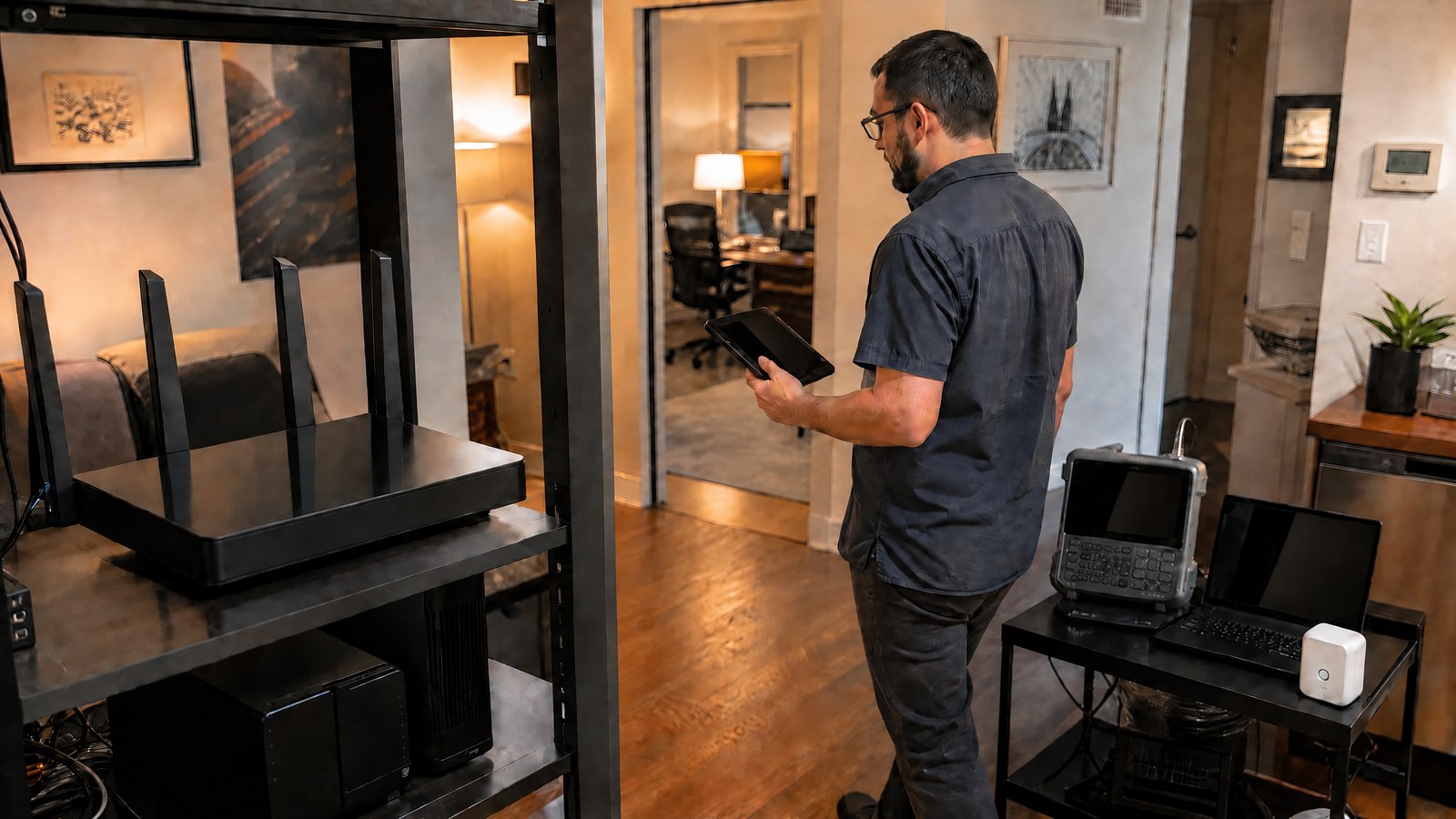
Place the access point as openly and centrally as practical, away from large obstructions and sources of radio noise. Use wired connections for fixed, demanding equipment when practical, and consider additional wired access points where coverage is genuinely weak. Mesh systems can help extend coverage, but wireless backhaul also consumes airtime. The best layout depends on the building and where people actually use their devices.
When choosing equipment, match it to the clients and workloads you already have. A Wi-Fi 7 router may be a sensible long-term purchase, while an older client can still work well on it without receiving every new feature. Prioritise reliable coverage, updates, sensible configuration, and clear client compatibility. The practical gain comes from reducing the network’s limiting factor, not from assuming the newest label overrides physical radio conditions.
Source notes
Reporting record
techduopulse stores source destinations privately. Public notes remain non-clickable so every visitor journey stays on this website.
802.11be technical overview
Primary source · Multi-link operation, wider channels, and interferenceFCC 6 GHz Report and Order
Primary source · 6 GHz spectrum contextImage updated: embedded writing removed; article content and factual claims unchanged.