
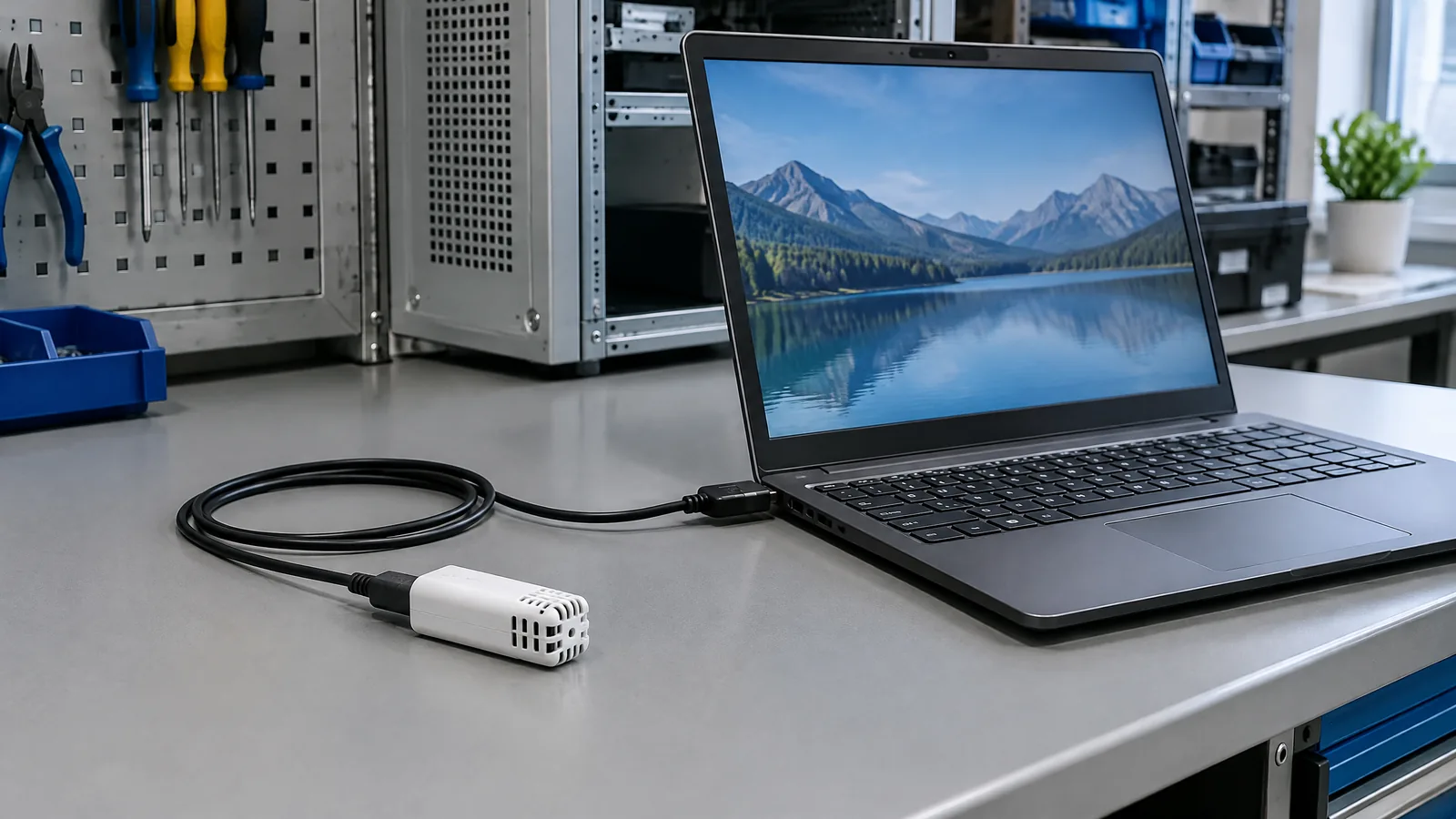
If a laptop test keeps changing with a warm desk, closed room or damp enclosure, an external USB temperature and relative-humidity sensor can show the local air conditions instead of making you guess. This physical USB instrument measures air temperature and relative humidity near its probe, then sends readings to compatible laptop software for viewing or logging.
This article is part of the computer hardware technology guide library.
Key takeaways
- An external USB temperature and relative-humidity sensor is a separate measuring peripheral, not a sensor built into every laptop.
- USB supplies the connection and power; the probe contains the temperature and humidity sensing elements and the instrument converts their signals into readings.
- A laptop can display and record readings in supported software, but the USB instrument may need to remain connected and may not store data by itself.
- Probe placement describes the air around the probe, not automatically the average conditions of a whole room, laptop or enclosure.
- Check the exact model's range, accuracy, calibration option and water-resistance limits before using a reading for an important decision.
What is an external USB temperature and relative-humidity sensor?
It is a small environmental measurement instrument that connects to a laptop through USB. The external probe has physical sensing elements for temperature and relative humidity. The instrument's electronics read those elements, provide a digital data path and let software show or record the result. The USB connector is therefore not the sensor itself; it is the power and communication interface.
This distinction matters because a laptop's built-in thermal readings usually describe internal components or system conditions. An external probe can instead be positioned beside a workstation, inside a permitted test setup, near an equipment enclosure or in a room. It still measures only the conditions at its own location.
How does a USB temperature humidity sensor work with a laptop?
The measurement path has four practical parts. First, the probe exchanges heat and moisture with nearby air. Second, the temperature and relative-humidity elements change their electrical behaviour. Third, the instrument's electronics convert those changes into digital channels. Finally, laptop software receives the channels and displays, graphs or saves them.
A current commercial example, the Dracal TRH320, lists separate real temperature and relative-humidity channels. Its software also lists derived dew-point, humidex and heat-index channels. Those derived values are calculations from measured data; they are not extra physical sensors inside the probe.
The same example supports Windows, macOS and Linux software, but compatibility is model-specific. Before buying, check the operating system, driver or application route, connection type and whether your intended logging program can read the device. Some instruments provide a vendor application, command-line tools, an API or an optional virtual COM interface.
What can you measure or log around a laptop?
The most useful role is local observation. You might compare a desk area with a nearby equipment enclosure, watch conditions during a long test session, record a room's changing humidity or check whether a small setup is exposed to warmer or damper air than expected. A time series can reveal patterns that a single spot check misses, such as a rise after a door closes or a change when a laptop and monitor have been running for hours.
A USB instrument can also support repeatable test notes. Record where the probe was placed, whether air was moving, the laptop's power state and the software sampling interval. This makes later readings easier to interpret without pretending that the sensor is a laboratory-wide monitoring system.
Logging behaviour deserves attention. The TRH320 product documentation says the instrument sends data while connected and that its software can log readings; it also says the sensor itself is not a standalone data logger. If the laptop sleeps, disconnects or closes the application, the data stream may stop. Confirm the chosen software's sleep, file and reconnect behaviour before relying on a long run.
Placement is part of the measurement
Place the probe where the air condition you care about actually exists. Keep it away from the laptop's exhaust, a power adapter, direct sunlight, a warm display, a fan outlet and your hand if the goal is ambient air. A probe tucked against a metal case may report a surface-influenced local condition rather than free air. Give the sensor time to respond after moving it, especially when the enclosure or airflow changes.
A one-metre cable, as listed for the example instrument, can help keep the probe away from the laptop while the computer runs the software. Do not assume that a longer cable, a closed case or a different mounting position preserves the same performance. The probe, cable, housing and USB interface can have different operating limits.
Relative humidity is a ratio that depends on temperature as well as moisture. A humidity reading near a warm exhaust should not be compared casually with a reading from cooler room air. Note the temperature and probe position alongside relative humidity so the result has useful context.
Accuracy, calibration and limits to check
Published specifications apply to a particular model and stated conditions, not to every USB humidity sensor. For example, the TRH320 page lists a probe temperature range of -40 °C to 70 °C and typical temperature accuracy of ±0.3 °C from 20 °C to 60 °C. It lists typical relative-humidity accuracy of ±2.0 %RH from 0–80 %RH at 25 °C and a wider tolerance near the high end. Treat those figures as that product's documented conditions, not a universal promise.
Calibration is also model-specific. The example page lists an optional three-point user-calibration mechanism and traceable certificates. A low-cost USB device without a documented calibration path should not be described as traceable simply because it displays decimal places. Resolution is the size of the displayed step; it is not the same as accuracy.
The example instrument is not waterproof. Its documentation warns against direct exposure to water or snow and says that a probe able to operate at 100%RH is not suitable for submersion. Do not use a local USB probe as a replacement for a rated safety, process-control or whole-building monitoring system. For regulated, safety-critical or traceability-dependent work, select an instrument and installation that meet the relevant requirements and obtain qualified advice.
How to choose one for a laptop setup
Start with the decision the reading must support. For a room observation, prioritise suitable range, placement and a convenient log. For a test enclosure, check the probe's environmental limits, response behaviour, cable arrangement and whether the instrument can be calibrated. For comparison work, use the same position and procedure each time.
Then verify five details: supported laptop operating system; whether software logs continuously or only displays; physical temperature and humidity ranges; accuracy under the conditions you expect; and the calibration or traceability option. Also check whether derived values such as dew point are calculated channels rather than independently sensed quantities.
A good external USB temperature and relative-humidity sensor makes the measurement path visible: probe, instrument, USB connection, software and saved record. That transparency is more useful than choosing a device because its display shows many decimal places.
| Check | Why it matters |
|---|---|
| Probe location | Determines which local air condition the reading represents. |
| USB and software behaviour | Determines whether the laptop can receive and retain the data during the session. |
| Range and accuracy | Shows whether the model is suitable for the expected conditions. |
| Calibration option | Matters when readings must be compared or traced to a reference. |
| Water and enclosure limits | Prevents treating an air probe as waterproof or as a safety-control device. |
Frequently asked questions
Is an external USB temperature and relative-humidity sensor built into a laptop?
No. It is a separate physical peripheral with its own probe and sensing elements. A laptop supplies the USB connection and runs the viewing or logging software; it does not turn the peripheral into an internal laptop sensor.
Can a USB temperature humidity sensor log data on its own?
Not necessarily. The example instrument's documentation says it must be connected to USB to transmit data and relies on software for viewing and recording. Check the exact model before assuming it has internal memory or battery operation.
Can I use the probe to measure a whole room?
It can observe the air at one selected location, but a single local probe does not automatically represent a whole room. Airflow, sunlight, equipment heat, height and enclosure placement can all change the local reading.
Are dew point and heat index separate sensors?
Usually not. On the cited example, dew point, humidex and heat index are virtual channels calculated from measured channels. They are derived values, not additional physical sensing elements.
Can I place a USB humidity probe in water?
No, not unless the specific instrument is explicitly rated for immersion. The cited example is not waterproof and warns against direct water exposure, even though its stated humidity operating range reaches 100%RH.
About the image
AI-generated editorial illustration; not an actual product or mission photograph.
Source notes
Reporting record
techduopulse stores source destinations privately. Public notes remain non-clickable so every visitor journey stays on this website.
Source note: National Instruments temperature measurement fundamentals
Primary source · Sensor signal principles; placement, response time, measurement hardware and accuracy considerationsSource note: Texas Instruments temperature-sensing technical reference
Primary source · Physical sensing mechanisms and distinction between sensor technology and signal-acquisition electronicsSource note: Dracal Technologies TRH320 product specifications and software guidance
Primary source · USB-powered external instrument; temperature and RH channels; ranges, accuracy, software support, logging, calibration options and non-waterproof limitationSource note: NIST ITS-90 thermocouple reference database
Primary source · Reference functions, ITS-90 terminology and why traceability claims must be tied to documented referencesInitial 15 October 2026 application explainer for a distinct laptop-connected external USB temperature and relative-humidity instrument. Separates physical sensing elements, USB interface, software and derived channels; explains placement, logging, accuracy, calibration and water limits without treating the peripheral as an internal laptop sensor or whole-room safety system.


