If AirPods noise cancellation seems weak, first confirm that your exact model supports Active Noise Cancellation (ANC), then check the selected listening mode, fit and microphone meshes. Restart and update before a factory reset. Apple’s guidance reserves service for faults that remain after those safer checks.
This article is part of the consumer technology guide library.
Start here: five low-risk checks for AirPods noise cancellation
Do these in order. They are reversible and help separate a changed setting from a fault. With both AirPods in place, play familiar audio at a comfortable volume around a steady sound, such as a fan. ANC reduces background noise; it does not make every voice or sudden sound disappear.
Do not treat ‘AirPods’ as a model check. Apple lists ANC on AirPods Pro, AirPods Max, AirPods 4 with ANC and later supported models, but the family name does not confirm it. If no Listening Mode appears while connected, check the exact model before treating this as a fault.
- Connect the AirPods and select Noise Cancellation.
- If the result changes around you, check whether Adaptive Audio is selected on a compatible model.
- Reseat each earbud. A loose AirPods Pro ear tip can make outside sound and thin bass more noticeable.
- Check the visible meshes. Do not cover or poke them.
- If nothing changes, restart and check the connected device and AirPods firmware before reset.
Check whether ANC, Transparency, Adaptive or Off is selected
Noise Cancellation reduces outside sound; Transparency deliberately lets it in. Adaptive changes noise control as surroundings change on compatible AirPods, so select Noise Cancellation when checking a fixed result.
On a connected iPhone or iPad, open Control Center, touch and hold the volume control, then choose Listening Mode. Supported AirPods 4 with ANC, AirPods 5 and AirPods Pro can also use a press-and-hold on the stem; AirPods Max uses its listening-mode button. Use the on-screen choices for your model rather than a gesture copied from another model.
To turn off noise cancellation on AirPods Pro, note that Apple makes Off available on Pro 2 and Pro 3 only after Off Listening Mode is enabled on a compatible device. If Off is absent, check your model’s settings rather than assuming the AirPods are broken.
| What you hear | Most likely mode or issue | First choice |
|---|---|---|
| Traffic, voices and room sound are unusually clear | Transparency may be selected | Select Noise Cancellation and listen again |
| The amount of noise reduction changes between places | Adaptive Audio may be working as designed | Select Noise Cancellation for a fixed check |
| Outside sound remains strong and bass seems thin in one ear | A Pro ear tip may not be sealing, or a mesh may be blocked | Reseat first; then do the model-appropriate fit and cleaning checks |
| No Listening Mode choice appears | The model may not support ANC, may not be connected, or needs attention | Confirm the exact model and connection before troubleshooting further |
Fit checks: use the right test for AirPods Pro
A good acoustic seal improves AirPods Pro noise cancellation and sound quality. Reseat each earbud first. If one side is loose, try a supplied tip size; left and right ears can need different sizes. Use tips made for your Pro model, as the designs differ between generations.
AirPods Pro 1 and 2 use Ear Tip Fit Test; AirPods Pro 3 uses Acoustic Seal Test. With the earbuds in and connected to an iPhone or iPad, go to Settings, Bluetooth, the More Info button beside the AirPods, then the applicable test. Adjust or change a tip and test again if asked.
AirPods 4 and AirPods 5 do not use the Pro silicone-tip tests. Instead, check comfortable seating, the exact model and the selected Noise Cancellation mode.
- Good sign: both earbuds feel secure without pressure, and the test passes where your Pro model offers one.
- Change one thing at a time: reseat first, then try a tip size, then repeat the test.
- Stop if a tip is painful or will not stay on the connector. Do not force it or fit a tip from another AirPods Pro generation.
- If one ear still has much less effect after a passing test, continue with the mesh and software checks rather than buying accessories on a guess.
When Transparency mode or ANC still sounds wrong, inspect the meshes
ANC and Transparency rely on microphones. Apple warns that covered external microphones can cause squeals, chirps, feedback or other audio trouble. Remove anything touching the earbuds and stop wearing them if a squeal is uncomfortable. A blocked mesh can also make background sound seem louder or bass weaker.
Use good light and wipe the body with a soft lint-free cloth if needed. Never run AirPods under water or use sharp or abrasive items on a mesh. Apple publishes different cleaning instructions by model, so follow the official version for yours rather than a social-media workaround.
For AirPods 3, 4 and 5, Apple gives a model-specific mesh procedure and says to let the AirPods dry completely before use or storage. If a mesh looks damaged, or safe cleaning does not help, stop and arrange support rather than opening the earbud.
Restart and update before you reset
For AirPods or AirPods Pro, Apple says to restart by closing their case lid for at least 10 seconds. Reconnect, select Noise Cancellation and repeat the same check. This is not a reset, which returns the AirPods to factory settings and uses model-specific actions.
Update the paired iPhone, iPad or Mac, then give firmware a normal chance to update. Apple says updates arrive while AirPods are charging and in Bluetooth range of a Wi-Fi-connected Apple device. Keep AirPods or AirPods Pro in a powered closed case near that device for at least 30 minutes, then reconnect and check the version.
Reset only after the earlier checks fail. Follow Apple’s current instructions for the exact model, because the case action differs by generation. Unpairing removes the AirPods from devices signed in to the same Apple Account, so be ready to pair again.
- Restart and retest with Noise Cancellation selected.
- Update the connected Apple device and allow the AirPods firmware update conditions to run.
- Check that both AirPods charge and reconnect normally.
- Use the official model-specific reset instructions only if the earlier checks failed and you are ready to pair again.
When to stop troubleshooting and arrange support
Arrange support if ANC remains much weaker on one side after fit or seating, safe mesh, restart and update checks. Do the same for persistent feedback, chirping, distortion, or a damaged mesh or case. Apple’s troubleshooting flow moves to service when reset does not resolve the issue.
Record the AirPods model, paired device, software and firmware versions, affected mode and the checks you tried. Do not disassemble an AirPod or push into a mesh to chase a small improvement.
Choose Transparency when you need to hear your surroundings. ANC reduces unwanted sound; it is not a substitute for attention around traffic, platforms or alarms.
AirPods noise cancellation FAQs
These answers reflect Apple’s current support guidance accessed on 15 October 2026. Your available controls can differ by AirPods model, connected device and software version.
Why is AirPods noise cancellation not working?
Confirm that your exact model supports ANC and that Noise Cancellation, rather than Transparency or Adaptive, is selected. Then reseat the earbuds, check the meshes, restart, and update the paired device and AirPods firmware. Reset and service come later if those checks do not help.
How do I switch between Noise Cancellation and Transparency?
With compatible AirPods connected, use Control Center on iPhone or iPad: touch and hold the volume control, then choose Listening Mode. Supported AirPods 4 with ANC, AirPods 5 and AirPods Pro can also use a press-and-hold on the stem; AirPods Max uses its listening-mode button. The modes shown depend on the model and its settings.
Can a poor fit reduce AirPods Pro ANC?
Yes. Apple says a good ear-tip seal improves noise cancellation and sound quality. AirPods Pro 1 and 2 offer Ear Tip Fit Test, while AirPods Pro 3 offers Acoustic Seal Test. Try reseating first, then try a supplied tip size if the test asks you to; different ears may need different sizes.
Do all AirPods have active noise cancellation?
No. ANC depends on the exact model, not the AirPods name alone. Apple lists AirPods Pro, AirPods Max, AirPods 4 with ANC and newer supported models, with controls that vary by version. Check the exact name and the modes shown while connected.
Will resetting AirPods fix weak noise cancellation?
It can be an official later step, but it is not the first one. Apple describes reset as returning the AirPods to factory settings, and the procedure varies by model. Restart, mode, fit, mesh and update checks are safer first; when you reset or unpair, be ready to reconnect the AirPods afterwards.
Editorial image note
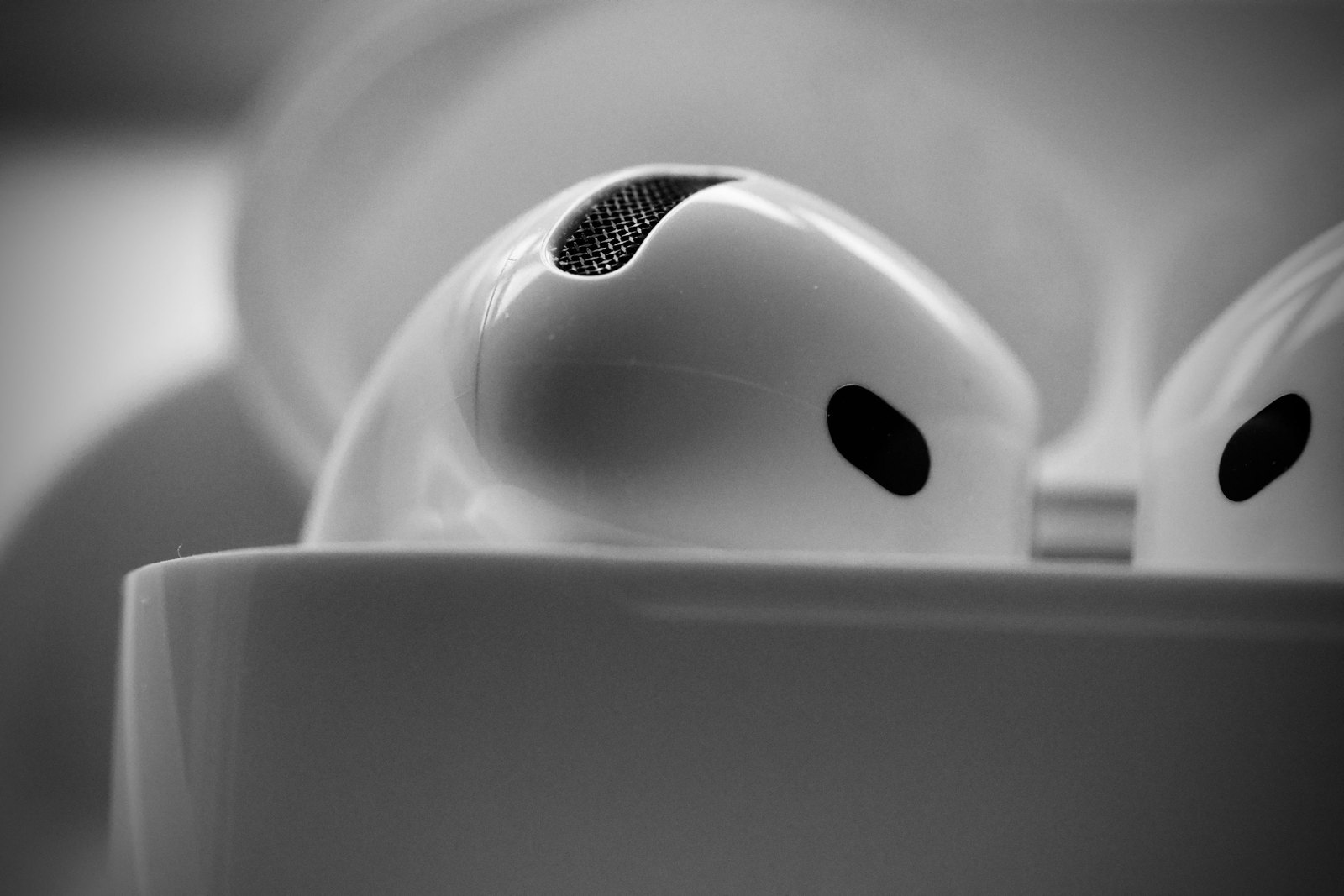
The feature image is a contextual photograph of white wireless earbuds and a mesh opening. It is not a product-identification image and should not be read as showing a particular AirPods model.
About the photograph
Contextual photograph of white wireless earbuds and their mesh. It is not labelled as a particular AirPods model.
Source notes
Reporting record
techduopulse stores source destinations privately. Public notes remain non-clickable so every visitor journey stays on this website.
Source note: Apple Support ANC troubleshooting guidance
Primary source · Troubleshooting sequence, supported models, Adaptive check, fit, cleaning, reset and service escalationSource note: Apple Support listening-mode guidance
Primary source · ANC and Transparency definitions, supported models, controls and Off-mode qualificationsSource note: Apple AirPods User Guide
Primary source · Model-qualified stem, button, Control Center and Off Listening Mode instructionsSource note: Apple Support ear-tip and seal-test guidance
Primary source · Ear-tip seal, Ear Tip Fit Test, Acoustic Seal Test and model-specific ear-tip compatibilitySource note: Apple Support cleaning guidance
Primary source · Safe cleaning boundaries for AirPods 3, 4 and 5 meshes, body and charging caseSource note: Apple Support firmware update guidance
Primary source · Automatic firmware delivery and update conditions for AirPods and AirPods ProSource note: Apple AirPods User Guide reset guidance
Primary source · Restart, unpairing implications, factory reset and model-specific reset methodsSource note: Apple India AirPods lineup page
Primary source · Current India-market AirPods naming and ANC, Transparency and Adaptive Audio contextInitial 15 October 2026 troubleshooting explainer. Uses current Apple support guidance to distinguish ANC-capable models from the AirPods name alone, prioritises reversible mode, fit, mesh, restart and firmware checks, separates Pro-only seal tests from open-ear models, and limits reset/service advice to documented escalation points.