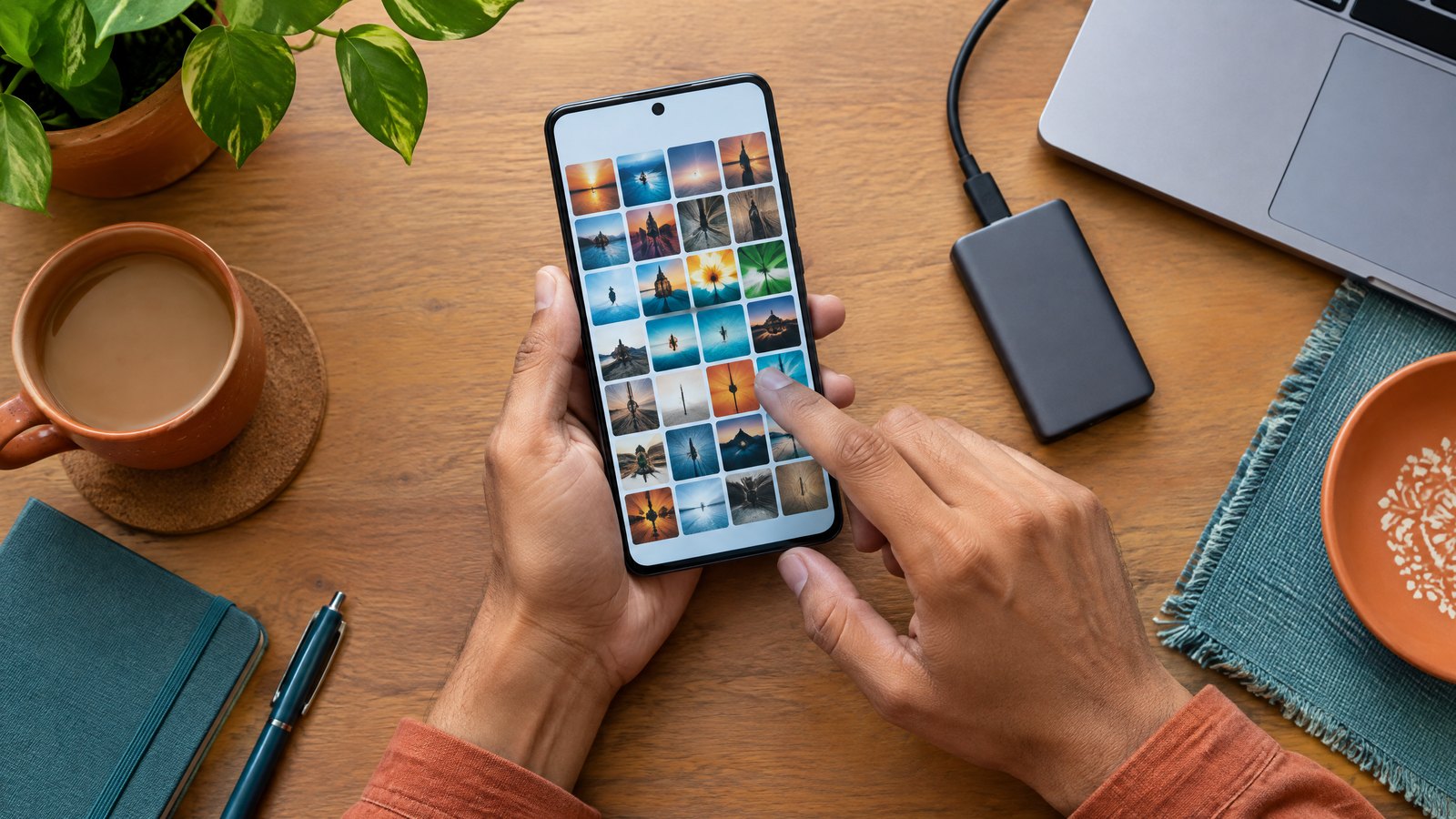
Searching for a 1 TB storage phone usually means one practical worry: will this phone hold everything without a constant clean-up? A true 1 TB phone configuration has one terabyte of built-in, local flash storage. It is not a promise of one terabyte free on day one, one terabyte in a cloud account, or a phone that accepts a 1 TB memory card. Those options can all be useful, but they solve different problems. The sensible choice starts with what must be available offline, what is safe to archive elsewhere, and whether the exact handset—not merely its brand—supports expandable storage.
This article is part of the consumer technology guide library.
1 TB storage phone: the short answer
A 1 TB storage phone is a handset sold with 1 TB of internal storage. That is the built-in space where the operating system, apps, downloads, photos and offline media live. It stays with the phone, works without mobile data or Wi-Fi, and cannot be removed like a memory card. This is the meaning to look for when a product page lists 1 TB beside other built-in capacity options such as 256 GB or 512 GB.
The number is a capacity label, not a reading of empty space. In decimal measurement, tera means 10 to the power of 12, so 1 TB is 1,000,000,000,000 bytes. A screen or utility using binary units would express that same raw quantity as about 931 GiB before software, reserved areas and your own data are accounted for. That conversion explains why a large number on a box and a differently expressed number in a settings screen need not conflict. It is a unit conversion, not a prediction of the free space on a particular phone.
Most current phones use embedded flash rather than a user-replaceable internal drive. The storage interface may be described as UFS, a mobile-oriented standard, but the interface version is separate from capacity. A 1 TB capacity option answers how much the device can hold; it does not by itself prove a particular sustained speed, camera capability or long-term free-space behaviour. For the wider picture of how built-in components fit together, see the smartphone technology explainer.
Why the usable space is less than the label
No new phone delivers its advertised capacity as completely empty personal space. The operating system, required system partitions, recovery or service areas, preinstalled components and file-system overhead take some capacity before you add a single picture. Updates can also change how much system data is present. The amount is model- and software-version-specific, so a fixed claim such as ‘a 1 TB phone gives exactly this many free GB’ would be misleading.
Use the storage page on the exact phone as the answer for that device. It shows how much is used and available, often divided into apps, photos, videos, downloads and system categories. On an iPhone, device storage is checked in the device-storage settings; it is distinct from iCloud storage. Android menus vary by maker, but Google’s guidance starts in Settings and Storage. A retailer listing is useful for the capacity tier, while the phone’s own storage view is the practical source for today’s free space.
There is another reason not to fill a phone to an arbitrary edge: daily use creates temporary files, app updates, message attachments and camera files. The phone may still work when it is nearly full, but routine housekeeping becomes harder and an update or video recording can need room at an inconvenient moment. Think in terms of headroom for your own habits, not a universal ‘safe percentage’. If you routinely see low-space warnings now, identify the category causing them before assuming that only a 1 TB upgrade will help.
- Read ‘1 TB’ as installed raw capacity, not guaranteed empty capacity after setup.
- Compare available space in the settings screen after your normal apps and account sync have settled.
- Treat a storage screen’s unit choice and its category totals as more useful than a rough box-to-screen comparison.
- Leave room for the files and updates your own use creates instead of relying on a one-size-fits-all free-space rule.
Local storage, cloud storage and expandable storage are different tools
Local internal storage is the phone’s built-in working space. It is the strongest fit for apps, messages, downloads, travel documents, offline maps and media you need without a connection. A 1 TB internal model makes that local library much larger, but it does not replace a backup. Losing or damaging a phone can still remove access to its local contents until a recovery or restore path is available.
Cloud storage is capacity held by a service rather than inside the handset. It can keep files or a photo library available across signed-in devices and can help reduce pressure on local storage when a service supports optimisation or downloading on demand. It also depends on the service, account status, settings and a usable internet connection when you need something that is not already stored locally. Paying for a cloud plan does not turn a 256 GB phone into a 1 TB internal-storage phone.
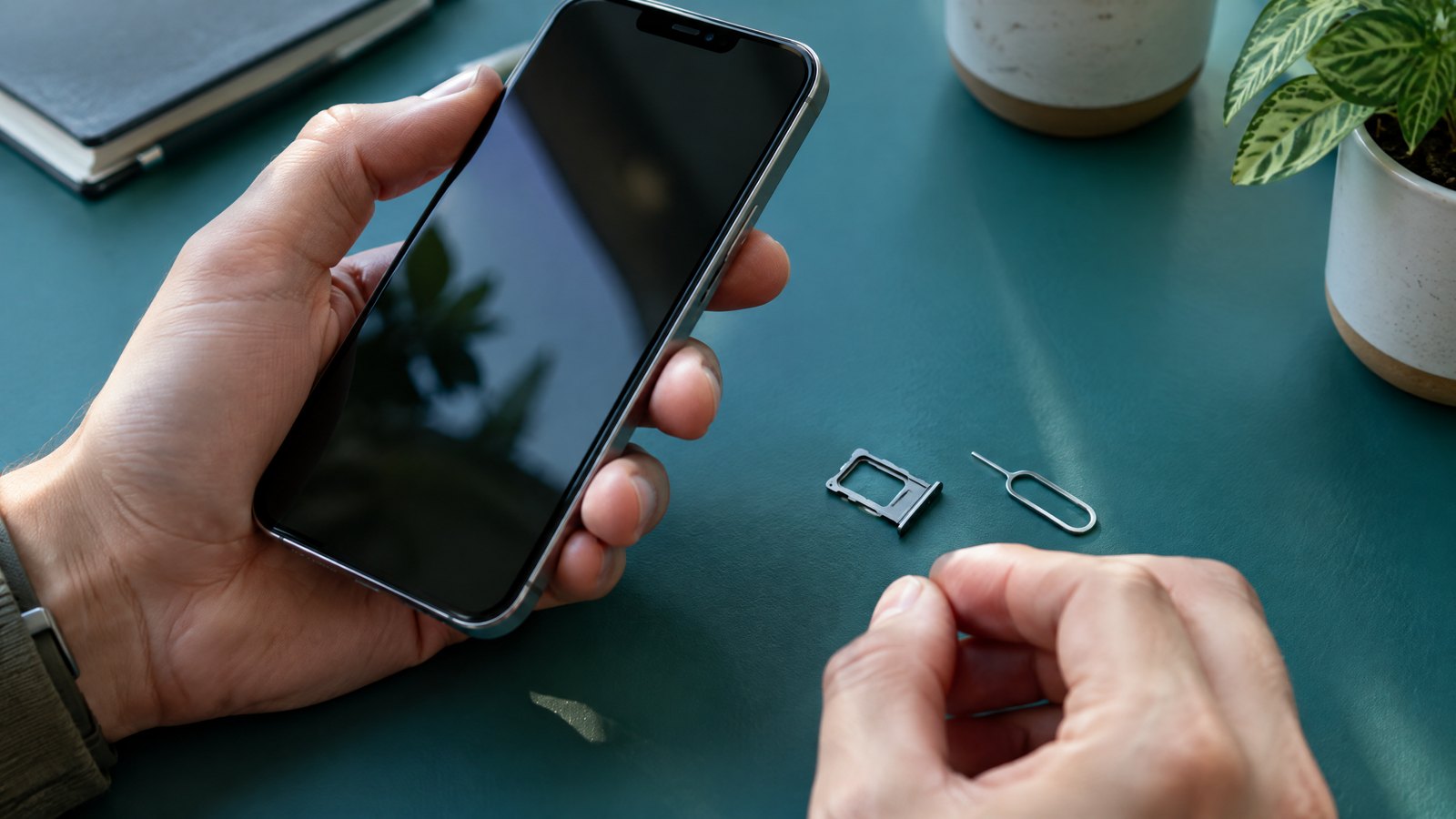
Expandable storage usually means a microSD card slot, not a hidden upgrade path in every phone. A card can be excellent for copying compatible photos, videos or documents, but its role depends on the handset and app. Some phones have no card slot; some restrict card capacity; and some apps do not allow themselves or their data to move. An external USB drive can be another transfer or backup option, but it is an accessory, not extra built-in capacity while the phone is in your pocket.
| Option | Best for | Key limitation to check |
|---|---|---|
| 1 TB internal storage | Large offline library, apps, downloads and capture on the phone | Available space is lower than the label; capacity cannot normally be upgraded later |
| Cloud storage | Syncing, backup workflows and access across signed-in devices | Availability can depend on service settings, account capacity and connectivity |
| microSD card | Compatible media and file transfer on a phone with a supported slot | Not every phone supports one; card limits and app-move rules are model-specific |
| External drive | Deliberate transfer or backup sessions | It must be connected and compatible when you need the files |
Can a microSD card replace 1 TB internal storage?
Sometimes it can reduce the need for a 1 TB model, but it is not a like-for-like replacement. First verify that the exact India variant has a microSD slot and confirm its maximum supported capacity in that model’s specifications or manual. Brand-wide assumptions fail here: even within one manufacturer’s range, some phones support cards while others have only a SIM tray. A card marked 1 TB is not evidence that every phone can use it.
Second, decide what will live on the card. A removable card is naturally suited to files you manage as files: compatible photos, videos, music and documents. App behaviour is more constrained. Samsung’s own support guidance says not all of its devices support microSD and that many apps are not eligible to be moved; it also states that Samsung Android devices do not support adoptable storage. Other Android implementations may offer adoption, but that is a device feature, not an entitlement created by buying a card.
When Android adopts removable media as internal-like storage, the media is formatted and encrypted for one device. That can help supported apps use it, but it also makes the card unsuitable for casually moving between devices. Android’s documentation notes performance warnings when adopted media is significantly slower than internal storage. In plain language: a removable card is valuable, yet it carries compatibility, performance and handling trade-offs that built-in storage avoids. Keep important material backed up before formatting, moving or encrypting a card.
- Check the exact phone’s India specification for a physical microSD slot and its stated capacity limit.
- Check whether a dual-SIM layout shares a tray position with microSD, if that matters to your use.
- Confirm what you want to move: files, camera media and app data do not all follow the same rules.
- Use a reputable compatible card, then keep a separate copy of irreplaceable photos and documents.
Who really needs a 1 TB phone? Use your workflow, not a status label
A 1 TB internal model is easiest to justify when deleting or transferring files disrupts work you cannot postpone. Consider a wedding photographer who keeps original clips and selects on the phone between locations, a student who stores large course materials and downloads for unreliable journeys, or a frequent traveller who wants offline maps, entertainment and documents ready without hunting for Wi-Fi. These are decision examples, not promises about how many files any particular person will fit; codec, resolution, app design and file type can change the answer dramatically.
It can also be a calm choice for someone who keeps several years of family photos locally and dislikes managing storage every few weeks. The value is convenience and local availability, not immunity from loss. A large internal library still needs a backup plan. If photos matter enough that losing them would be painful, make sure copies exist somewhere other than the phone before treating capacity as the whole solution.
A smaller internal model plus cloud storage may suit someone who mostly streams, keeps a short rolling set of downloads, and is comfortable retrieving older items online. A phone with supported microSD may suit a person who records compatible media and is prepared to manage a card. Neither route is inferior by default. The wrong choice is paying for 1 TB to solve clutter from duplicate downloads or, conversely, relying on a cloud-only routine when you regularly need files in places where connectivity is uncertain.
A practical 1 TB phone decision check for India
Before choosing a capacity tier, look at the phone you use today. Open its storage view and name the two biggest categories. If videos and offline downloads dominate, ask whether you truly need them on the handset at all times. If apps and their data dominate, an SD card may offer little relief. If the largest category is a photo library, decide whether local originals, cloud-synced copies or a deliberate external-backup routine fits your comfort level. This turns ‘I need more storage’ into a choice you can evaluate.
Then read the exact model’s local specification, not a generic family description. Verify the built-in capacity, the model number, any microSD support, whether a second SIM and card share a tray, and the return and service terms from the seller you trust. Regional variants can differ. Avoid treating a marketplace title, a leaked specification or a memory-card package as confirmation of handset support.
Finally, account for the rest of the phone. A high-capacity tier may cost more, and the trade-off may matter more than storage alone. Compare the camera system if you plan to capture lots of media, the battery and charging approach for long recording days, software support, service availability and the capacity of the backup account you already use. The camera technology guide can help separate camera hardware and processing questions from the storage question.
Check your real storage pressure before you buy
A short audit can prevent an expensive mismatch. On Android, open Settings and Storage, then inspect categories rather than deleting blindly. Google specifically describes options to clear backed-up photos and videos when device storage is nearly full, along with ways to review files and apps. On an iPhone, open the device-storage view to see used and available local space; check cloud storage separately. Names and menus can vary with the phone maker and software release, so follow the labels on your own device rather than screenshots from a different brand.
Review downloads from messaging apps, duplicate camera exports, unused offline episodes, large game resources and files shared long ago. Deleting something should be a considered action: confirm that it is backed up or no longer needed first. Emptying a visible gallery does not automatically mean every cloud copy or every shared copy is gone, and removing a cloud item can sometimes affect synced devices. Read the service’s own prompts before making a permanent deletion.
After the audit, imagine your next two years rather than a single busy week. If current pressure comes from a one-off transfer that can be archived safely, capacity may not be the problem. If it comes from a growing offline collection you repeatedly need on the handset, a 1 TB storage phone is a straightforward way to reduce those compromises. It is still wise to retain an independent backup: more local room changes convenience, not the need to protect important data.
1 TB storage phone FAQs
These answers use the capacity label as a buying and storage-management question, not as a guarantee about any one phone, carrier, app or cloud service. Check the final handset specification and its on-device storage view before deciding.
How much usable storage does a 1 TB phone have?
Less than the labelled capacity, because system software, reserved areas and setup data use space. One terabyte is 1,000,000,000,000 bytes in decimal terms, which is about 931 GiB before those phone-specific deductions. There is no honest single free-space number for every 1 TB model; check the exact device after setup.
Is 1 TB phone storage the same as 1 TB cloud storage?
No. Phone storage is built into the handset and works locally. Cloud storage is held by a service and can support sync, backup or online access depending on its settings and your connection. A cloud plan can complement a smaller phone, but it does not add physical internal flash storage to it.
Can I add 1 TB to any phone with a memory card?
No. The phone needs a microSD slot, the exact model needs to support the card capacity, and the card must be compatible. Even then, apps may not be movable and some phones do not offer adoptable storage. Verify the model-specific specification before buying a card.
Should I choose 1 TB if I record a lot of video?
It can be useful if you need to keep large video files locally between shoots or transfers. File size depends on resolution, frame rate, codec, duration and camera settings, so there is no reliable universal hours-of-video estimate. Plan a separate backup and transfer routine as well.
Source notes
Reporting record
techduopulse stores source destinations privately. Public notes remain non-clickable so every visitor journey stays on this website.
Decimal tera-prefix capacity definition source note
Primary source · 1 TB storage phone: the short answerMobile embedded-storage standard source note
Primary source · 1 TB storage phone: the short answerDevice-storage and cloud-storage distinction source note
Primary source · Local storage, cloud storage and expandable storage are different toolsRemovable-storage support and app-move limitations source note
Primary source · Can a microSD card replace 1 TB internal storage?Adopted-media encryption, portability and performance limitations source note
Primary source · Can a microSD card replace 1 TB internal storage?Android storage review and backed-up-media cleanup source note
Primary source · Check your real storage pressure before you buyModel- and region-specific external-memory capacity source note
Primary source · Can a microSD card replace 1 TB internal storage?Version 1: original India-focused guide answering the exact 1 TB storage phone intent, separating internal capacity from cloud and removable storage, explaining usable-space limits without a fabricated universal figure, and adding practical choice and audit steps.