
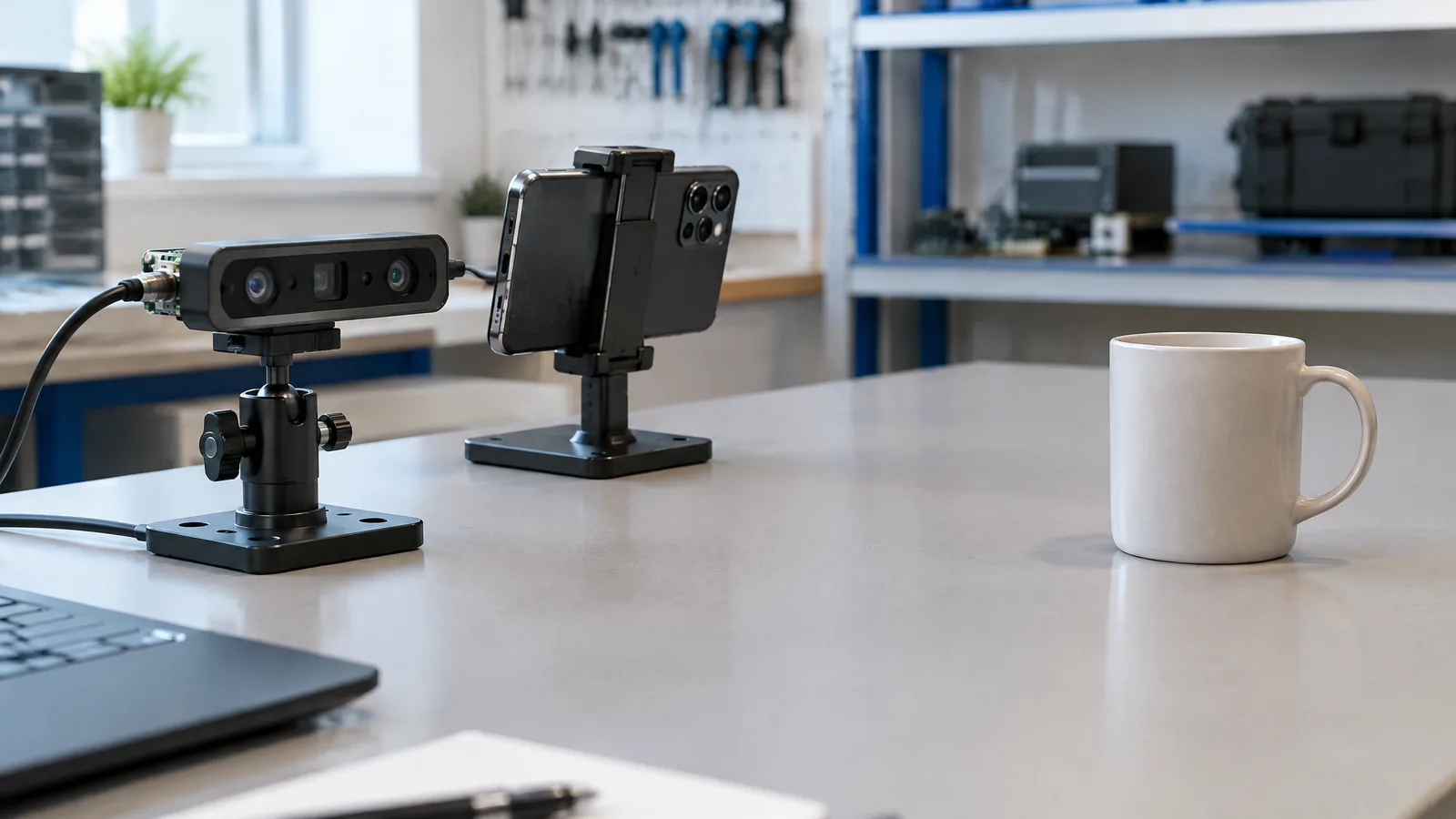
A phone can blur a portrait background or place furniture in a room even when you cannot see a dedicated scanner, which makes camera-app labels confusing. LiDAR/Time-of-Flight (ToF) depth hardware measures scene distance by sending out light and analysing its return or timing, then supplies depth information that compatible software can use.
This article is part of the computer hardware technology guide library.
What LiDAR and ToF depth hardware measures
LiDAR and ToF are active depth technologies, not ordinary colour-camera sensors. A compatible module emits light into the scene and uses the returned signal to estimate how far surfaces are from the phone. The phone can represent those estimates as a depth map, where pixels or points carry distance information alongside the normal camera image.
The names are related but should not be treated as a universal specification. LiDAR is a broad term for light detection and ranging. Time-of-Flight describes estimating distance from the travel time or phase of emitted light. A phone maker may use one term in its specifications while an app or platform uses another. The practical question is whether the exact model has a physical depth module and whether the software can access it.
This component is different from the main image sensor, which measures visible-light intensity to make a photograph. It is also different from a gyroscope, accelerometer or proximity sensor. Those parts can help a phone understand motion or nearby objects, but they do not by themselves create the same active scene-depth measurement.
- Physical depth hardware emits light and measures a return-related signal.
- The result is depth information, not a finished photo or a full 3D model by itself.
- The application, operating system and model support determine how that information is used.
How a phone can estimate depth without a LiDAR scanner
A dedicated module is optional. Google’s ARCore Depth API can create depth images with a depth-from-motion method: it compares camera views as the phone moves and estimates the distance of scene points. It can also use machine learning and merge readings from available hardware such as a ToF sensor.
That distinction matters when shopping or troubleshooting. An AR app may show a depth-aware effect on a phone that has no LiDAR or ToF unit, because the app is estimating depth from camera frames and movement. A phone with a dedicated scanner may provide another source of depth, including in situations where the camera is not moving, but support remains device- and app-dependent.
Software-only depth is not a fake feature; it is a different measurement path with different conditions. Google notes that depth-from-motion needs device movement to acquire useful data, and surfaces with few visual features, such as a plain white wall, can produce imprecise depth. A hardware scanner can help in some of those cases, but it does not make every app, surface or distance equally accurate.
What depth hardware enables in everyday phone features
Depth data is most useful when software needs to understand which real objects are in front of or behind virtual content. ARCore documents occlusion, so a virtual object can appear behind a real table or chair instead of floating over it. Depth can also improve hit-tests, support interactions with virtual objects and provide distance information for effects such as depth of field.
For an AR shopping app, that can mean placing a virtual chair against the floor and allowing the scene to hide it when a real object passes in front. For a scanning or measurement-style app, depth can help build a spatial representation, but the app still decides how to capture, filter and present it. A depth sensor does not automatically turn the phone into a survey instrument or guarantee a dimensionally accurate model.
Camera effects are another application. Apple’s iPhone 14 Pro specifications list a LiDAR Scanner as a sensor and separately say that Night mode portraits are enabled by LiDAR Scanner. That is a model-specific capability, not proof that every portrait mode or every phone needs LiDAR. Portrait blur can also come from software segmentation, dual-camera information or other depth estimates.
- AR occlusion: virtual content can be hidden by nearer real surfaces.
- Improved hit-tests and interactions: apps can place or collide virtual content more usefully.
- Depth-aware camera effects: a supported phone may use depth for a particular mode.
- Scanning workflows: an app may combine depth with camera data, but results depend on its design and conditions.
LiDAR, ToF and portrait blur are not interchangeable
A blurred background in a camera preview tells you that the phone produced a depth-like separation effect. It does not identify the physical sensor that produced it. The effect may be computed from image segmentation, motion, multiple cameras or an active depth module, depending on the phone and mode.
Likewise, a phone can include a LiDAR or ToF component that a particular camera mode does not use. Sensor presence is a capability; the app’s implementation decides whether it requests the data. Check the manufacturer’s specification for the exact model, then check the app or operating-system documentation for the feature you care about.
Avoid comparing the words “portrait,” “bokeh,” “depth,” “3D” and “LiDAR” as if they were synonyms. Portrait bokeh describes an image result. A depth map describes a data product. LiDAR and ToF describe hardware or measurement approaches. They can work together, but they answer different questions.
| Term | What it means | What it does not prove |
|---|---|---|
| LiDAR / ToF depth hardware | An active depth component that estimates distance using emitted light | That every camera mode uses it or that every app supports it |
| Depth map | Distance information associated with image points or pixels | A complete, accurate 3D scan in every scene |
| Portrait blur / bokeh | A visual effect that separates subject and background | That the phone has a dedicated depth scanner |
| AR depth from motion | Depth estimated from changing camera viewpoints | The same performance as a hardware scanner on every surface |
Limits to keep in mind before trusting a depth feature
Depth is an estimate shaped by hardware, lighting, surface appearance, movement, calibration and software. Google says ARCore depth-from-motion is most accurate at about half a metre to five metres from the scene, while depth can be imprecise on surfaces with few or no features. Those are platform notes, not a promise that a particular phone or app will produce the same result.
A depth map also has a different resolution and error pattern from the colour photograph beside it. Surfaces with few or no visual features can be difficult for depth-from-motion, and moving scenes can add uncertainty; exact behaviour varies by system. Treat a visual overlay as guidance unless the app documents a suitable accuracy and workflow for your purpose.
For a buying decision, ask three concrete questions: Does the exact model list LiDAR or ToF hardware? Does the app support that hardware, or does it estimate depth from motion and cameras? Is your use case AR placement, a camera effect or a measurement workflow? The answers are more useful than counting camera lenses or assuming that a portrait mode reveals the internal sensor.
Is LiDAR the same as a phone camera sensor?
No. A normal camera image sensor measures visible light for photographs. LiDAR is active depth hardware that emits light and estimates distance from its return; the phone can combine that data with camera frames.
Does every phone with portrait mode have LiDAR or ToF?
No. Portrait effects can be computed from image segmentation, camera information, motion or an active depth component. Check the exact model’s specifications instead of inferring hardware from the blur effect.
Can Android phones create depth without a ToF sensor?
Yes, where the device and software support it. Google’s ARCore Depth API can estimate depth from motion and can merge data from available hardware such as ToF. Device and app support varies.
Does a LiDAR scanner make phone measurements automatically accurate?
No. A scanner supplies depth data, but accuracy depends on the hardware, app, calibration, surfaces, movement and scene. A supported sensor is not the same as a certified measuring instrument.
About the image
AI-generated editorial illustration; not an actual product or mission photograph.
Source notes
Reporting record
techduopulse stores source destinations privately. Public notes remain non-clickable so every visitor journey stays on this website.
Source note: Apple iPhone 14 Pro technical specifications
Primary source · Sensors list, LiDAR Scanner diagram and Night mode portraits enabled by LiDAR ScannerSource note: Google ARCore Depth API documentation; depth maps, depth-from-motion, hardware merging and device limits
Primary source · Use cases, device compatibility, depth-from-motion and depth limitationsSource note: techduopulse camera technology guide; existing related page
Context source · Existing guide scope: image capture hardware and computational photography distinctionNew application explainer for phone LiDAR/ToF depth hardware. Separates active depth measurement from camera image sensors and software-only AR depth, distinguishes portrait effects from physical scanners, and qualifies Apple and ARCore examples by model/platform support without performance claims or invented testing.


