
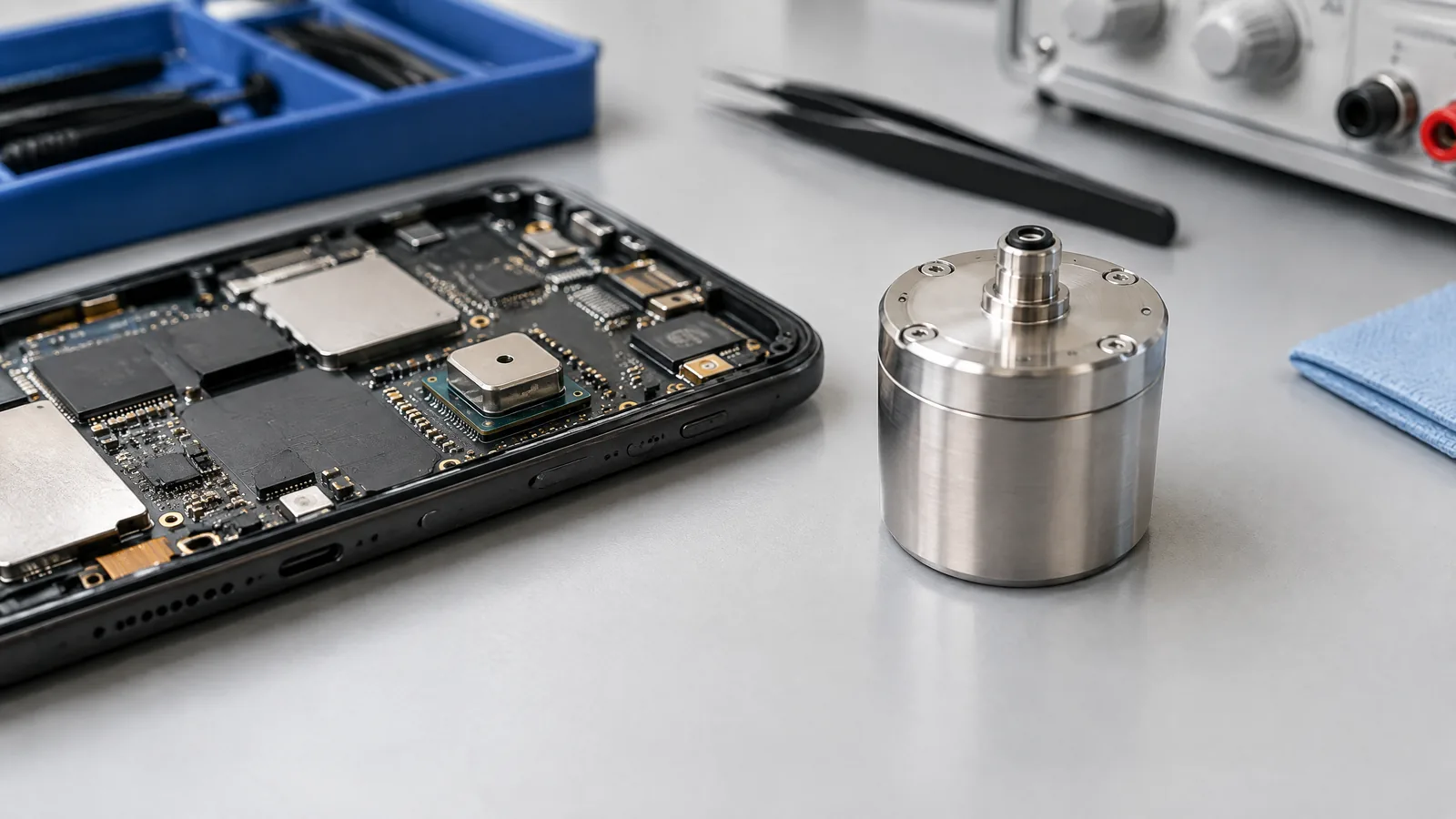
When a fitness app shows that you climbed stairs or a location feature notices a change in height, you may wonder whether the phone is measuring altitude directly. A phone barometer measures ambient air pressure; the phone or app can use changing pressure, often with other data, to estimate vertical movement, but it cannot by itself prove an exact altitude or floor number.
This article is part of the computer hardware technology guide library.
What does a barometer measure in a phone?
A barometer is a physical pressure sensor that measures the surrounding air pressure. On Android, the platform identifies this reading as the `TYPE_PRESSURE` environment sensor and reports it in hPa or mbar. The result is a pressure value, not a ready-made height reading. [1]
The sensor is usually a small component inside the phone. It is different from GPS, the accelerometer and the gyroscope: GPS estimates position from signals, motion sensors detect movement, and the barometer detects changes in ambient pressure. Software can combine these inputs for a more useful estimate.
- Physical measurement: ambient air pressure.
- Common unit in Android: hPa or mbar.
- Calculated outputs: possible height or vertical-change estimates.
- Not measured directly by the barometer: exact floor number, map altitude or stair count.
How phone barometer sensor uses help estimate height
Air pressure generally changes as elevation changes. An app can observe a pressure trend while you move up or down and turn that trend into an estimate of vertical change. This is why a barometer can add useful context to fitness tracking, indoor movement detection or location systems where satellite signals are weak. The calculation depends on assumptions and the wider software design; the pressure chip itself does not know the building plan or the height of each step.
A practical example is a walk through a multi-storey building. A sustained pressure change may support the conclusion that the phone moved upward or downward. A fitness or navigation system may then combine that signal with motion data and other context. The result is best understood as an estimate of vertical change, not a survey instrument.
- Fitness features may use pressure trends as one input when estimating elevation gain or loss.
- Indoor location systems may use vertical-change information when GPS is limited, if the phone and software support it.
- Apps can compare pressure readings over time, but a starting reference and changing conditions still affect the result.
Why a barometer cannot prove your exact floor or altitude
Pressure is influenced by more than height. Weather systems can change atmospheric pressure, and indoor ventilation, doors, fans and temperature can affect a local reading. A software system may reduce some of this uncertainty by using calibration, time history, maps or other sensors, but those supporting components are not part of the physical pressure measurement itself.
For the same reason, a phone should not be treated as a certified altimeter simply because it contains a barometer. An app showing a floor or altitude value is presenting a calculated interpretation. It may be useful for a broad change in level while still being wrong about the exact floor, especially in a building with unusual pressure conditions or no reliable starting reference.
The safe reading of a phone barometer result is therefore: ‘the available data is consistent with an estimated pressure or vertical change.’ It is not: ‘the sensor has independently confirmed my exact height.’
- Weather can shift the pressure baseline.
- Indoor airflow and temperature can change local conditions.
- Calibration and the chosen reference affect calculated altitude.
- Maps, GPS, accelerometers, gyroscopes and app algorithms are optional supporting inputs, not the barometer itself.
Is a barometer available on every smartphone?
No. A phone barometer is optional hardware. Android says environment sensors are available only when a manufacturer builds them into a device, and apps should check at runtime rather than assume that a pressure sensor exists. [1]
Model specifications are the best first check. For example, Apple lists Barometer among the sensors in the iPhone 14 Pro specification. That confirms inclusion for that model; it does not establish that every iPhone or Android phone has one. [2]
If an app offers no pressure or elevation feature, that does not automatically mean the phone is faulty. The model may not include the component, or the app may not support it. Avoid installing a random ‘barometer’ app as proof: an app can display a calculated or simulated value when the underlying hardware is absent.
Barometer, GPS and motion sensors: what each contributes
These sensors answer different questions. The barometer reports ambient pressure. GPS or other location systems can help estimate geographic position and elevation, although signal conditions and the positioning method affect the result. An accelerometer detects changes in linear motion, while a gyroscope detects rotation. An app can fuse their data, but sensor fusion does not turn any one component into a guaranteed measurement of the others.
This distinction matters when reading a fitness or navigation screen. A displayed ‘elevation’ number may be produced by an algorithm using several inputs. It should not be used as evidence that the phone’s pressure sensor alone measured a precise height.
Key takeaways
A phone barometer measures ambient air pressure, normally as a single pressure value.
Apps can use pressure trends to estimate vertical movement, elevation change or environmental context.
Barometer hardware is optional, so availability depends on the exact phone model and software support.
Weather, airflow, temperature, calibration and reference conditions can affect calculated results.
Pressure alone cannot prove an exact altitude, floor number or stair count.
Frequently asked questions
What is a barometer used for in a mobile phone?
It measures ambient air pressure. Apps may use pressure changes, sometimes together with GPS and motion sensors, to estimate vertical movement, elevation change or location context.
Can a phone barometer measure altitude?
It can contribute to a calculated altitude estimate, but it does not directly measure exact altitude. Weather, calibration, temperature, airflow and the starting reference can change the result.
Can a barometer tell which floor I am on?
Not reliably by itself. A pressure trend may suggest movement between levels, but an exact floor result needs software assumptions and context such as a building map or starting reference.
Does every smartphone have a barometer sensor?
No. The component is optional. Android says apps should check whether the hardware exists, and the phone maker’s specification for the exact model is the appropriate way to verify it.
Is a phone barometer the same as GPS?
No. A barometer measures ambient pressure, while GPS-based systems use signals from navigation satellites to help estimate position. An app may combine both, but they are different sensors and sources of information.
About the image
AI-generated editorial illustration; not an actual product or mission photograph.
Source notes
Reporting record
techduopulse stores source destinations privately. Public notes remain non-clickable so every visitor journey stays on this website.
Source note: Android Developers environment-sensor documentation; light sensor and illuminance guidance
Primary source · Hardware availability, TYPE_PRESSURE, hPa/mbar reading and sensor lifecycle guidanceSource note: Apple iPhone 14 Pro technical specifications
Primary source · Concrete model-specific example listing Barometer among iPhone sensorsNew application page distinct from the existing general pressure-sensor guide. Focuses on phone barometer sensor uses, calculated vertical-change results, optional hardware and practical limits; claims are restricted to supplied authoritative Android and Apple documentation.


