
When your phone changes from portrait to landscape or reacts to a shake, you may wonder which sensor is noticing the movement. An accelerometer measures acceleration along the phone’s X, Y and Z axes, including gravity, so Android and apps can use changing readings to interpret tilt and motion.
This article is part of the computer hardware technology guide library.
Key takeaways
A phone accelerometer is a physical three-axis sensor that reports acceleration force, including gravity, rather than speed or a complete description of movement.
Auto-rotate and simple tilt or shake inputs can use its changing readings, but the exact feature depends on the handset, Android version and app.
Android’s gravity and linear-acceleration sensors may be software-derived; they are not automatically extra physical chips inside the phone.
A step count is a processed feature, not a raw accelerometer reading, and sensor availability should be checked on the individual phone.
- A phone accelerometer is a physical three-axis sensor that reports acceleration force, including gravity, rather than speed or a complete description of movement.
- Auto-rotate and simple tilt or shake inputs can use its changing readings, but the exact feature depends on the handset, Android version and app.
- Android’s gravity and linear-acceleration sensors may be software-derived; they are not automatically extra physical chips inside the phone.
- A step count is a processed feature, not a raw accelerometer reading, and sensor availability should be checked on the individual phone.
What does a phone accelerometer measure?
A phone accelerometer measures acceleration force on three physical axes: X, Y and Z. Android documents the standard accelerometer as a hardware sensor whose values include gravity and are expressed in metres per second squared (m/s²). A stationary phone still has a gravity-related component in its readings, so software can use the direction of that component to estimate how the handset is tilted.
This is not a speed sensor. The accelerometer reports how acceleration is distributed across the phone’s axes at a moment in time. A sudden hand movement, a tap on a table or a change from flat to upright can all alter the pattern. The phone’s software then filters and interprets that stream for a particular feature.
The three axis labels belong to the phone’s device coordinate system. They do not automatically mean north, up or the direction you are walking. Holding the same handset in a different orientation changes which axis receives most of the gravity-related signal.
How auto-rotate uses accelerometer readings
Auto-rotate needs to know whether the display is being held in a portrait or landscape posture. When the phone is relatively still, Android can examine the gravity-related direction in the accelerometer data and infer how the handset is oriented. The operating system can then change the display layout when the user has enabled automatic rotation.
The sensor does not identify the words “portrait” or “landscape” by itself. It produces measurements; Android’s orientation logic decides whether the current pattern is stable enough for a display change. During a bus ride, a quick turn or strong vibration, acceleration from movement is mixed with gravity. That can make a short reading less suitable for a confident tilt estimate, so filtering and timing matter.
Auto-rotate is therefore a complete phone feature rather than proof that the accelerometer is working alone. The operating system, display settings and sometimes other motion sensors all affect what the user sees. A phone may also offer a manual rotation button or behave differently inside a particular app.
Tilt, shake and motion input in apps
Apps can use changes across the three axes as motion input. A game might map a controlled tilt to steering. A utility app might recognise a shake-like pattern. A camera or augmented-reality app may need orientation information from a broader sensor system. These are interpretations of a time series, not separate physical sensors for every gesture.
A simple tilt interaction is easier to understand when the phone is held steadily: gravity changes its distribution across X, Y and Z as the handset turns. A shake is different because it contains rapid changes and may be affected by how firmly the phone is held. The app chooses thresholds, sampling behavior and filtering, so two apps can respond differently to the same movement.
Android provides a sensor framework that lets an application check which sensors exist, inspect capabilities and receive timestamped sensor events. This matters because a feature should not assume every Android phone has the same hardware or exposes the same sensor types.
- Tilt input: uses the changing gravity-related pattern when the phone is moved between stable orientations.
- Shake or movement input: looks for a pattern over time rather than one isolated value.
- Motion-aware interfaces: may combine the accelerometer with a gyroscope or Android’s derived motion sensors.
- Availability check: an app should detect the relevant sensor instead of promising a feature for every handset.
Accelerometer, gravity sensor and linear acceleration sensor
These names can sound interchangeable, but Android treats them differently. The physical accelerometer includes gravity in its three-axis acceleration values. Android also defines a gravity sensor that provides a three-dimensional gravity vector, and a linear-acceleration sensor that aims to exclude gravity from the result.
The gravity and linear-acceleration entries can be software-based or hardware-based, depending on the device and implementation. Android’s documentation describes linear acceleration conceptually as acceleration minus acceleration due to gravity. It also notes that the linear-acceleration result has an offset that an application may need to calibrate. In other words, seeing a sensor name in an API does not necessarily mean the phone contains a separate physical component for it.
Android’s software-based motion sensors can also depend on a gyroscope. On devices without the required hardware, particular software-derived sensors may not be available. The practical rule is simple: distinguish the physical sensor from the data product exposed by the operating system, and check availability at runtime.
| Phone sensor or data type | What it represents | Important limit |
|---|---|---|
| Accelerometer | Acceleration force on X, Y and Z, including gravity | Not a direct speedometer; readings depend on movement and device axes |
| Gravity sensor | Estimated gravity direction and magnitude | May be software- or hardware-based |
| Linear acceleration | Acceleration on three axes with gravity excluded | Can have offset and may require calibration |
| Gyroscope | Rate of rotation around X, Y and Z | Measures turning, not linear acceleration |
Why a step count is not just an accelerometer reading
A phone’s step feature should not be described as a raw accelerometer output. Android exposes step-counter and step-detector sensor types separately, and an app or system service may process motion signals before displaying a count. The accelerometer can be one input to a motion-recognition system, but the presence of an accelerometer alone does not guarantee a step counter, a particular accuracy level or continuous background counting.
The same caution applies to activity labels such as walking or running. They are software interpretations of sensor data and may depend on additional sensors, power settings, placement and the app’s algorithm. Treat the displayed result as a feature of the complete phone-and-software system, not as a direct measurement printed by the accelerometer.
Limits to keep in mind on an Android phone
Sensor availability varies between devices and Android versions. Even when two phones expose an accelerometer, their range, resolution, noise, sampling behavior and processing can differ. The phone’s case, how it is held and the motion around it also affect the readings an app receives.
A still-phone tilt estimate is not the same as a reliable interpretation during fast movement. Gravity and movement are combined in the ordinary accelerometer output, and software needs time and filtering to separate useful patterns. A gyroscope can add rotation information, but it does not replace the accelerometer; the two measure different quantities.
For everyday troubleshooting, check whether auto-rotate is enabled, restart the app or phone, and compare behavior across more than one app before concluding that a sensor has failed. Do not treat a phone’s motion reading as a safety guarantee, emergency detector or medical measurement.
What is an accelerometer in a smartphone?
It is a physical sensor that measures acceleration force along the phone’s X, Y and Z axes, including gravity. Android and apps can use those values for motion and orientation features, subject to the phone’s hardware and software.
Does the accelerometer control auto-rotate?
It can provide the acceleration and gravity-related data used to estimate the phone’s orientation. Auto-rotate is an operating-system feature, so settings, filtering and other available sensors also affect the result.
Is an accelerometer the same as a gyroscope?
No. An accelerometer measures acceleration force, while a gyroscope measures the rate of rotation. A phone may combine both for richer motion input.
Does every Android phone have an accelerometer?
Android documentation says most handsets and tablets have one, but availability varies by device and Android version. An app should check the sensors exposed by the individual phone.
Does a phone step counter read the accelerometer directly?
No. A displayed step count is a processed feature and Android exposes separate step-counter and step-detector sensor types. The accelerometer may contribute to motion recognition, but it is not the count by itself.
About the image
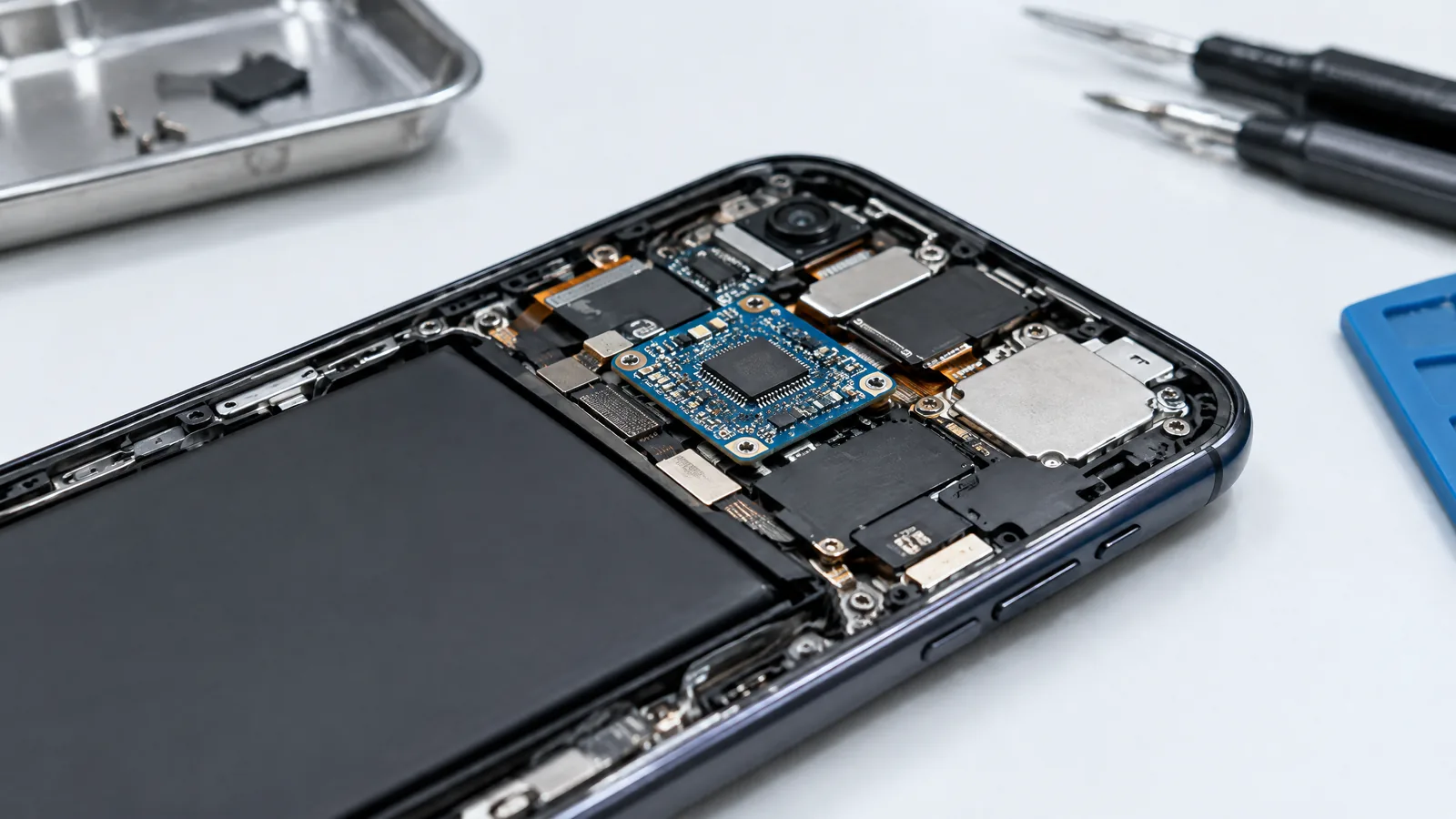
AI-generated editorial illustration; not an actual product or mission photograph.
Source notes
Reporting record
techduopulse stores source destinations privately. Public notes remain non-clickable so every visitor journey stays on this website.
Source note: Android Developers Sensors overview
Primary source · Physical versus software-based sensors, accelerometer definition, three axes, availability and sensor frameworkSource note: Android Developers Motion sensors
Primary source · Accelerometer event values, gravity and linear acceleration, gyroscope distinction, derived sensor caveats and step sensor typesRelated guide: techduopulse accelerometer fundamentals
Context source · Existing broad guide scope; this page adds phone-specific application detailNew application page for phone accelerometer uses. Adds auto-rotate, tilt and shake behavior, Android physical-versus-derived sensor distinctions, step-count caveat, runtime availability guidance and phone-specific limitations without duplicating the existing broad accelerometer guide.


