
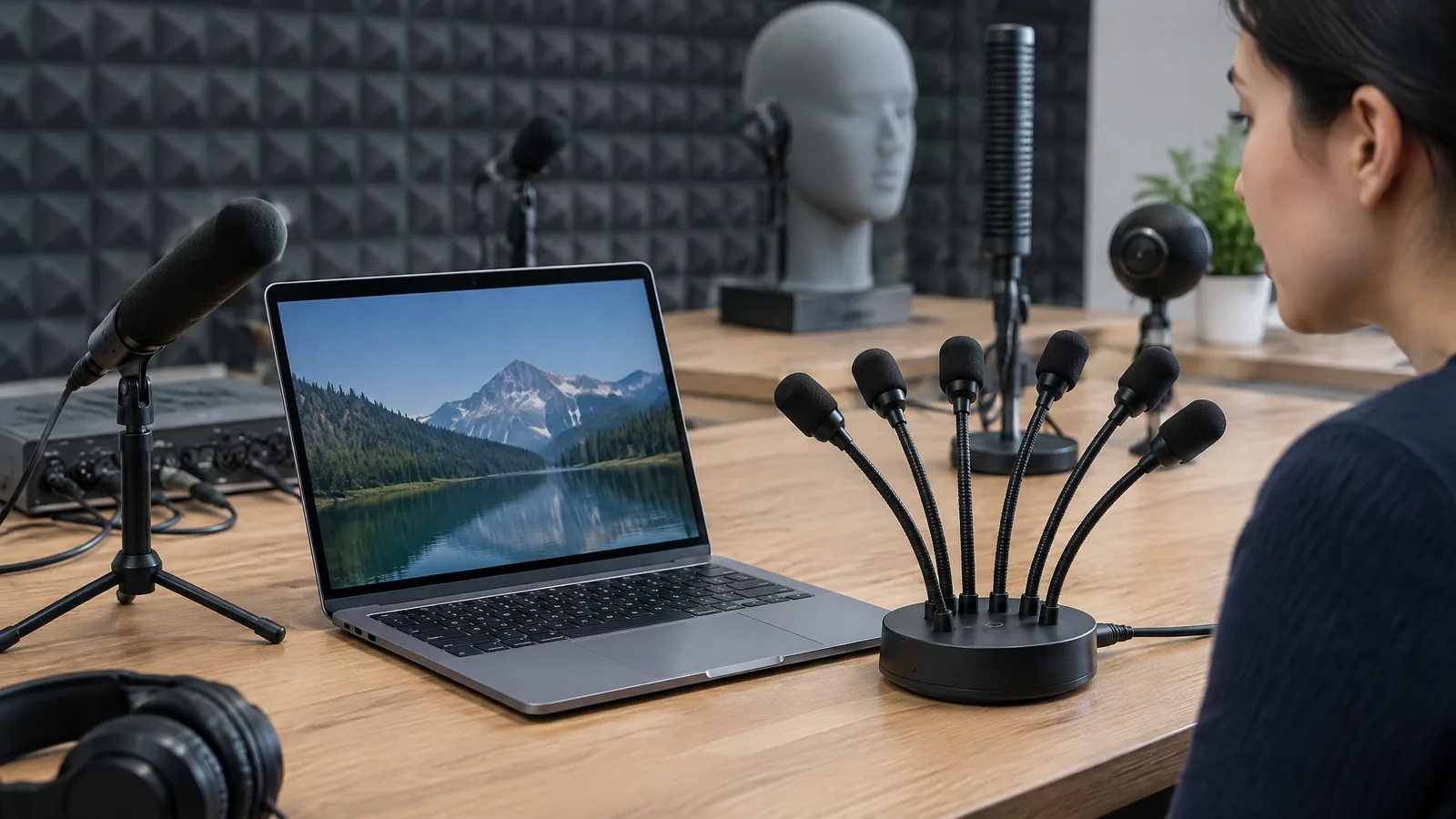
Your voice sounds clear in one laptop call but distant or mixed with fan noise in another. A laptop microphone array uses two or more physical microphones to capture sound from slightly different positions; software can then combine those signals to favour a voice direction and reduce some ambient sound, although the result depends on the laptop, room and app.
This article is part of the computer hardware technology guide library.
What is a laptop microphone array?
A laptop microphone array is a group of physical microphones built into a laptop, usually near the display bezel, keyboard deck or another edge. Each microphone is a sensor: it changes sound pressure into an electrical audio signal. The array is not the same thing as noise cancellation or beamforming. Those names describe processing that may use the signals from the microphones.
Microsoft’s Windows documentation describes array geometry using microphone count, arrangement and coordinates. Common layouts include linear and planar designs. An external USB array can also report this information, so the idea is not limited to built-in hardware.
The word array does not tell you the exact count or quality. One laptop may have two microphones, while another may use four or a different layout. Ports, enclosure openings, drivers and the application’s audio settings can change the result. Check the exact model specification instead of assuming every laptop marked ‘microphone array’ has the same capability.
- Physical microphones are the sensing elements that receive sound.
- Geometry means the number, spacing, orientation and position of those microphones.
- Beamforming, noise suppression and echo cancellation are optional processing stages, not extra physical sensors.
Key takeaways
When you speak, sound reaches each microphone at slightly different times and levels. The differences depend on the positions of your mouth, the laptop and other sound sources. An audio processor can compare these channels and favour the direction selected for the conversation.
- More microphones do not guarantee better calls.
- An array can reduce some background sound but cannot isolate a voice perfectly.
- Test the built-in array in your real room before buying an external USB array.
How does a laptop microphone array capture your voice?
When you speak, the sound reaches each microphone at a slightly different time and level. The differences depend on the distance and angle between your mouth, the laptop and other sound sources. An audio processor can compare these channels and form an output that gives more weight to the direction selected for the conversation.
Some systems use direction-of-arrival estimates. That can help audio software favour a speaker in a known region, but it is not the same as identifying a person or understanding speech. The array can still receive nearby conversations and other sounds. It is not a privacy barrier.
An external USB array may help when a laptop is docked or placed farther from the speaker. It remains optional: a built-in array does not automatically need one, and a USB array does not automatically outperform every built-in design.
- The microphones capture separate channels rather than one magical ‘focused’ recording.
- The processor estimates useful timing, level or direction differences between channels.
- The application or operating system applies beamforming, noise suppression, automatic gain control or echo cancellation when those features are available.
Where a laptop microphone array is useful
The main use is hands-free voice capture for video meetings, online classes, calls, dictation and voice commands. If you sit in front of the display, the array may help the laptop distinguish your voice from a fan, keyboard or room reflections. A speech-recognition application can also benefit from a cleaner input signal before it tries to transcribe words.
Some systems use the array for direction-of-arrival estimates. That can help audio software favour a speaker in a known region, but it is not the same as identifying a person or understanding what they said. The array can still receive nearby conversations, traffic, utensils, pets and other sounds. A microphone array should therefore not be described as a privacy barrier or as a guarantee that only one voice is recorded.
Your position and room still matter. Speaking toward the laptop is more predictable than covering microphone openings or moving behind the display. Hard walls create reflections, while fans and traffic may be louder than the processor can remove. Test the actual calling app instead of trusting a feature label.
- Video calls where the user wants to speak without wearing a headset.
- Dictation and speech recognition where a cleaner input helps the software.
- Online teaching or presentations where the laptop is the primary audio input.
- A desk setup where an external USB array can be positioned closer to a group.
What changes the real-world result?
A single microphone can be adequate for a quiet desk, especially with a headset or close speaking distance. An array gives the system more channels to compare and can support directional processing. That advantage depends on integration, drivers and software.
An external USB array gives you a placement choice. It may suit a shared desk or small room, but adds another device and compatibility check. Confirm that the operating system and meeting app can select it.
Your position and room still matter. Speaking toward the laptop from a sensible distance is usually more predictable than turning away, covering the microphone openings or moving behind the display. Hard walls create reflections, while fans and traffic may be louder than the processor can remove. Test the actual calling app with ordinary room sounds instead of trusting a feature label.
| Part of the setup | What it affects | What not to assume |
|---|---|---|
| Physical microphones and spacing | Available channel differences and pickup pattern | The word array does not specify identical count or quality |
| Beamforming and noise suppression | How the captured channels are combined and cleaned | Processing cannot remove every voice, fan or reflection |
| Drivers and calling app | Which enhancements are enabled and exposed | A hardware feature may not be active in every app |
| Room and user position | Distance, reverberation and competing sounds | A quiet demo does not predict every room |
Built-in array, single microphone or external USB array?
A single microphone can be adequate for a quiet desk, especially with a headset or close speaking distance. An array gives the system more channels to compare and can support directional processing. That advantage is conditional: the microphones must be well integrated, the driver must expose the right channels and the software must use the available processing.
Noise reduction can change the sound. Aggressive processing may remove parts of speech or create artefacts, and it can behave differently between a call, browser tab and recording app. If accurate audio quality matters, compare the actual app and keep a headset available.
Limits and privacy considerations
A laptop microphone array improves the input signal; it does not make the laptop a directional recorder with perfect separation. Strong sounds from another direction, reverberation and competing speech can confuse direction estimates. SpeechBrain’s technical tutorial also notes that directive noise can make beamforming harder because the interfering source has its own timing pattern.
Noise reduction can change the sound. Aggressive processing may remove parts of speech, create artefacts or behave differently between a call, a browser tab and a recording application. If accurate audio quality matters, compare the actual app and keep a headset available as a fallback.
Because the physical microphones can receive sound beyond the intended speaker, use the mute control when you are not speaking and follow consent rules in shared rooms. A microphone array is an input sensor, not a substitute for clear notice or a privacy policy.
Is a laptop microphone array the same as noise cancellation?
No. The array is the group of physical microphones. Noise suppression, beamforming and echo cancellation are software or signal-processing functions that may use those microphones. Their availability and effect vary by laptop, driver and application.
Does more microphones always mean better call quality?
No. More channels can provide more information about direction, but geometry, microphone matching, acoustic design, processing and room conditions also matter. A well-integrated two-microphone system can be more useful than a poorly integrated larger array.
Can a laptop microphone array record only my voice?
No. It can help favour a direction and reduce some background sound, but it can still receive other voices and room noise. Do not treat it as a privacy barrier or a guarantee of speaker isolation.
Is an external USB microphone array worth using with a laptop?
It can help when you need flexible placement or a microphone closer to a small group. Check operating-system and app compatibility, then compare it in your real room. A built-in array may be sufficient for a desk call.
Why does my laptop microphone still pick up a fan?
The fan may be close, loud or spread across the room, and reflections can make direction separation difficult. Check the app’s input and enhancement settings, move the laptop or use a headset, and test again rather than assuming the array is defective.
About the image
AI-generated editorial illustration; not an actual product or mission photograph.
Source notes
Reporting record
techduopulse stores source destinations privately. Public notes remain non-clickable so every visitor journey stays on this website.
Source note: Microsoft Learn microphone-array geometry documentation
Primary source · Array geometry, microphone count, coordinates, ambient-noise and reverberation rejection, and external USB arraysSource note: Microsoft Learn Audio Stack processing overview
Primary source · Beamforming, dereverberation, echo cancellation, automatic gain control, noise suppression, geometry and reference audioSource note: Microsoft Learn microphone-array recommendations
Primary source · Example array geometries, component matching, integrated performance and device architectureSource note: SpeechBrain multi-microphone beamforming tutorial
Primary source · Signal quality, direction of arrival, beamforming methods and directive-noise limitationsNew India-facing application explainer for laptop microphone arrays. Separates physical microphone elements from beamforming, noise suppression and echo cancellation; explains built-in versus external arrays; qualifies model, driver, app, room and placement differences; and avoids universal call-quality, privacy or recording claims.


