
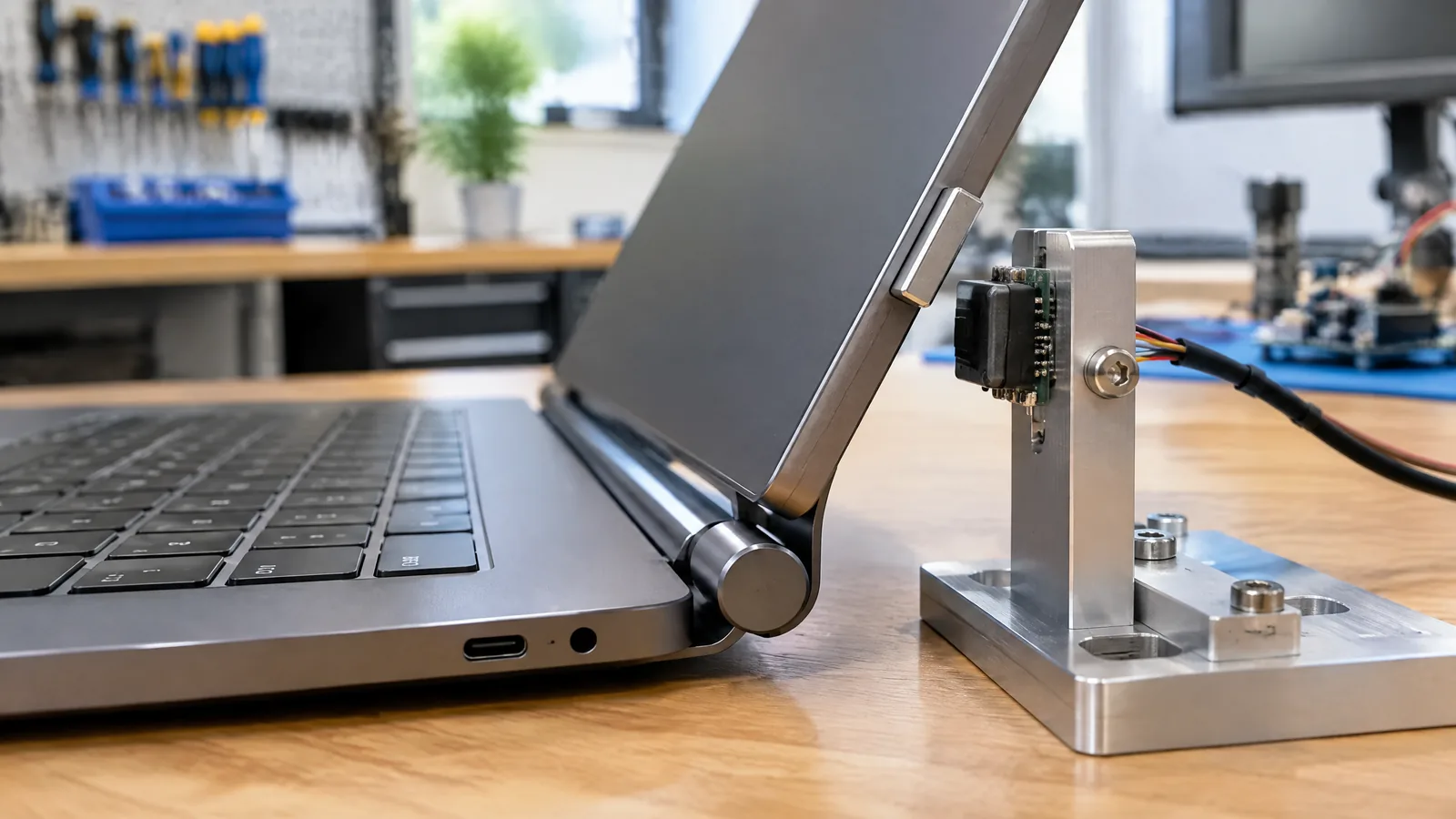
When a laptop screen goes black after a phone or magnetic stylus is placed near the hinge, the problem may be lid detection rather than a failing display. A Hall-effect lid-position sensor measures the magnetic field state at a chosen point so the laptop can recognise a closed lid and apply its configured display, sleep or hibernate behaviour.
This article is part of the computer hardware technology guide library.
Key takeaways
A Hall-effect lid-position sensor is a magnetic-state detector, not a camera or a generic motion sensor.
A small magnet and the sensor usually work as a pair, but their placement and switching behaviour vary by laptop model.
A phone, smartwatch, stylus or another laptop can sometimes provide enough magnetic field to trigger the same state.
If symptoms continue with external magnets removed, use the manufacturer’s support route rather than opening the display assembly.
- It detects magnetic flux at the sensor’s active area.
- Lid closure may turn off the internal display or request sleep/hibernate behaviour.
- Operate and release thresholds, polarity, orientation and hysteresis affect the result.
What does a Hall-effect lid-position sensor measure?
The sensor measures magnetic flux density at its active area. In a laptop lid-detection arrangement, the practical question is usually not “how far has the screen moved?” but “has the magnetic field crossed the state used to represent closed?” A digital Hall switch changes output when the field reaches its operate threshold and changes back after the field falls below its release threshold. [2] [3]
The physical arrangement commonly includes a Hall IC in one part of the computer and a small permanent magnet in the other. The magnet is an external magnetic component of the sensing pair, while the Hall IC is the physical sensor. A laptop’s embedded controller, firmware and operating system then decide what actions are associated with the detected state. Those software actions are model-specific and are not themselves part of the Hall sensor.
This is why the sensor should not be described as a generic accelerometer. It does not measure hinge angle directly, and it does not need to watch the screen move. It responds to the field’s strength, polarity and orientation at its active area. [2] [3]
How laptop lid detection changes display and power behaviour
When the lid reaches the position that produces the expected magnetic state, the laptop can treat it as closed. Dell describes Hall sensing in notebooks as a way to detect LCD-lid closure, turn off the integrated display and, where applicable, move video to an external monitor. The operating system’s selected lid-close action can also determine whether the computer sleeps or hibernates. [1]
The exact response is not universal. One model may turn off only the panel, while another may combine display switching with a sleep or hibernate action. Some machines may use different mechanical layouts or additional logic. Therefore, a laptop Hall sensor explains the input to the decision; it does not prove which power state every laptop will choose.
Sensor placement also varies. Dell describes older designs with the sensor near the rear and modern designs with it around the LCD and palm-rest edges. Treat that as a placement pattern, not a teardown diagram for your particular laptop. [1]
Why can a nearby magnet make a laptop sleep?
A nearby object can create a field at the Hall sensor that resembles the field from the lid’s own magnet. Dell lists phones, smartwatches, active stylus pens, magnetic jewellery and another laptop or tablet among possible external sources. The resulting symptoms can include an unexpected LCD-off event, loss of video or an apparent sleep or hibernate action. [1]
This does not mean every phone or accessory will trigger every laptop. The result depends on the object’s magnet, distance, orientation and the laptop’s sensor threshold. TI notes that field strength rises closer to a magnet and that magnet size, material, distance and nearby materials affect the field seen by a sensor. [3]
The sensible first check is simple: move magnetic accessories away and see whether the symptom stops. Do not use a random magnet as a “test tool” or hold one against the display edge. A repeatable fault with ordinary objects removed needs model-specific diagnosis, not a universal Hall-sensor assumption.
- Move magnetic phones, watches, styluses and cases away from the screen and palm-rest edges.
- Observe whether the display or power-state symptom changes after the object is removed.
- Record the laptop model, operating system and exact symptom before contacting support.
Thresholds, polarity and hysteresis explain the difference between models
A digital Hall switch has an operate point, often written BOP, and a release point, BRP. The gap between them is hysteresis. It helps stop rapid on-off switching when the field is close to the decision boundary. Allegro describes this as a magnetic dead zone that reduces spurious switching, while TI explains that threshold values vary with process, supply voltage and temperature. [2] [3]
Polarity and orientation matter too. A unipolar device may respond mainly to one pole; an omnipolar device can respond to either polarity. The active face or sensitive axis also matters. Turning a magnet or approaching it from another direction can therefore change the result even when the object seems equally close. [2]
These details are normally selected by the laptop manufacturer. They are useful for understanding why a third-party magnet, replacement lid part or accessory cannot be assumed compatible. The sensor’s datasheet and the laptop’s service documentation are the relevant sources for a repair decision.
Is a laptop Hall sensor the same as a proximity sensor?
It is a magnetic proximity or position detector, but it is not a universal proximity sensor. It responds to a magnetic field at its active area, with polarity, orientation and threshold behaviour defined by the specific device. [2]
Does every laptop use a Hall-effect lid-position sensor?
No universal claim is safe. Dell documents this arrangement for many notebook families, but placement and implementation vary. Check the exact model’s service documentation before assuming a sensor location or repair method. [1]
Why does my laptop sleep when my phone is nearby?
A phone or its case can contain a magnet that produces a field near the laptop’s Hall sensor. If the field crosses the sensor’s threshold, the laptop may interpret it like a closed-lid state. Move the phone away first; if the symptom remains, seek model-specific support. [1] [3]
Can I disable or replace the Hall sensor myself?
Do not treat it as a universal DIY adjustment. The sensor may be inside the display or palm-rest assembly, and its behaviour is tied to the matching magnet, electronics and laptop firmware. Use the manufacturer’s documentation or an authorised repair route for the exact model.
What the Hall sensor cannot tell you
A Hall-effect lid-position sensor does not by itself report the screen angle, prove that the hinge is mechanically healthy or identify which software power policy will run. It reports a magnetic condition. A laptop may add debouncing, firmware logic, operating-system settings or display-routing rules before the user sees a result.
It is also not a reliable universal instrument for measuring distance. TI and Allegro both describe field strength as dependent on the magnet, spacing, orientation and surrounding materials. A replacement part or magnet that looks similar can cross a threshold at a different position. [2] [3]
For a user, the most useful boundary is diagnostic: remove possible magnetic interference, note whether the symptom changes, and then use the laptop maker’s exact model guidance. Avoid opening a display or bypassing a lid-detection circuit just to force a power-state outcome.
About the image
AI-generated editorial illustration; not an actual product or mission photograph.
Source notes
Reporting record
techduopulse stores source destinations privately. Public notes remain non-clickable so every visitor journey stays on this website.
Source note: Texas Instruments Hall-effect sensor data-sheet application note
Primary source · Digital Hall thresholds, hysteresis, polarity, distance and model-dependent field behaviourSource note: Dell Support Hall-effect lid-sensor and magnetic-interference guidance
Primary source · Laptop lid closure detection, placement patterns, symptoms and external magnetic objectsSource note: Allegro MicroSystems Hall-effect IC applications guidance
Primary source · Magnetic flux, polarity, orientation, operate/release thresholds and hysteresisNew application page distinct from the existing Hall-effect and magnetic-sensor explainers. Adds laptop-specific lid detection, external-magnet troubleshooting, model variation, threshold/hysteresis context and clear boundaries between the physical sensor, matching magnet, firmware/OS behaviour and repair decisions. Claims are limited to verified Dell, Allegro and TI evidence; no statistics or unsupported product claims added.


