
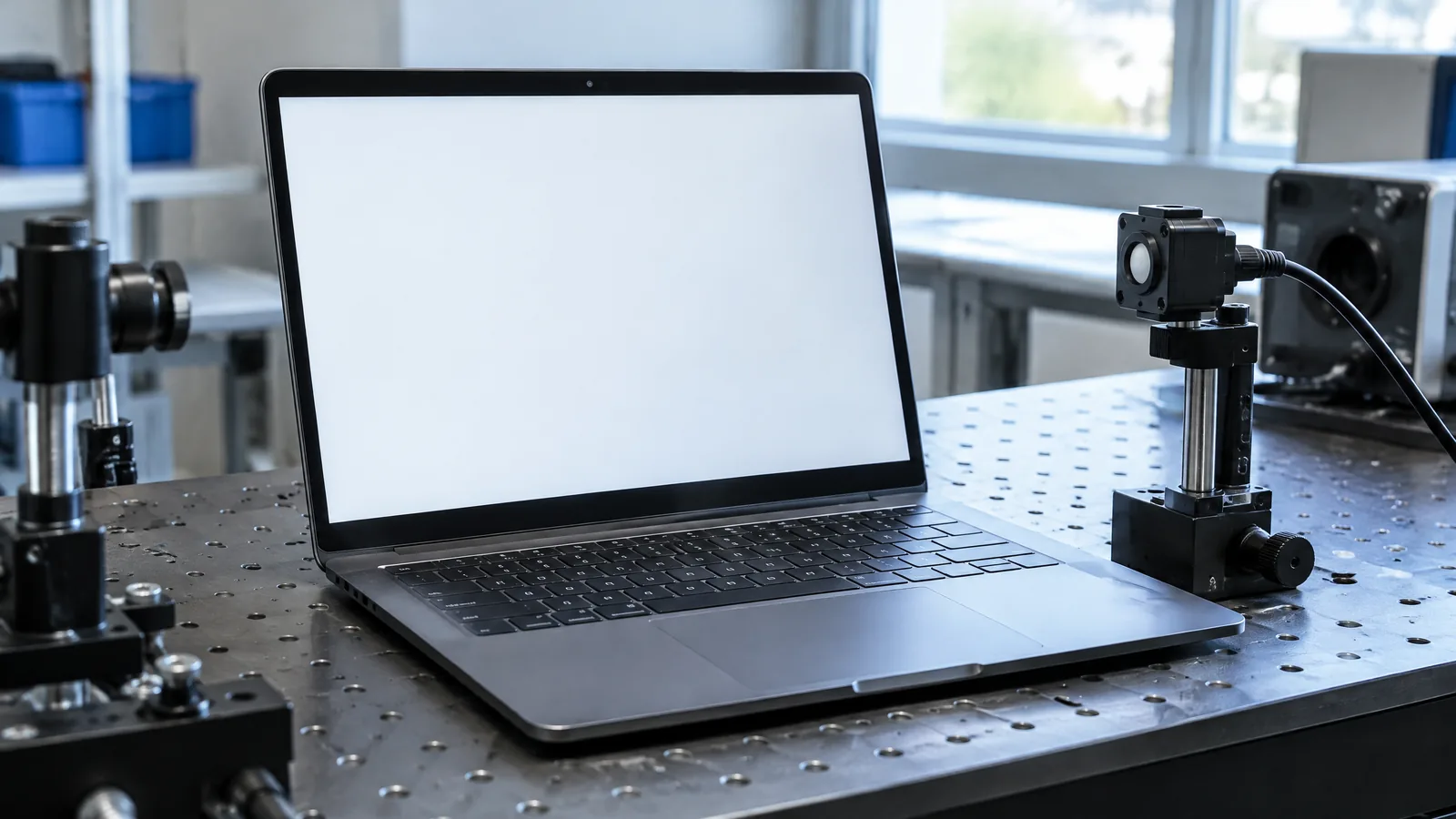
When a laptop screen looks too cool under a warm room light, you may wonder why its brightness control does not fix the colour. A laptop ambient colour sensor measures the surrounding light’s level and colour, allowing compatible Windows hardware to adapt the internal display’s white point and intensity.
This article is part of the computer hardware technology guide library.
Key takeaways
- An ambient colour sensor reads the light around the laptop; it does not measure the display’s own output.
- Windows Adaptive Color can adjust an internal display’s white point and intensity so the picture fits the surrounding light more naturally.
- The feature is optional and needs a colour-capable, calibrated sensor, a calibrated Brightness3-capable display, suitable drivers and a supported Windows build.
- Adaptive Color is different from ordinary auto-brightness and Night light, and Microsoft documents it for internal displays rather than external monitors.
What does a laptop ambient colour sensor measure?
A laptop ambient colour sensor is a colour-capable ambient light sensor. It samples the light falling on the sensor and reports light information such as illuminance and chromaticity—the coordinates used to describe the light’s colour. Microsoft’s Windows guidance also allows a colour-capable sensor to report correlated colour temperature, but the exact fields depend on the implementation. [1] [2]
That makes it different from a brightness-only ambient light sensor. A basic sensor can help a system decide whether the room is bright or dark. A colour-capable sensor adds information about whether the surrounding light is warmer, yellower, cooler or bluer. The sensor still does not inspect the pixels coming from the laptop panel, and it does not turn an uncalibrated screen into a reference monitor.
How Windows Adaptive Color uses the reading
On a compatible system, Windows uses the ambient colour reading to set a display white point that suits the current environment. In simple terms, the white parts of the picture can be shifted warmer or cooler instead of remaining fixed while the room changes. Windows can also adapt display intensity as part of the feature. Microsoft describes the aim as making images appear more natural in the current ambient lighting. [1]
The change is deliberately gradual. Microsoft’s design calls for slow, non-distracting transitions and hysteresis, which helps stop the white point from jumping every time a small shadow or light fluctuation reaches the sensor. This is why Adaptive Color may not visibly react to every movement near the laptop. [1]
Adaptive Color is not the same as Night light. Night light is a user-controlled display colour feature, while Adaptive Color uses supported ambient-sensor input. It is also not the same as auto-brightness: Microsoft describes Adaptive Color and Adaptive Brightness as separate controls, even though both can affect how the display looks. [1]
Why the feature is optional on laptops
A colour sensor alone is not enough. Microsoft says Adaptive Color requires a supported Ambient Color Sensor, a Brightness3-capable nits-calibrated display, and a supported operating-system build. The display and its driver must provide calibrated support, so two laptops with similar-looking panels may not expose the same setting. [1]
The sensor also has to meet colour-reporting and calibration requirements. Windows guidance says a colour-capable sensor must report its colour capability and appropriate colour data fields. Its calibration target includes chromaticity x and y within 0.025 of the incoming light under the specified test condition. These are platform requirements, not a promise that every laptop’s sensor will behave like a laboratory instrument in every room. [2]
If a laptop has more than one colour sensor, the platform can identify which one Windows should use for Adaptive Color. That is another reason a generic external light meter, webcam or phone sensor cannot simply substitute for the integrated component.
Internal display versus external monitor
Microsoft documents Adaptive Color as an internal-display feature. The setting appears only when the internal panel is selected, and the documentation says there is no planned support for Adaptive Color on external monitors. Connecting a second display therefore does not mean that the laptop’s ambient colour sensor will automatically adapt that monitor’s white point. [1]
This limitation is practical: the laptop maker and graphics stack can provision calibration data for the built-in panel, but an external monitor may have different capabilities, firmware and colour-management settings. Use the monitor’s own controls or operating-system colour tools where supported, rather than assuming the laptop sensor controls every screen.
How to tell whether your laptop supports it
Look in Windows Settings under the display’s brightness and colour controls for an Adaptive Color option. Microsoft says the toggle is exposed on systems that meet the capability checks, so its absence usually means that the required sensor, calibrated display path, driver support or OEM setting is not available. It does not prove that the laptop has no ordinary ambient-light sensor. [1]
For a more technical check, Microsoft’s SensorExplorer can show attached or embedded light sensors, their properties, readings and plots. Its light-sensor view also includes a white-point calculation utility that maps ambient chromaticities through Microsoft’s Adaptive Color algorithm. Treat this as a diagnostic aid, not as a reason to change drivers or firmware without the laptop maker’s instructions. [3]
Limitations to keep in mind
The sensor’s position matters. A bezel-mounted sensor can receive light from the room, a window or a nearby lamp, while a hand, lid angle or case edge can partially block it. Reflections and mixed lighting can also make the measured light different from what you think of as the room’s overall colour.
Adaptive Color changes the display’s presentation; it does not guarantee that a photo, video or design file is colour-accurate under every viewing condition. A calibrated workflow may require a suitable display, profile and measurement process. Likewise, do not assume that a laptop without the Windows toggle can gain the same feature by installing a random utility: the documented path depends on hardware, calibration, drivers and the operating system working together.
Ambient colour sensor FAQs
Is an ambient colour sensor the same as a laptop brightness sensor?
Not exactly. Both can sense surrounding light, but a colour-capable sensor also reports colour information such as chromaticity. That extra input can support Adaptive Color, which changes the display white point as well as its intensity.
Does the sensor measure my laptop screen?
No. It measures light around the laptop. Windows uses that environmental reading to adapt a compatible internal display; the sensor is not a panel-output colourimeter.
Why is Adaptive Color missing from my Windows laptop?
The laptop may lack a supported colour-capable sensor, a calibrated Brightness3-capable display path, suitable driver or OEM support, or a supported Windows build. The feature is optional and is not expected on every laptop.
Will a laptop ambient colour sensor adjust an external monitor?
Microsoft documents Adaptive Color for internal displays and says there is no planned support for external monitors. Do not assume the laptop sensor will control a connected monitor.
Is Adaptive Color the same as Night light?
No. Night light is a display colour setting, while Adaptive Color uses supported ambient-colour sensor input. Windows documents Adaptive Color and Adaptive Brightness as separate controls, although their effects can be seen together.
About the image
AI-generated editorial illustration; not an actual product or mission photograph.
Source notes
Reporting record
techduopulse stores source destinations privately. Public notes remain non-clickable so every visitor journey stays on this website.
Source note: Microsoft — Adaptive Color documentation
Context source · Defines Ambient Color Sensor; explains white-point and intensity adaptation, internal-display-only scope, supported hardware requirements, gradual transitions,…Source note: Microsoft — Ambient light sensors component guidelines
Context source · States that colour is optional for ALS devices; specifies colour data fields, colour-capable calibration expectations, and preferred-sensor properties.Source note: Microsoft — SensorExplorer overview
Context source · Describes viewing light-sensor properties and plots, logging, and the white-point calculation utility for ambient chromaticities.Created a distinct laptop application explainer that extends the existing general light-sensor guide without duplicating it. Added verified Windows Adaptive Color scope, hardware prerequisites, colour-sensor distinctions, external-monitor limitation, troubleshooting orientation, limitations and FAQs.


