
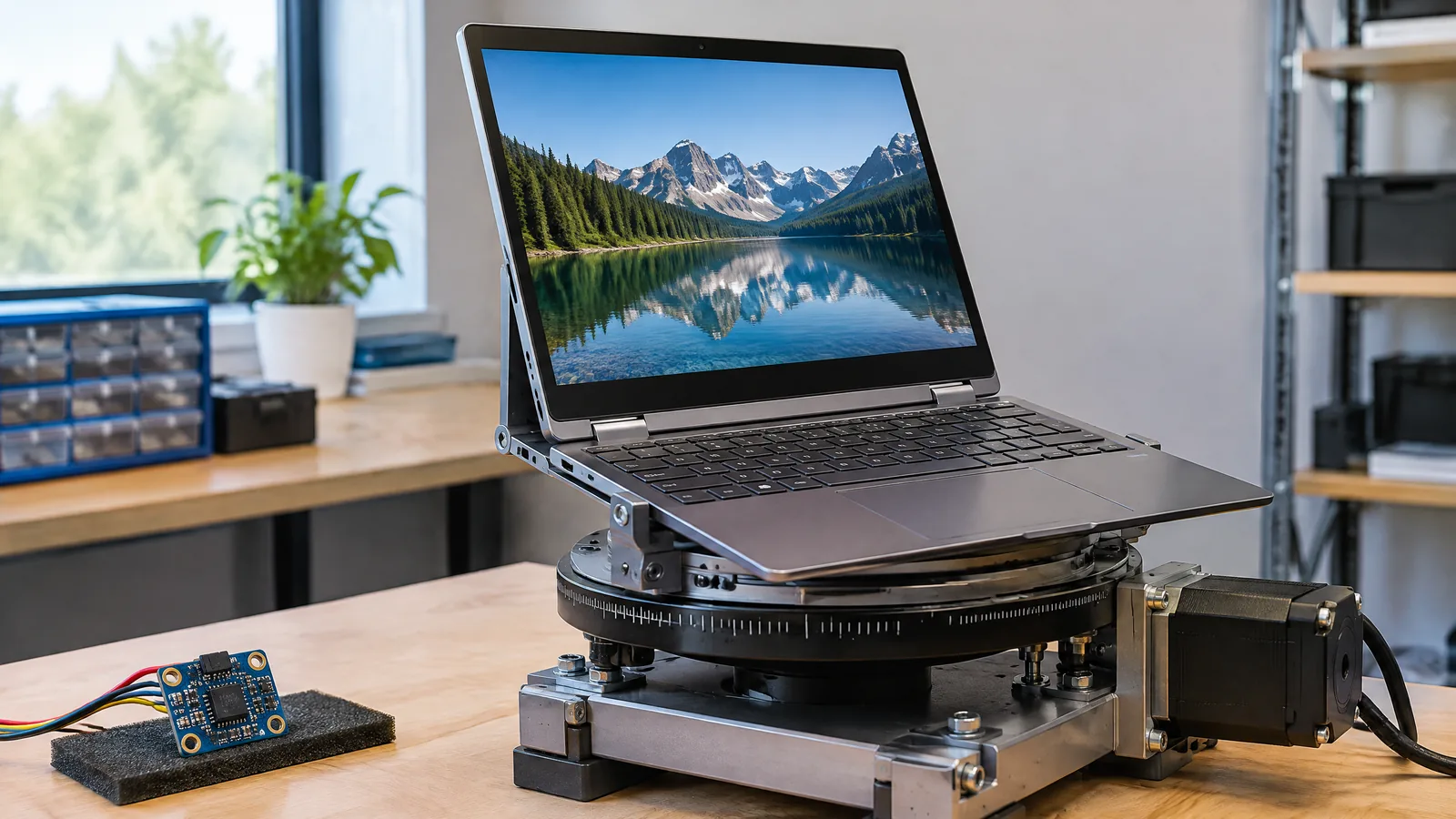
Your convertible laptop may rotate its display when you turn it into tablet mode, while a similar-looking clamshell does nothing when you tilt it. A laptop accelerometer measures acceleration along three axes, including the effect of gravity, so software can use that data as one input for motion and orientation features when the hardware and operating system support them.
This article is part of the computer hardware technology guide library.
What a laptop accelerometer measures
A laptop accelerometer is a small physical motion sensor that reports acceleration along the device's X, Y and Z axes. Acceleration means a change in velocity, not a direct reading of speed. In a stationary laptop, gravity still affects the reading, so the sensor can provide a gravity-related vector that software may use to estimate which way the device is tilted. [1] [2]
That distinction matters on a convertible. A device lying flat, held upright, or turned partly toward the user produces different distributions of gravity across its axes. During a quick movement, however, the reading also contains motion-related acceleration. An app should not treat every changing value as a reliable tilt angle without filtering and context.
- The physical component is usually an embedded multi-axis motion sensor; the laptop chassis and its mounting define the sensor axes.
- Gravity can help estimate tilt when the laptop is still or moving slowly.
- Motion, vibration and impacts can change the reading and make orientation harder to infer.
- The sensor does not see the room, measure screen angle directly, or guarantee that an app will rotate its interface.
Why convertibles use the data differently from clamshells
A two-in-one laptop has a practical reason to expose motion or orientation data: its display can fold back, rotate, or be used like a tablet. A drawing app, reading interface, game, or system shell may change its layout when the device changes orientation. Windows documents accelerometer, gyrometer, inclinometer and orientation sensor APIs as separate platform sensor interfaces, so the value an app receives may be a direct sensor reading or a higher-level orientation result supplied by the operating system. [1]
A traditional clamshell may not need the same feature and may omit the physical sensor. The outside shape alone cannot prove that an accelerometer is present. Sensor availability is a device capability, not a universal laptop specification, and an app must query or handle unavailable sensors rather than assuming every Windows laptop supports them. [1]
This is also why a Windows laptop motion sensor is not automatically equivalent to a phone's complete motion-sensing package. One model may provide an accelerometer only; another may expose gyroscope or fused orientation data; a third may offer none of these. Manufacturer firmware, drivers and the operating system affect what applications can actually access.
| Device or data source | What it contributes | What to avoid assuming |
|---|---|---|
| Accelerometer | Linear acceleration and gravity-related components on X, Y and Z | It does not directly measure rotation rate |
| Gyroscope | Angular velocity, or how quickly the device rotates | It is not a substitute for gravity-based tilt |
| Inclinometer or orientation API | A processed pitch, roll, yaw, quaternion or orientation result | It may be derived from multiple sensors and may be unavailable |
| Touch, mouse or keyboard | Alternative interaction when motion sensors are absent | It cannot recreate every motion-based interaction |
How a laptop accelerometer supports applications
The most visible example is laptop screen rotation. If a convertible's hardware and software expose suitable orientation information, the system can change a layout when the display moves between portrait and landscape. An application can also use tilt as an optional input for a game or interactive tool. Microsoft gives the example of a motion-controlled interface that should offer an on-screen control scheme when sensors are not available. [1]
A laptop accelerometer can also support context-aware behaviour, such as recognising that a device is being moved or used in a different physical position. That does not mean it can identify a person's activity accurately from one raw signal. The application decides how to sample, filter and interpret the data, and it may combine accelerometer readings with a gyrometer or other platform sensor. [1] [3]
For Indian beginners, the useful rule is simple: think of the accelerometer as an input stream, not a complete feature. The operating system and app turn that stream into screen rotation, tilt control or another response. If the device lacks the sensor, the app should still provide an ordinary control path where the task allows it.
- Screen layout changes on supported convertibles.
- Tilt-aware games or educational interfaces.
- Motion-aware utilities that react when a device is moved.
- Input to a fused orientation estimate when other sensors and platform support are available.
Laptop accelerometer limitations to remember
A laptop accelerometer reading is shaped by the particular sensor, its range, sampling interval, bandwidth, noise, mounting and temperature. Analog Devices lists bandwidth, sensitivity, noise, frequency response and dynamic range as factors when selecting an accelerometer. Those specifications belong to a sensor design and should not be treated as a universal promise for every laptop. [3]
Tilt estimates are easiest to interpret when the device is relatively still. A fast lift, a bump on a desk, fan vibration, or movement while typing can add acceleration that looks different from gravity. Software can filter or fuse readings, but processing cannot make an optional sensor appear on a laptop that does not have one. [1]
The accelerometer also has a fixed physical frame. Its X, Y and Z labels describe directions inside the laptop, not north, up in the room, or the direction a person is facing. Apps need a known device orientation and should handle changes in how the laptop is held. A gyroscope measures angular velocity rather than linear acceleration, so it complements an accelerometer instead of replacing it. [2] [3]
- Check the exact laptop's sensor and driver support instead of relying on its convertible branding.
- Treat orientation as a platform capability that can be missing, delayed or less useful during rapid motion.
- Offer touch, mouse or keyboard controls when the application can work without motion input.
- Do not use a consumer laptop sensor as a safety guarantee or as a substitute for an engineered measurement system.
Frequently asked questions
Do all laptops have an accelerometer?
No. A laptop accelerometer is optional. It is more relevant to convertibles and tablet-style devices, while many clamshell laptops may omit it. The operating system and an app should check the device's available sensor capabilities rather than assume the sensor exists. [1]
Can a laptop accelerometer rotate the screen?
It can provide motion and gravity-related data that software may use for screen rotation, but the feature requires suitable hardware, firmware, drivers and operating-system support. An accelerometer alone does not guarantee automatic rotation. [1]
Is a laptop accelerometer the same as a gyroscope?
No. An accelerometer measures linear acceleration and includes gravity-related components. A gyroscope measures angular velocity, or rotation rate. Some devices combine both data streams for a more useful orientation estimate. [2] [3]
What is a Windows laptop motion sensor used for?
Depending on the device and app, motion data can support orientation changes, tilt-aware interfaces, games and other movement-aware features. Microsoft recommends an alternative control method when an app should remain usable on systems without the relevant sensor. [1]
Can I add an accelerometer to any laptop?
This article does not recommend opening or modifying a laptop. A USB or external motion-sensing device is a separate accessory with its own software and placement issues; it is not the same as the laptop's built-in sensor capability.
About the image
AI-generated editorial illustration; not an actual product or mission photograph.
Source notes
Reporting record
techduopulse stores source destinations privately. Public notes remain non-clickable so every visitor journey stays on this website.
Source note: Microsoft — Sensors — Windows app development documentation
Context source · Windows describes accelerometer X/Y/Z G-force readings, gravity in those readings, separate gyrometer/inclinometer/orientation APIs, variable sensor availability, and the…Source note: Epson Sensing Device — What are accelerometers? Explain how they work, what they measure, and how they are used
Context source · Defines acceleration sensing, gravity-based tilt, 3-axis operation, the mass-and-spring principle, and the difference between accelerometers and gyroscopes.Source note: Analog Devices — Accelerometer and Gyroscopes Sensors: Operation, Sensing, and Applications
Context source · Explains MEMS mass displacement and capacitive sensing, distinguishes linear acceleration from angular velocity, and identifies bandwidth, sensitivity, noise, frequency…Source note: STMicroelectronics — Accelerometers
Context source · Describes MEMS accelerometers for motion, orientation and gravity sensing in personal electronics and distinguishes different embedded sensing implementations.New application article distinct from the existing accelerometer explainer. Focuses on the optional built-in laptop sensor, convertible and clamshell distinction, Windows capability handling, derived orientation data, alternatives and practical limitations; excludes model-specific claims, statistics and hardware modification advice.


