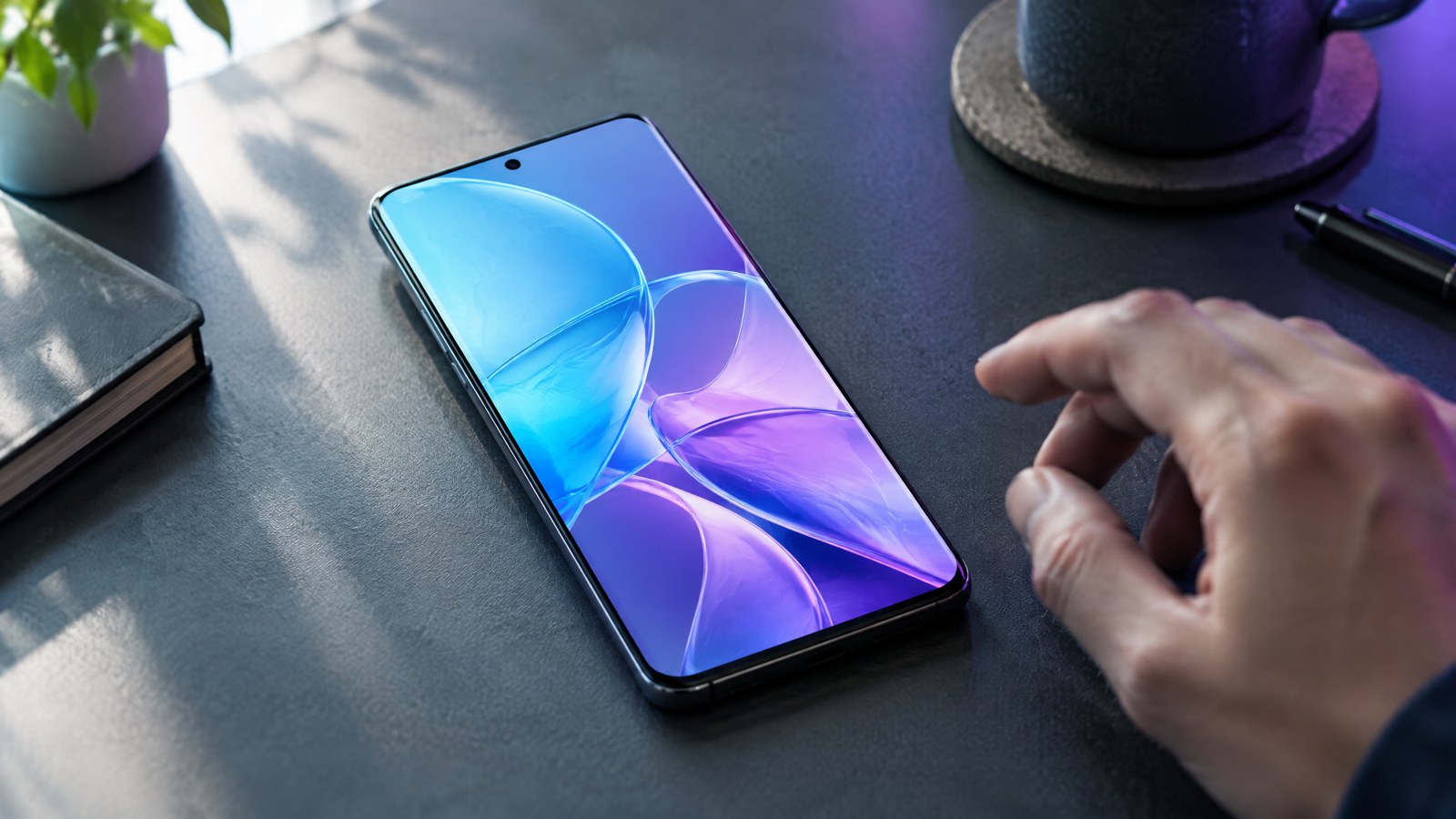
Apple HomeView arrives in India on 13 November as a 7-inch shared display for video calls, music, household information and compatible smart-home controls. The headline feature set is real, but Apple HomeView India makes most sense in a household that already has a compatible iPhone or iPad and Apple’s Home app in use. Siri AI is a beta feature in HomeView software version 27.2, begins in English, and personal-context requests need a paired Apple Intelligence-enabled iPhone or iPad. That is a useful difference between the product on paper and the experience a family can expect on day one.
This article is part of the consumer technology guide library.
What Apple announced for India
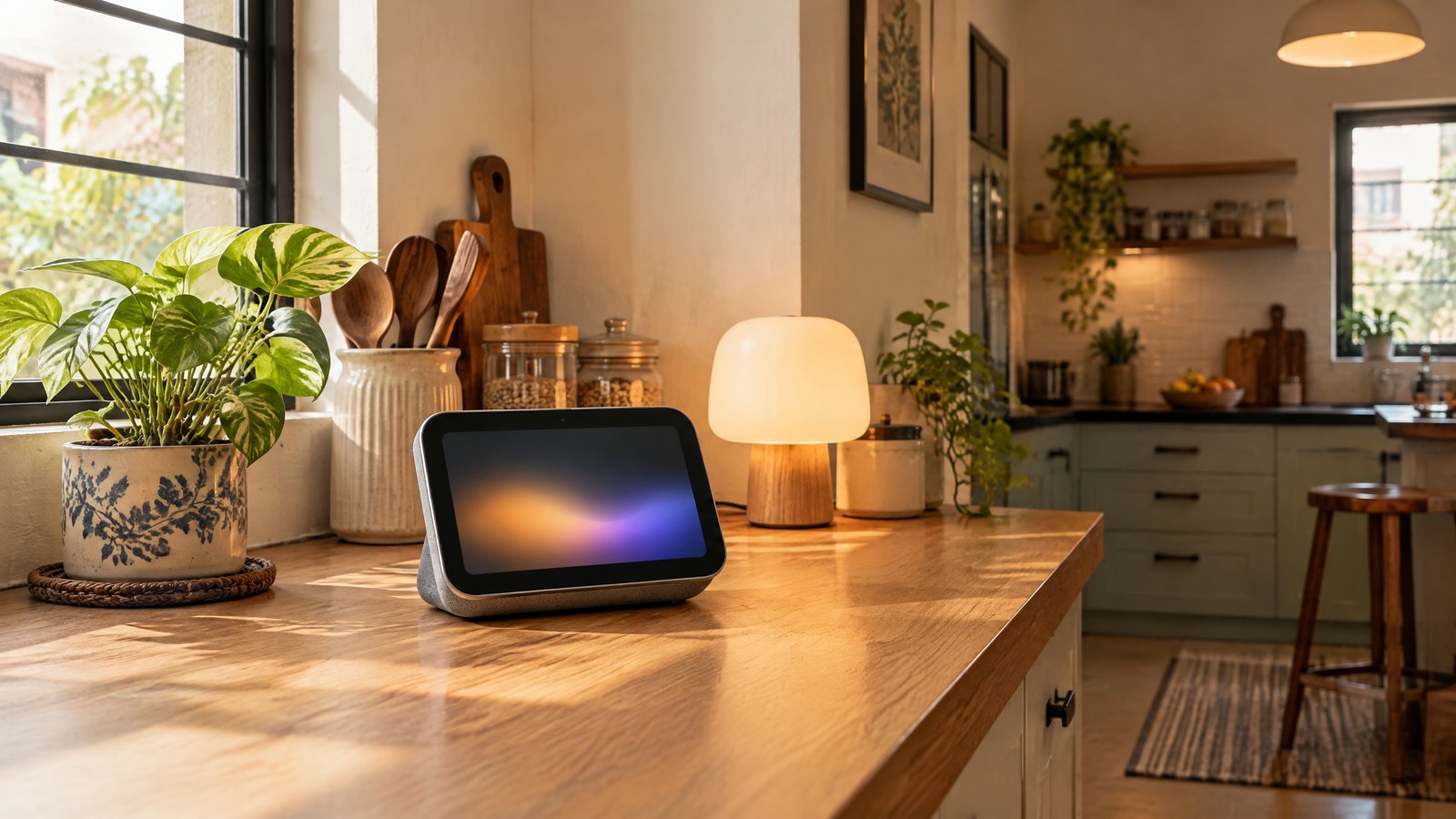
Apple announced HomeView on 13 October and says it will be available in India from 13 November. The desk model has a 17.73 cm (7-inch) Liquid Retina display, a 12MP Centre Stage camera, four microphones and speakers; a wall-mounted version is also planned. The standard model needs wired power, although Apple includes a USB-C cable and USB-C power adapter. The wall-mounted model also needs wired power, while its compatible mount, cable and adapter are sold separately.
The everyday case is easy to picture: a kitchen screen for a timer and recipe, a FaceTime call while someone is cooking, music in a room, or a single place to adjust lights and check a door camera. It can show up to nine camera feeds at once, according to Apple. This is not a battery-powered screen you can casually move from room to room, so outlet position and cable routing are part of the decision before any smart-home feature is considered.
A reported India price should be treated carefully. India Today reports ₹39,900, while the Apple material reviewed for this article confirms India availability but did not show an India MRP in its extracted product text. Treat the reported figure as secondary information rather than an Apple-confirmed price in this article. Mounts, smart-home accessories, subscriptions and some services can add to the total cost.
- Announcement date: 13 October 2026.
- India availability begins: 13 November 2026.
- Display: 17.73 cm (7-inch) Liquid Retina display.
- Power: wired power is required for both HomeView formats.
Who will get the most from Apple HomeView India?
An Apple household is the intended fit. HomeView setup and multiuser support require a compatible iPhone or iPad running the latest software. For a recognised person to see personal material such as Messages or Calendar, Apple says their paired iPhone or iPad must be on the same Wi-Fi network and recently unlocked. A person also needs an Apple Account, a compatible iPhone or iPad and membership of the shared Home app home to unlock the full personalised experience.
That makes the product a poor fit for an Android-only home unless someone is adding a compatible Apple device specifically to set it up and manage it. An Android phone is not a substitute for the required iPhone or iPad in Apple’s setup and personalisation rules. It also means the product is not an all-purpose family tablet: its value comes from a fixed, shared Apple Home screen and the connected Apple devices behind it.
Guests and unrecognised users are not locked out completely. Apple says they can control smart-home accessories, check the weather, set timers and play music without seeing anybody’s personal information. That is a practical guest mode, not a shared account. It does not grant access to a resident’s messages, calendar or personalised results.
Which smart-home accessories work with HomeView?
HomeView works through Apple’s Home app with compatible HomeKit- or Matter-enabled accessories. Those accessories are sold separately. A Matter logo or a HomeKit claim on a box is more useful here than assuming every existing Wi-Fi gadget will appear in Apple’s dashboard. Check the exact accessory model, its current firmware and the functions exposed to Apple Home before planning automations around it.
The device can bring the controls together, but it cannot turn an unsupported bulb, lock, camera or thermostat into a compatible one. Features also have their own conditions. For example, Apple says video summaries and natural-language search for HomeKit Secure Video recordings need an Apple Intelligence-enabled iPhone or iPad for setup plus an eligible iCloud+ plan. Camera limits for some AI features can vary with the plan.
For a household starting from scratch, buy the core safety and convenience devices for their own reliability first, then check HomeKit or Matter compatibility. That approach avoids treating a smart display as the thing that makes every accessory work.
- Compatible HomeKit or Matter accessory required for smart-home control.
- Accessories are separate purchases.
- Some camera-recording AI features need an eligible iCloud+ plan and compatible Apple devices.
- Check support model by model; compatibility is not a promise that every feature will be exposed.
Siri AI is beta, English-first and not the same for every household
HomeView ships with Siri AI, but readers should not read that as every advertised AI feature being fully available immediately. Apple says Siri AI is beta in HomeView software version 27.2 and available in English to start. Personal-context requests need a paired Apple Intelligence-enabled iPhone or iPad running current software, with Siri AI enabled and set to a supported language.
In practical terms, a request about a resident’s calendar, messages or app information depends on that resident’s paired device and recognition conditions. A general question, a timer or a music request is a different kind of task from drawing on private data. If a household uses more than one language, it should not assume the English-first rollout covers every person’s normal voice interaction on the first day.
Apple also says certain Apple Intelligence features using server-side models have daily usage limits, and that expanded access will be available for a fee in the future. It does not follow that every HomeView owner will face an immediate paid plan, but it does mean AI-heavy use should be treated as conditional rather than a fixed, unlimited part of the hardware purchase. Some entertainment apps and services may also need subscriptions.
Camera, microphone and household privacy
A screen with an always-ready voice assistant, camera and face recognition deserves a placement conversation before it goes on a kitchen counter or in a hallway. Apple says the A18 chip’s Secure Exclaves process the camera and microphone feeds in a compartment that cannot be accessed by the operating system or Apple. Apple also says Siri requests can use on-device processing or Private Cloud Compute; for the latter, it says request data is not stored or made accessible to Apple or others.
Those are Apple’s stated technical protections, not a reason to stop thinking about the people in the room. Put the device where residents understand when it may be used for calls or voice requests, and be deliberate about a camera facing an entrance or a private shared space. The household should also explain the guest boundary: unrecognised users can reach basic controls and music, while personal content is meant to remain tied to recognised residents and their paired devices.
HomeView can recognise up to six people. Facial recognition can make a shared display less awkward for a family, but it also means every person who is enrolled should understand what personal content may appear and what the paired-device conditions are. A privacy setting is only useful when the household knows who can use it.
Smoke-alarm sound alerts are an extra notification, not a detector
Apple says HomeView can detect the sounds of smoke and carbon monoxide detectors in a home and alert an iPhone, iPad or Apple Watch. That can be useful when a household is away, but it does not make HomeView a certified smoke detector or a carbon-monoxide detector. The safety device that senses smoke or carbon monoxide, sounds locally and meets the applicable certification requirement remains essential.
Do not use a sound-recognition alert as a reason to delay a working alarm, replace batteries, change alarm placement or skip routine testing. The HomeView feature depends on hearing an alarm sound; it is not evidence that it has independently measured smoke or carbon monoxide in the room.
A realistic pre-order checklist
Before treating HomeView as the centre of a home, answer the setup questions that decide whether it will earn its place: Is there a suitable wired-power location? Does the person setting it up have a compatible iPhone or iPad? Are the lights, locks, cameras or thermostats actually HomeKit- or Matter-enabled? Which family members will use English with Siri AI at launch? And which extra services, such as iCloud+ for certain camera features, are needed for the setup you want?
For homes already built around Apple devices and compatible accessories, HomeView may consolidate tasks that otherwise happen across several screens. For Android-only homes or households with incompatible accessories, it is better understood as a costly Apple ecosystem expansion, not a universal smart-home answer. The difference is compatibility, not a question of whether a 7-inch display looks useful in a product video.
- Choose a permanent place with wired power and a sensible camera view.
- Confirm that a compatible iPhone or iPad will be available for setup and multiuser use.
- Audit existing accessories for HomeKit or Matter support before expecting them in the Home app.
- Separate the hardware cost from mounts, accessories, subscriptions and conditional AI access.
- Treat Siri AI as English-first beta software, then decide whether its current limits suit the household.
Frequently asked questions
When will Apple HomeView be available in India?
Apple announced HomeView on 13 October 2026 and says availability in India begins on 13 November 2026. The product page says it will be available through Apple in India, the Apple Store app and selected partners, subject to partner availability.
Does Apple HomeView work in an Android-only household?
It is not a natural fit. Apple says setup and multiuser support require a compatible iPhone or iPad on current software, and the full personalised experience requires an Apple Account, a compatible iPhone or iPad and membership of the shared Home app home. Guests without an iPhone can use basic controls, weather, timers and music, but that is not the full Apple household experience.
Are all Siri AI features available immediately on HomeView?
No. Apple says Siri AI is beta in HomeView software version 27.2 and available in English to start. Personal-context requests require a paired Apple Intelligence-enabled iPhone or iPad with Siri AI enabled in a supported language. Certain server-side Apple Intelligence features have daily usage limits, and Apple says expanded access will be available for a fee in the future.
Will HomeView control every smart device I already own?
No. Apple requires a HomeKit- or Matter-enabled accessory, and accessories are sold separately. Check the exact model and its current support rather than assuming a Wi-Fi device will appear in the Home app or expose every feature.
Is HomeView’s smoke-alarm sound detection a replacement for a smoke or carbon-monoxide detector?
No. Apple describes a feature that detects the sounds made by existing smoke and carbon-monoxide detectors and sends an alert to personal devices. It is an additional notification layer, not a certified detector that measures smoke or carbon monoxide. Keep approved alarms installed, powered and maintained.
What can guests do on HomeView?
Apple says guests and unrecognised users can control smart-home accessories, check the weather, set timers and play music without accessing personal information. They do not receive a resident’s messages, calendar or personalised HomeView experience.
Source notes
Reporting record
techduopulse stores source destinations privately. Public notes remain non-clickable so every visitor journey stays on this website.
Apple HomeView announcement
Primary source · What Apple announced for IndiaApple India HomeView product page
Primary source · Who will get the most from Apple HomeView India?Reported India HomeView price
Secondary source · What Apple announced for IndiaNew 14 October 2026 India news article explaining the 13 November launch, wired-power and Apple-household requirements, HomeKit/Matter compatibility, privacy controls, Siri AI beta and usage caveats, guest limits and safety boundaries. India pricing is labelled as a secondary report rather than Apple-confirmed in the reviewed source material.