A smart home is most helpful when ordinary actions remain predictable: a light responds, a sensor reports, and an automation behaves in a way the household can explain. Reliability is not just a matter of buying compatible-looking devices. It comes from deciding which functions should work locally, understanding where a controller or cloud service is required, and keeping the network and permissions manageable. A clear plan can reduce both frustration and unnecessary data exposure.
This article is part of the consumer technology guide library.
Define the essential behaviours first
Start with the outcomes that matter in everyday life: lighting at entry points, temperature control, alerts, accessibility routines, or safety-related notifications. Mark which of those functions must keep working during an internet outage and which genuinely need remote access. This separates a useful local automation from a convenience that depends on a vendor service. It also prevents a collection of gadgets from becoming more complex than the household can maintain.
Local control means a command or automation can be handled within the home network rather than requiring a round trip to a remote service. It does not necessarily mean that every device has no internet connection or that remote control is impossible. It means the essential pathway is designed to work nearby when its local controller, devices, power, and network remain available. Those conditions should be tested, not assumed from a product description.
Understand what interoperability promises and omits
Interoperability is the ability of devices or systems to work together through agreed technical rules. It can simplify setup and make a mixed-device home more manageable, but it does not promise that every advanced feature transfers across every app or platform. Look for the specific device category, controller role, transport, and feature support you need. A compatibility badge is useful evidence, yet it should not replace reading the functions you plan to use.
Matter is an open smart-home protocol that uses familiar technologies including Wi-Fi, Thread, Ethernet, and Bluetooth Low Energy for setup. The Connectivity Standards Alliance describes it as an IP-based protocol intended to enable secure, reliable interoperability. Matter can help compatible products communicate in a common ecosystem, while older or different protocols may require a bridge. A bridge can be useful, but it is another component whose support and local behaviour should be understood.
Local does not mean controller-free
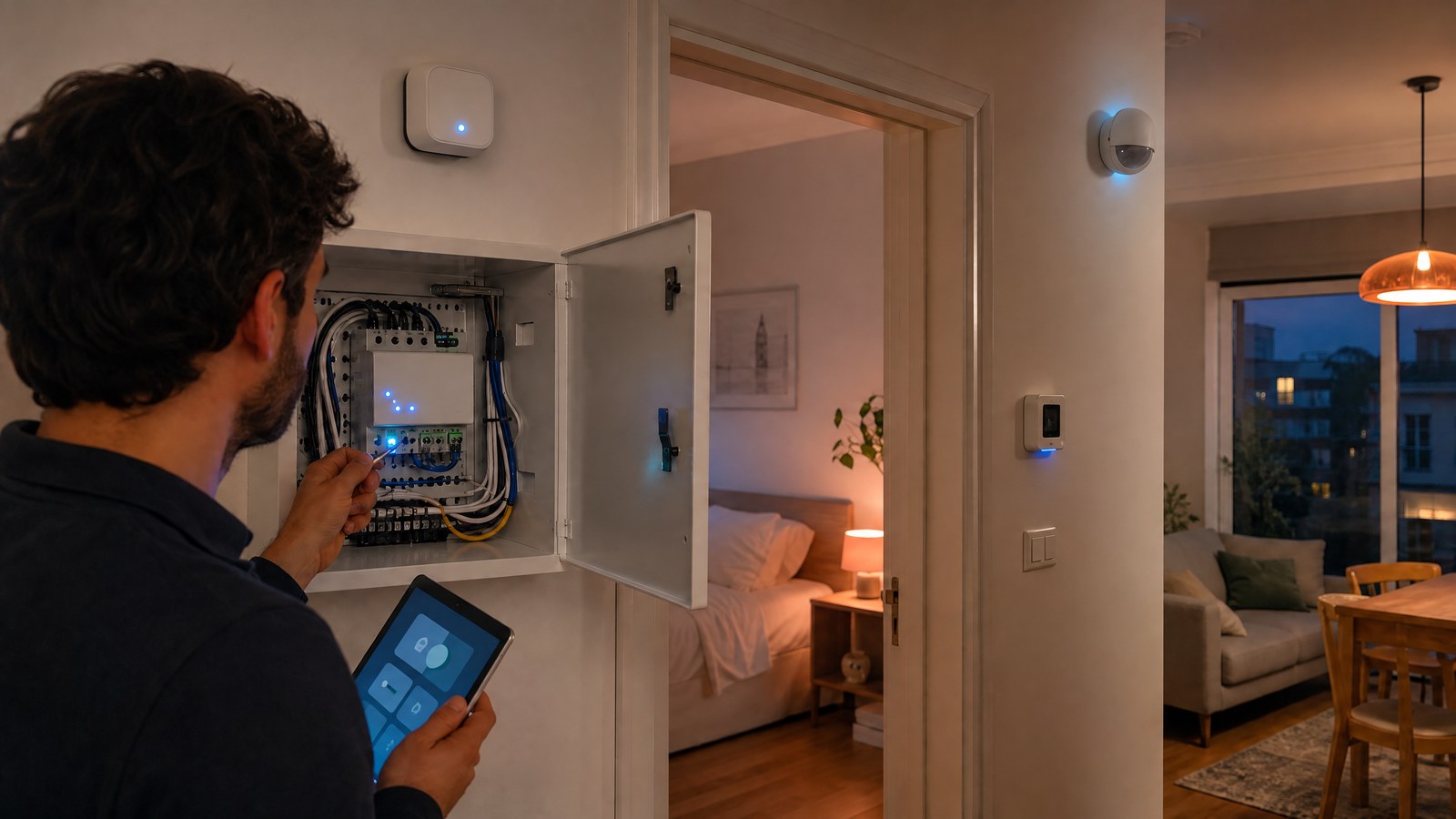
Many local smart-home systems still rely on a controller, hub, smart speaker, or bridge to coordinate devices. That component becomes part of the reliability plan: it needs stable power, updates, backups where applicable, and a known recovery path. The controller may also expose remote access through an app, so local operation and remote administration should be considered separately rather than treated as opposites.
The Matter FAQ explains that Matter is a local connectivity technology and that Matter-only devices need an internet-connected controller in the home for control when away. This is a valuable distinction. A home may retain local device-to-controller operation while remote access has different dependencies. Before relying on an automation, identify what happens if the controller restarts, the internet fails, an account is unavailable, or the companion app changes.
Design privacy through data minimisation
Data minimisation means collecting and sharing only the information needed for a function. In a smart home, that begins with choosing devices whose sensing is proportionate to the benefit. Ask what data leaves the home, who can access it, how long it is retained, and whether the key automation can work without continuous cloud processing. A locally handled light schedule generally has different privacy implications from an always-connected audio or video service.
Matter includes privacy-oriented practices such as data minimisation and encrypted communications, according to the Connectivity Standards Alliance. Those protocol properties are helpful but do not settle every privacy question. Device makers, apps, controllers, and remote services can have their own data practices. Read the relevant settings and account choices, then disable integrations or permissions that do not support a clear household need. Simpler data flows are usually easier to understand and audit.
Secure the network that carries the automation
Smart-home reliability depends on basic network hygiene. Change default administrator credentials, use strong unique passwords, keep router and device software updated, and review which devices are connected. CISA notes that software updates often include security fixes and that factory-default configurations can be overly permissive. These are not glamourous tasks, but they reduce the chance that convenience features become uncontrolled access paths into the home network.
Consider separating less-trusted connected devices from computers and sensitive personal equipment when the network supports it, while ensuring that required local control still works. Disable services that are not needed, including remote management or automatic discovery features when their convenience does not justify the exposure. Test changes carefully because network isolation can also block the local discovery or controller traffic that an automation depends on. Security is a design process, not a one-time switch.
Document, test, and keep a manual fallback
Write down the essential devices, controller, network location, accounts, and recovery steps in a form the household can use. Keep basic manual controls available for lighting, heating, and access where possible. Documentation is not an admission that an automation will fail; it is a way to make recovery less stressful when power, connectivity, or a device changes. A home should remain liveable even when the smart layer is unavailable.
Test the plan deliberately. Turn off internet access briefly, restart the controller at a convenient time, and observe what key routines do. Check that people who need access can still use the system, and review permissions after adding new platforms. The most reliable smart home is not the one with the longest feature list. It is the one whose local behaviour, compatibility boundaries, data flows, and fallback options are clear to the people living with it.
Source notes
Reporting record
techduopulse stores source destinations privately. Public notes remain non-clickable so every visitor journey stays on this website.
Matter local connectivity FAQ
Primary source · Local control, controllers, and privacyMatter interoperability overview
Primary source · IP-based interoperability and local reliabilityCISA home network guidance
Primary source · Network security practicesImage updated: embedded writing removed; article content and factual claims unchanged.