
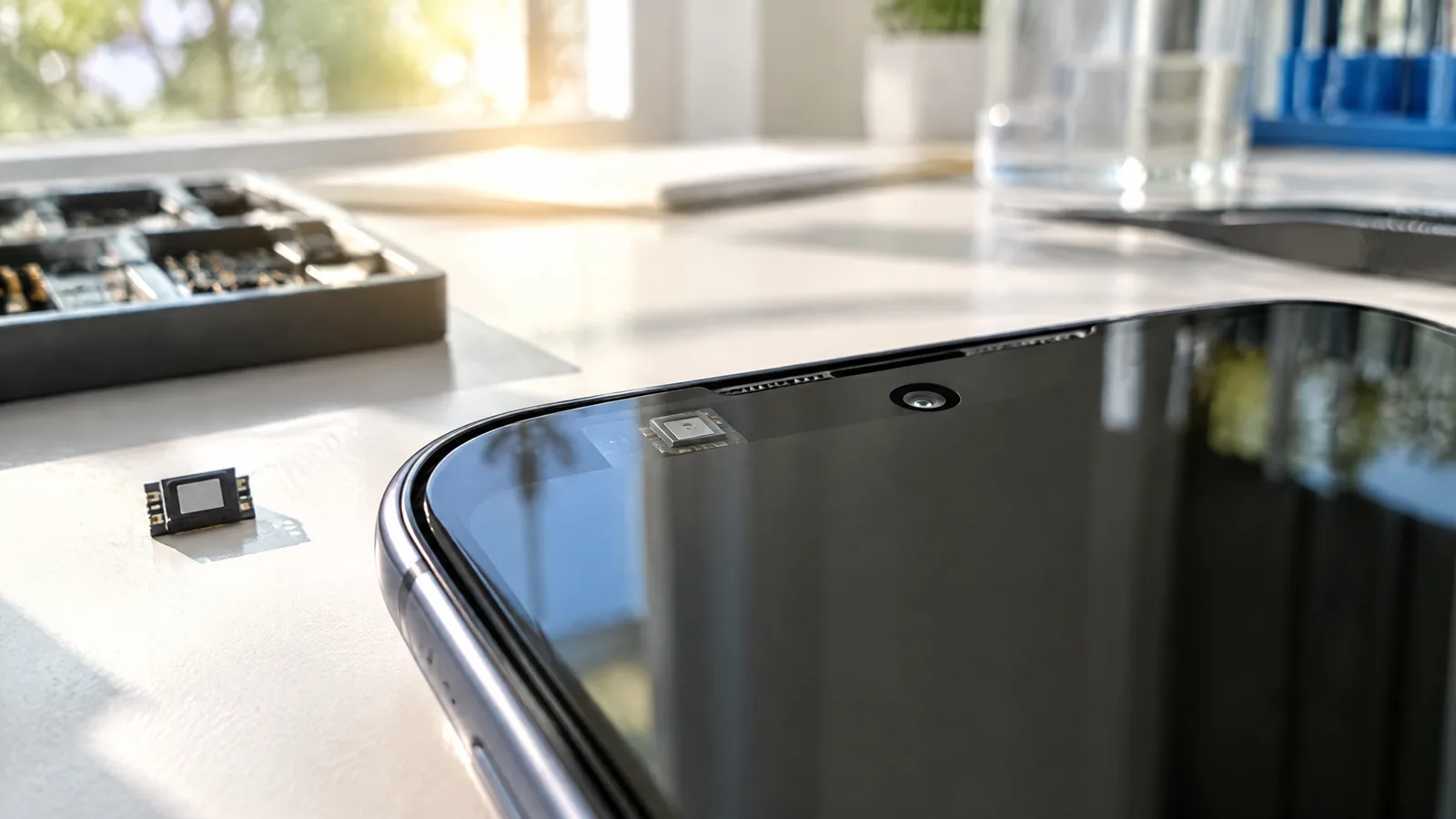
Your phone looks painfully bright in a dark room but too dim beside a sunny window, even with auto-brightness enabled. An ambient-light sensor measures surrounding illuminance so the phone's software can choose a more suitable display brightness, while the final result also depends on placement, filtering and tuning.
This article is part of the computer hardware technology guide library.
Key takeaways
- An ambient-light sensor is a physical illuminance sensor; auto-brightness is the operating system's response to its data.
- Android identifies its light-sensor reading as illuminance in lux (lx), but a phone's brightness curve is not a universal lux-to-screen formula.
- A case edge, hand, shadow, window glare or the phone's position can change the light reaching the sensor.
- Phones differ: Android says most manufacturers use a light sensor for screen brightness, and Apple lists dual ambient-light sensors on the iPhone 14 Pro.
What does an ambient-light sensor measure in a phone?
An ambient-light sensor measures light reaching the sensing hardware from the phone's surroundings. Android's environment-sensor documentation identifies the light sensor as `TYPE_LIGHT` and describes its event value as illuminance in lux, written as lx. Illuminance describes light arriving at a surface; it is not the same thing as screen brightness, camera exposure or the total light in an entire room.
The sensor is a physical component, usually placed behind or near the display's top area. The exact optical path is model-specific. A phone may use an integrated optical sensor, filters or more than one sensing element, so two phones held in the same place need not produce identical readings. Apple, for example, lists dual ambient light sensors in the iPhone 14 Pro specifications.
How phone auto-brightness uses the sensor reading
Auto-brightness is a control loop, not a direct command to make the screen match the room. The phone receives an ambient-light reading, combines it with its own brightness policy and then adjusts the display output. That policy can include a lower limit for dark rooms, a higher range for outdoor visibility, smoothing so the screen does not jump with every small change, and user preferences learned from manual adjustments.
A simple example shows the distinction. If you walk from a shaded room into strong daylight, the sensor detects a much brighter environment. The software may raise display brightness to keep text visible. If you cover the sensor with your hand, the phone can interpret the scene as darker and lower the screen level. The sensor measures the changing light; the operating system decides how much the display should change.
This is why two phones can react differently to the same lamp even when both have an ambient-light sensor. Their sensing hardware, optical filtering, firmware, display limits and brightness algorithms can all differ.
Where is the sensor, and why does placement matter?
The sensor needs a view of the surrounding light, but it is normally hidden inside the phone rather than exposed as a visible opening. Its position can be near the earpiece, selfie-camera area or another top-bezel region. Do not assume that every small opening on the front is the ambient-light sensor: a camera, proximity sensor and other components may be nearby.
A phone case or poorly fitted screen protector can partly shade the optical path. Your hand can do the same when you hold the phone in landscape orientation. Reflections from a white table, direct sunlight on the glass, a bright lamp behind you or a dark room with a strong screen can also make the sensor's local view different from what you expect. These effects do not automatically mean the sensor is faulty.
If auto-brightness seems slow or inconsistent, first remove an obvious obstruction and compare the behavior in several ordinary conditions: a dim room, indoor lighting, shade and outdoor light. Avoid treating one quick test as a calibration result. The phone's software may intentionally smooth changes rather than reacting instantly.
Why auto-brightness can feel wrong
The sensor does not see the scene exactly as your eyes do. Its spectral response, optical filter, angle of view and position affect the light it receives. Human comfort also depends on contrast, reflections and the content on the screen. A display can therefore feel too bright in a reflective room even when the sensor is reporting a plausible ambient level.
Software behavior is another source of variation. A manufacturer can choose a conservative brightness curve, apply smoothing, use multiple sensor inputs or let the system learn from manual corrections. Android states that its environment sensors are hardware-based and that hardware availability should be checked at runtime; this reinforces that phones can differ in both sensor presence and implementation details.
The reported lux value should not be treated as a promise that every phone is a calibrated light meter. Android documents the unit for the platform sensor event, but the phone's automatic display decision is a product-level behavior. For everyday troubleshooting, judge whether the display remains readable and comfortable rather than expecting a universal brightness percentage for a particular lux value.
Ambient-light sensor versus other phone sensors
An ambient-light sensor and a proximity sensor can sit close together, but they do different jobs. The ambient-light sensor responds to surrounding illuminance for display-related decisions. The proximity sensor detects a nearby object, commonly helping the phone manage the screen during a call. A camera also detects light, but its exposure system is designed to capture images rather than provide the phone's dedicated ambient-brightness input.
The distinction matters when diagnosing a setting. A screen that turns off near your face points toward proximity behavior, while a screen that changes brightness after moving between shade and sunlight points toward the ambient-light and display-control path. One phone can contain all of these components, and their physical locations may overlap visually without making them interchangeable.
Common questions about phone ambient-light sensors
Is an ambient-light sensor the same as auto-brightness?
No. The ambient-light sensor is the physical component that measures surrounding illuminance. Auto-brightness is software that uses that input, along with the phone's brightness policy and other device conditions, to adjust the display.
What unit does a phone light sensor use?
Android documents its `TYPE_LIGHT` sensor event in lux, abbreviated lx, as a measure of illuminance. The value is not a universal guarantee of how bright the screen will become because each phone's display policy and hardware can differ.
Can a screen protector affect auto-brightness?
It can if the protector, adhesive, dust or its edge shades or changes the optical path near the sensor. Check that the accessory is designed for the exact phone and does not cover the sensor area.
Why does auto-brightness change when I cover the top of the phone?
Covering the sensor reduces the light reaching it, so the phone may interpret the surroundings as darker and lower the display brightness. The exact response depends on the phone's filtering and software curve.
Do all phones have the same ambient-light sensor arrangement?
No. Hardware and placement vary by model. Android says manufacturers build the hardware into devices, and Apple lists dual ambient-light sensors on the iPhone 14 Pro, showing that implementations are not identical.
About the image
AI-generated editorial illustration; not an actual product or mission photograph.
Source notes
Reporting record
techduopulse stores source destinations privately. Public notes remain non-clickable so every visitor journey stays on this website.
Source note: Android Developers environment-sensor documentation; light sensor and illuminance guidance
Primary source · TYPE_LIGHT, lux units, hardware availability, screen-brightness use and sensor lifecycle guidanceSource note: Apple iPhone 14 Pro technical specifications; Sensors section
Primary source · Apple's listing of dual ambient light sensorsNew application-focused page for phone ambient-light sensing and auto-brightness. It deliberately narrows the scope to mobile display behavior, distinguishes the physical illuminance sensor from software control, and avoids duplicating the existing broad light-sensor guide.


