
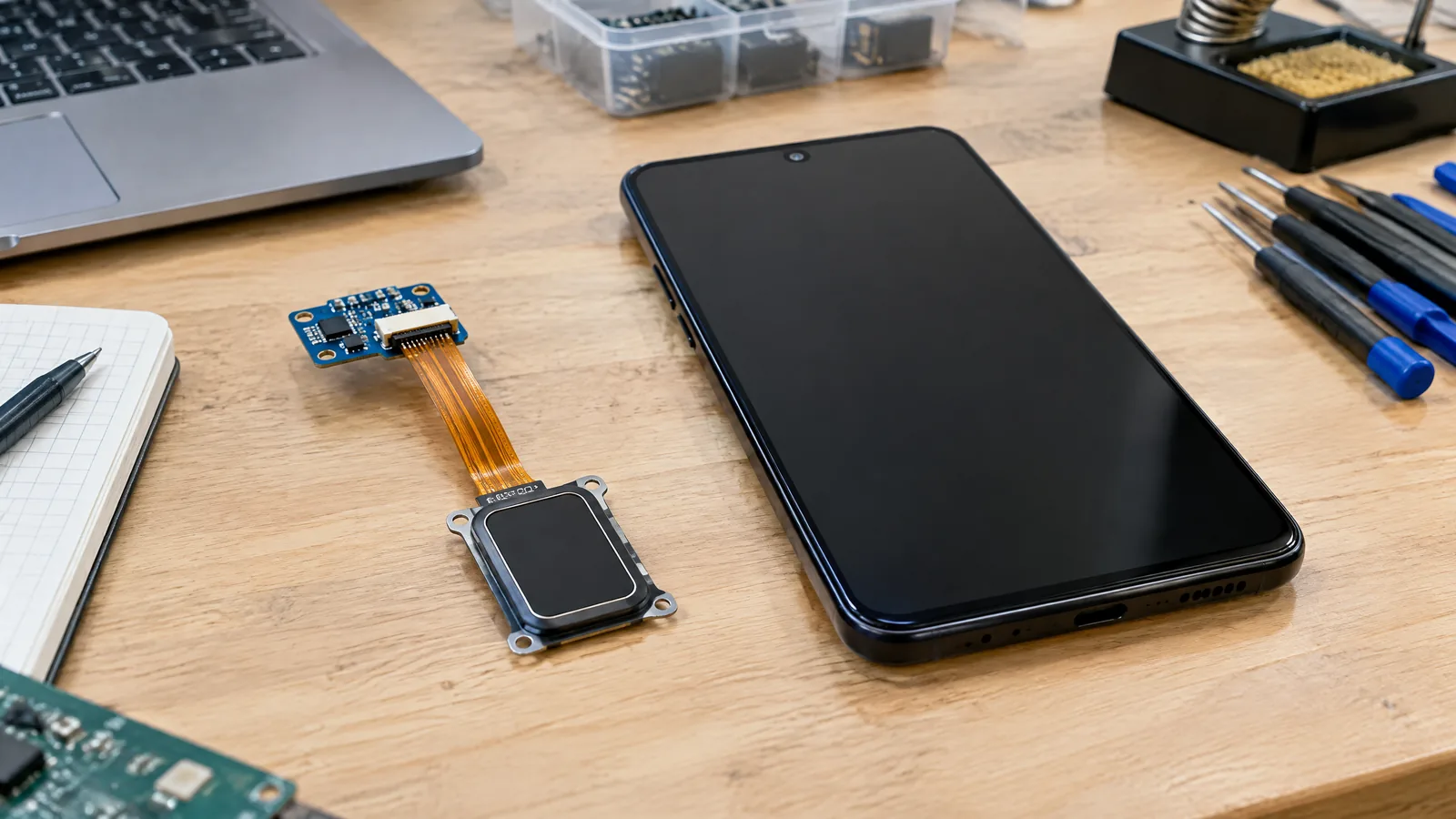
Phone fingerprint sensor types can sound like a specification-sheet detail until a reader will not accept a familiar finger. A phone captures fingerprint features within a protected enrolment and matching system; the reader may use optical, capacitive or ultrasonic sensing, and both its placement and behaviour depend on the particular model.
This article is part of the computer hardware technology guide library.
Key takeaways
- A fingerprint reader is a biometric acquisition component plus a protected matching path, not simply a camera or a touch button.
- Optical, capacitive and ultrasonic readers use different sensing principles to acquire fingerprint information. A phone may place a reader on the side, rear or beneath the display.
- On Android, security depends on the complete implementation and its biometric class, not on the word “ultrasonic” or “optical” alone.
- Apps using Android’s standard biometric flow receive an authentication result rather than a fingerprint image or reusable raw template.
- A PIN, pattern or password remains important because Android treats biometrics as a secondary authentication tier and uses device credentials as fallback.
What does a fingerprint reader measure?
A fingerprint is made up of ridges and valleys. A reader captures a live presentation of those features; the system extracts matching information during enrolment and compares a later presentation with the enrolled representation when you unlock or sign in.
The physical reader is only one part of the process. Sensing electronics, firmware, a matching algorithm and a security boundary all matter. A fingerprint reader is not an ordinary camera that makes its capture available to every app.
Android’s biometric guidance says that, for Class 2 and Class 3 implementations, raw biometric data and derivatives such as templates must stay inside a secure isolated environment such as a Trusted Execution Environment or Secure Element. Data stored there must be protected with a device-specific key. In the standard Android app flow, the app handles an authentication outcome rather than a reusable fingerprint file.
Phone fingerprint sensor types explained
The three names most often used for phone fingerprint sensor types describe how the reader gathers fingerprint information. They do not, by themselves, establish the security class, reliability or overall quality of a particular phone.
Optical fingerprint sensors use light to produce a fingerprint picture. A peer-reviewed technical review describes optical designs that use light reflection or refraction and imaging components. Android supports under-display fingerprint implementations, but that platform support does not identify the optical design used by any particular handset.
Capacitive fingerprint sensors use an array whose measured capacitance changes with the varying distance between the finger’s raised ridges and the sensor surface. Those different values can be converted into data for a fingerprint representation. The physical packaging and placement are model-specific.
Ultrasonic fingerprint imaging uses the reflection of ultrasound across materials with different acoustic impedance. In the described pulse-echo approach, ridges and valleys produce different echo signals, allowing a fingerprint image to be formed. Android’s testing guidance discusses capacitive and ultrasonic fingerprint systems as different implementations, but a technology label does not make every model behave the same way.
These categories describe sensing principles, not a buying shortcut. The protected pipeline, software tuning, enrolment flow and physical design all contribute to the experience.
Where is the reader on a phone?
A manufacturer may put a fingerprint reader on the side, on the rear or under the display. Placement is a model-specific hardware choice, so check the exact regional model rather than inferring it from a product family name.
Android includes support for under-display fingerprint implementations. That does not mean every display-equipped phone has this hardware, or that every phone with it uses the same sensing method or interaction area. Follow the handset maker’s instructions for its own reader.
The component is optional. Some phones have no fingerprint reader and instead use a different biometric modality, a device credential or both. The exact model and its Settings are the reliable check for available authentication options.
How Android uses a fingerprint reader for unlock and apps
Android places fingerprints within a tiered authentication model. The Android Open Source Project describes PINs, patterns and passwords as primary authentication, while biometrics provide a balance between convenience and security. Android classifies biometric implementations as Class 3, Class 2 or Class 1, with different privileges and constraints. The class belongs to the implementation, not just to the sensor type printed in a specification sheet.
For apps, the standard route is the system BiometricPrompt flow. An app can ask Android whether an accepted authenticator is available, show the system prompt and react to a successful or failed result. It can also allow DEVICE_CREDENTIAL, which means a PIN, pattern or password can serve as a fallback. That fallback is not a second fingerprint sensor; it is a separate authentication method.
Before enrolment, the user needs a screen-lock credential. It provides a recovery path when a biometric is unavailable or not accepted, and when Android requires the primary credential again.
What security limits should you understand?
No fingerprint reader should be presented as impossible to fool. Android evaluates biometric implementations using architectural security and spoofability. Its documentation discusses measures including Spoof Acceptance Rate, False Acceptance Rate and, where relevant, Imposter Acceptance Rate. These are evaluation concepts for the complete biometric system, not a universal performance promise for every phone sold in India.
A fingerprint reader cannot solve every account-security problem. If an app accepts a biometric prompt, it is learning that Android accepted an enrolled authenticator under the rules it requested, not that the person owns every account or that the device is free of every threat.
Keep the screen-lock credential private, review which apps request biometric authentication and use the official system prompt. Do not install an app claiming it can export your fingerprint template or bypass protected enrolment.
Why a fingerprint reader may fail to recognise you
A later scan has to be acquired well enough for comparison with the enrolled representation. The peer-reviewed sensor review notes that fingerprint capture can be affected by posture and angle. It also reports that one optical total-reflection approach can be affected by finger moisture and folds. Those findings describe particular sensing approaches, not a prediction of how every phone or every under-display reader will perform.
If the reader is unavailable or the attempt is not accepted, use the device credential. For enrolment or hardware questions, use the phone maker’s documented Settings path and support guidance. Avoid improvised tests or attempts to alter the reader.
If an app cannot use the reader, that may be an app-policy or Android-compatibility issue rather than a failed sensor. The app may request a stronger biometric class, require a device credential, or run on a version whose supported authenticator combinations differ.
Fingerprint reader FAQs
Which is better: optical, capacitive or ultrasonic fingerprint sensing?
There is no universal winner based only on the label. Each method acquires fingerprint information differently, while the security implementation, software tuning, enrolment and physical design affect results. Compare the exact model rather than assuming one category guarantees better security.
Is an under-display fingerprint reader the same as a camera?
No. It is a biometric reader integrated into the phone’s authentication system, not an ordinary camera feed exposed to apps. For Android Class 2 and Class 3 implementations, raw biometric data and template derivatives must remain in a secure isolated environment.
Can an app see my fingerprint image?
For Android Class 2 and Class 3 implementations, Android requires raw biometric data and template derivatives to remain in a secure isolated environment. Apps normally use BiometricPrompt and receive an authentication result, not a reusable fingerprint image.
Why does my phone still ask for a PIN after fingerprint setup?
The PIN, pattern or password is the device’s primary credential and fallback. Android may require it when a biometric is unavailable, after security-related events or according to the biometric class’s rules. Setting up a fingerprint does not remove the need for the screen-lock credential.
Does every phone have a fingerprint reader?
No. Fingerprint hardware is optional and model-specific. A phone may use a side, rear or under-display reader, another biometric modality, a device credential or a combination. Check the exact model and Settings.
About the image
AI-generated editorial illustration; not an actual product or mission photograph.
Source notes
Reporting record
techduopulse stores source destinations privately. Public notes remain non-clickable so every visitor journey stays on this website.
Source note: Android Open Source Project biometrics guidance
Primary source · Biometric tiers, under-display support, secure isolated environment, protected templates and Android integrationSource note: Android biometric security measurement guidance
Primary source · Architectural security, spoofability, SAR/FAR/IAR, biometric classes and capacitive/ultrasonic fingerprint evaluationSource note: Android Developers BiometricPrompt authentication guidance
Primary source · Credential prerequisite, BiometricPrompt, authenticator availability, enrolment and device-credential fallbackSource note: peer-reviewed fingerprint-sensor mechanism review
Secondary source · Optical light-based imaging; capacitive distance-dependent capacitance; ultrasonic pulse-echo/acoustic-impedance imaging; bounded posture, angle and moisture observationsSource note: NIST fingerprint-authentication background
Primary source · Fingerprint ridges, valleys, capture, feature extraction, templates and matching; capacitance and optical acquisition technologiesRemediated the 03-11 editorial hold with a targeted peer-reviewed fingerprint-sensor receipt and a NIST technical receipt. Rewrote the optical, capacitive and ultrasonic explanations to track documented mechanisms; removed unsourced phone-wide claims about dirt, screen protectors, dry fingers and placement ergonomics; bounded the remaining posture/angle and moisture discussion to the identified sensing approaches. Preserved Android security, BiometricPrompt and device-credential claims from existing primary receipts. Verified the proposed slug is absent from supplied inventory and set the parent-owned prospective owner URL without deploying it.


