
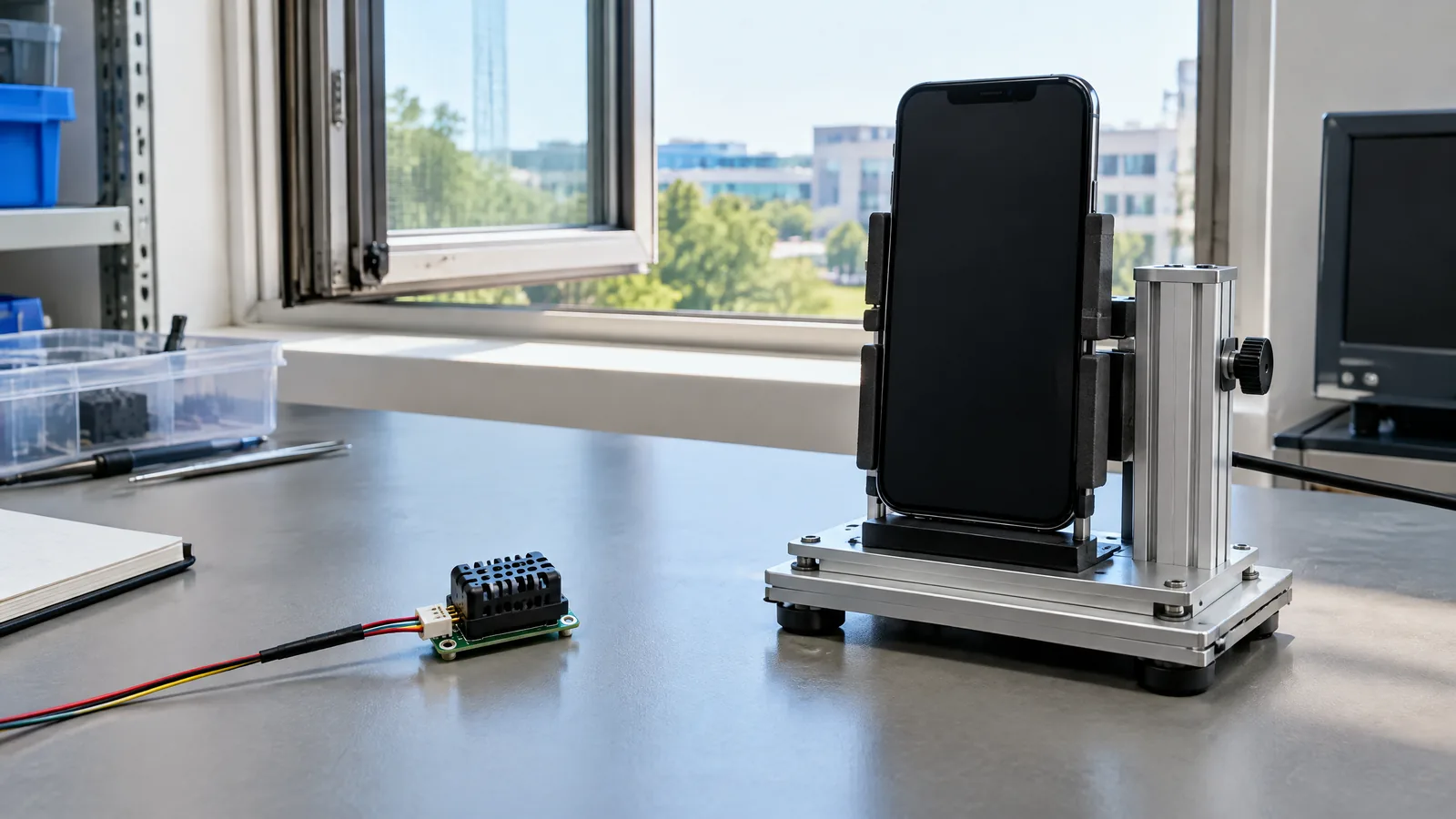
If you want to know whether your room is hot, a phone app may look like the easiest thermometer—but the answer depends on hardware your exact model may not have. An ambient-temperature sensor measures nearby air temperature in degrees Celsius, while a phone’s own heat, a software estimate or a device-temperature sensor can describe something different.
This article is part of the computer hardware technology guide library.
Key takeaways
An ambient-temperature sensor is an optional physical component, not a feature every smartphone automatically includes. Android calls the relevant sensor type `TYPE_AMBIENT_TEMPERATURE` and defines it as ambient air temperature in °C.
A reading is useful only when the sensor is present and exposed to air without strong local heat. A phone in a pocket, hand, sunlight or on a charger may not represent the room.
Check the sensor list for your exact phone instead of trusting the brand, Android version or an app listing. A device-temperature sensor is not the same as an ambient-temperature sensor.
What does an ambient-temperature sensor measure in a phone?
An ambient-temperature sensor is a hardware-based environmental sensor designed to report the temperature of the air around the device. In Android’s sensor framework, `TYPE_AMBIENT_TEMPERATURE` returns one value in degrees Celsius. That is a local air reading, not a forecast and not a measurement of the phone’s processor or battery. [1] [2]
The physical sensor element responds to heat; the sensor framework is the software interface; and an app is the instrument that requests and displays the value. The app does not create an ambient sensor if the handset lacks the component.
Android also documents a legacy `TYPE_TEMPERATURE` sensor for device temperature. Its implementation varies across devices and it was deprecated in API level 14, when the ambient-temperature sensor replaced it for the newer purpose. A result labelled simply “temperature” needs interpretation before you call it room temperature. [1] [2]
Do all phones have an ambient-temperature sensor?
No. Android says few Android-powered devices have every sensor and specifically notes that fewer devices have thermometers or barometers than accelerometers and magnetometers. Manufacturers are not required to provide any particular sensor, so availability is model-specific rather than guaranteed by Android. [1]
A light sensor used for automatic brightness does not prove that a handset has an ambient-temperature sensor. Likewise, a battery-temperature value or a thermal warning does not prove that the phone can measure room air. Those are different physical locations and uses.
A generic “phone room temperature sensor” app is not proof. It may read a real sensor, show a device value, estimate conditions from other data or be unable to provide a useful result. Read the sensor type and source it reports.
How to check whether your phone has one
The reliable question is not “does Android support this sensor?” but “does this exact phone expose it?” Android provides a framework that apps can use to determine available sensors and inspect capabilities such as range, manufacturer, power requirements and resolution. Its guidance says to verify that a sensor exists before acquiring data. [1]
Use a reputable sensor-information utility that names the sensor type, or ask an app developer to show the raw Android sensor type. Look for `TYPE_AMBIENT_TEMPERATURE` or “ambient temperature.” A general temperature, battery temperature or CPU temperature field is not equivalent.
If you are developing an app, query the sensor manager at runtime and handle a missing result. A feature depending on this optional component should explain that it is unavailable rather than display a made-up or substituted room reading. Android also recommends unregistering listeners when an activity pauses. [2]
- Open a sensor-information app from a trusted source, or use your own app’s sensor list.
- Find the exact sensor label and type; prefer `TYPE_AMBIENT_TEMPERATURE` over an unexplained “temperature” field.
- Observe the value in different surroundings only as a plausibility check, not a calibration test.
- If the sensor is not listed, assume the phone cannot provide a direct ambient-air reading.
Why a phone reading can be warmer than the room
Even with the right physical sensor, placement affects the result. A phone in a pocket or under a pillow is surrounded by trapped heat. Holding it transfers heat from your hand. Charging, gaming, bright displays, mobile radios and direct sun can warm the handset and nearby air.
The result may be a local reading influenced by the enclosure and surroundings rather than a representative room measurement. This does not prove the sensor is faulty; “ambient” is local. For a closer approximation, leave the phone in a shaded, ventilated place away from charging and handling. This does not turn it into a calibrated weather station.
A software estimate may infer conditions from other sensors or online data rather than directly measuring air at the handset. Do not use a phone temperature value for body-temperature decisions, medical decisions, food safety or safety-critical control.
Ambient temperature sensor versus other phone temperature readings
Use the physical target as the test:
| Reading or component | What it may represent | Can it answer room temperature? |
|---|---|---|
| Ambient-temperature sensor | Nearby air temperature exposed to the handset | Potentially, if the exact phone has `TYPE_AMBIENT_TEMPERATURE` and placement is suitable |
| Device, battery or chipset temperature | Temperature near a phone component | No; it describes a device location, not general room air |
| Software estimate | A value inferred from other data or an external service | Not a direct local-air measurement |
| Thermometer app | The display and instrument layer | Only if it identifies and reads a real ambient sensor |
Frequently asked questions
These answers apply to the sensor capability, not a particular phone model. The exact sensor list on your handset is the deciding evidence.
How can I tell if my phone has an ambient-temperature sensor?
Use a trusted sensor-information utility or your own app’s Android sensor list and look for `TYPE_AMBIENT_TEMPERATURE` or an explicitly named ambient-temperature sensor. A battery, CPU or generic device-temperature value is not the same thing.
Can a phone measure room temperature without this sensor?
Not as a direct local-air measurement. An app may show an estimate or external weather data, but that is different from a physical ambient-temperature sensor built into the phone.
Why does my phone show a high temperature when the room feels normal?
The value may describe the phone or a nearby thermal pocket rather than the room. Pocket heat, your hand, charging, gaming and sunlight can bias a local reading.
Is an ambient-temperature sensor the same as a phone temperature sensor?
No. Android distinguishes `TYPE_AMBIENT_TEMPERATURE`, which measures ambient air, from the older `TYPE_TEMPERATURE`, whose implementation varies and refers to device temperature.
Can I use my phone as a medical thermometer or weather station?
Do not assume that capability. An optional phone sensor may lack the placement, calibration and validation needed for medical, safety-critical or formal weather measurements.
About the image
AI-generated editorial illustration; not an actual product or mission photograph.
Source notes
Reporting record
techduopulse stores source destinations privately. Public notes remain non-clickable so every visitor journey stays on this website.
Source note: Android Developers Sensors overview
Primary source · TYPE_AMBIENT_TEMPERATURE definition; optional availability; runtime verification; capabilitiesSource note: Android Developers environment-sensor documentation; light sensor and illuminance guidance
Primary source · Ambient air temperature units; hardware-only availability; legacy device-temperature distinctionRelated reading: existing temperature-sensor guide
Context source · Existing broad guide; same-origin related linkNew phone-application explainer grounded in Android primary documentation. Separates optional physical ambient hardware from device-temperature readings, software estimates and app instruments, with practical placement limits and no model-specific or accuracy claims.


