
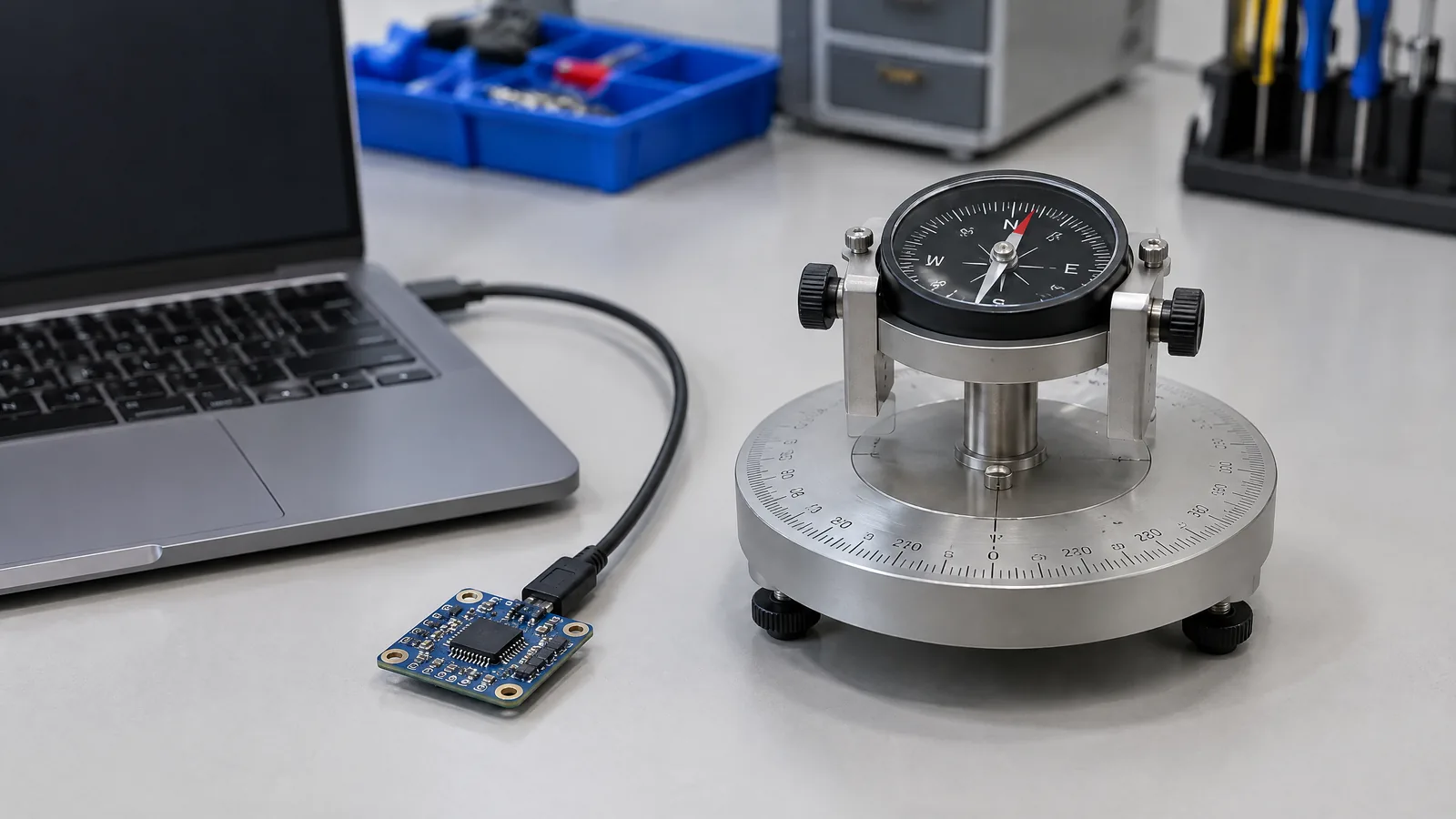
You may expect a laptop to show its direction like a phone, but the compass option can be missing or unreliable near chargers, speakers and other metal parts. A laptop magnetometer sensor measures magnetic-field strength or components so compatible software can help derive a heading, but it is optional hardware and the displayed compass direction is a processed result rather than a raw sensor reading.
This article is part of the computer hardware technology guide library.
Key takeaways
A laptop magnetometer sensor is a physical magnetic-field sensor that may support compass or orientation features; it is not fitted to every laptop.
Windows describes compass output as a two-dimensional heading relative to magnetic north, while some systems can also provide true north. The result can combine magnetometer and gyroscope data.
Calibration and the surrounding hardware matter. Electrical components, magnets, ferrous materials and the laptop's position can distort the field.
A lid Hall sensor is a different magnetic component. It can detect a nearby magnet for a lid-open or lid-closed state, but it is not automatically a compass sensor.
- Check the exact laptop model's specifications or sensor listing before assuming compass support.
- Treat a heading as an estimate that depends on calibration and the environment, not as a guaranteed precision instrument.
What does a laptop magnetometer sensor measure?
A magnetometer measures magnetic-field strength, direction, or individual field components along one or more axes. In a laptop, software can use those measurements as one input for a compass-like heading or an orientation feature. The sensor responds to the local field; it does not independently understand where the laptop is or what object created the field.
Microsoft's Windows sensor documentation describes the Compass sensor as returning a two-dimensional heading with respect to magnetic north on Earth's horizontal plane. It also notes that a system may report true north, but not every system provides that value. In practical terms, the application has to know which reference it is showing before you treat the number as a map direction. [1]
The compass output is therefore a derived application result. Microsoft's documentation says gyrometer and magnetometer data can be combined to produce a compass heading, helping stabilise data that can be affected by electrical system components. A laptop may expose a compass API only when the required sensor set and firmware support are present. [1]
Why is a magnetometer optional in laptops?
A phone is often held as a portable orientation device, so a compass can support maps, games or augmented-reality features. A conventional laptop usually sits on a desk and has less need for a continuously available heading. Adding the sensor also requires a suitable location, software support and a design that limits interference. That makes the magnetometer a model-specific feature rather than a standard part of every laptop.
Sensor availability is a platform decision. Microsoft advises developers to decide whether an application should depend on sensors or merely offer them as an additional control method, because the appropriate sensors may not exist on every system. For a laptop buyer or support technician, the safe conclusion is simple: do not infer compass support from the presence of an accelerometer, webcam, touchscreen or lid sensor. [1]
If a laptop specification does not name a magnetometer, compass, or a supported sensor API, avoid promising that a software-only download can create a true compass. Software can interpret available sensor data, but it cannot manufacture missing physical measurements.
Laptop magnetometer sensor vs lid Hall sensor
These components both respond to magnetic fields, which is why they are easy to confuse. A Hall-effect sensor is an integrated circuit that converts a magnetic field into an electrical signal. Texas Instruments describes switch and latch behaviours for simple state changes, as well as linear devices for a changing field. Those behaviours suit tasks such as detecting a lid position, a button, a rotary movement or a motor position. [2]
A magnetometer is used when the system needs a measurement of field strength, direction, or components. A lid Hall sensor generally answers a narrower question such as whether a magnet is close enough to cross a threshold. The same laptop can have a Hall sensor for sleep-on-close and no compass magnetometer at all.
Placement is part of the difference. Hall sensing is normally designed around a known magnet, air gap and movement path. Allegro's technical guidance explains head-on and slide-by arrangements and warns that field strength changes with magnet placement, distance, temperature and the effective air gap. Those design variables matter to a lid-state switch, but they do not turn that switch into a heading sensor. [3]
Why a laptop compass can drift or need calibration
The Earth's magnetic field is weak compared with many nearby sources inside and around a computer. Speakers, magnets in accessories, a charging setup, metal furniture, cables carrying current and other electronics can change the local field seen by the sensor. Windows specifically notes that magnetic-system sensors can need calibration because of environmental factors. [1]
Calibration does not make every environment harmless. It helps the software account for a sensor's current bias and orientation, but a new magnetic disturbance can still change the reading. A laptop moved from an open table to a metal stand, or placed beside a magnetic cover, may produce a different result even when the software has not changed.
A useful check is to compare the heading in a clear location and then move away from suspected magnetic sources. If the reading changes sharply when the laptop is rotated, tilted, moved near an accessory, or connected to a different setup, treat that as an interference clue rather than proof that the sensor is broken. Do not use a laptop compass for safety-critical navigation or any task that needs certified measurement accuracy.
For embedded designs, Allegro recommends evaluating field strength at the intended position and across the rated temperature range. The broader lesson applies here: the sensor specification is not the same as finished-system accuracy. The chassis, board layout, magnets, firmware and calibration procedure all contribute to the result. [3]
Magnetic north and true north are not the same
A compass reading based on Earth's field points toward magnetic north, not automatically the geographic North Pole. The difference is called magnetic declination and varies by location and over time. An application that needs a map-compatible direction may apply a model or correction to estimate true north, but Microsoft notes that not all systems report a true-north value. [1]
This distinction matters when comparing a laptop heading with a paper map, a phone, or a navigation application. Two devices can show slightly different directions because they use different sensor sets, calibration states, correction models, or reference frames. A heading mismatch is not enough evidence that one device lacks a magnetometer.
How to check whether your laptop has compass hardware
Start with the exact model and configuration, not the product family name. Look in the manufacturer's technical specifications for magnetometer, compass, geomagnetic sensor, or a sensor list. A support page that names only an accelerometer or gyroscope does not establish compass support.
On Windows, an application can query the available sensor APIs, but a missing compass object may reflect absent hardware, firmware support, disabled drivers, or an unsupported platform. Check Device Manager and the manufacturer's driver or firmware notes without treating a generic magnetic-sensor entry as proof of compass capability. If a model-specific manual says the feature is absent, a calibration utility cannot add it.
If the sensor is present but reports poor accuracy, follow the platform's own calibration guidance, remove obvious magnetic accessories, and retest in a different location. Record whether the result is magnetic north or true north before comparing it with another reference.
- Confirm the full model number and regional configuration.
- Look for a named magnetometer or compass in the official specifications.
- Check whether the operating system exposes a compass sensor and an accuracy state.
- Retest away from magnetic accessories and strong electrical equipment.
- Keep the reading out of safety-critical navigation workflows.
Frequently asked questions
Do all laptops have a magnetometer?
No. A laptop magnetometer sensor is optional and model-specific. Sensor availability depends on the hardware design, firmware and operating-system support, so check the exact configuration rather than assuming every laptop has a compass.
Is a laptop compass the same as a lid sensor?
No. A lid Hall sensor normally detects a nearby magnet crossing a threshold to help identify an open or closed lid. A compass uses magnetometer measurements, often combined with other sensor data, to derive a heading.
Why does my laptop compass show the wrong direction?
Nearby magnets, speakers, metal parts, electrical equipment, tilt, calibration state and the chosen north reference can affect the result. Move the laptop to a clearer location, remove magnetic accessories and follow the platform's calibration guidance before judging the hardware.
Does a magnetometer directly measure true north?
Not by itself. A magnetometer measures the local magnetic field. Software can use that measurement to derive magnetic north and may apply corrections for true north, but the available output depends on the device and platform.
Related reading
For the wider difference between Hall devices, magnetometers and other magnetic-sensing technologies, see the existing magnetic sensor explainer. This page adds the laptop-specific questions about optional compass hardware, heading references and calibration rather than repeating that broad guide.
About the image
AI-generated editorial illustration; not an actual product or mission photograph.
Source notes
Reporting record
techduopulse stores source destinations privately. Public notes remain non-clickable so every visitor journey stays on this website.
Explains the Windows Gyrometer, its X/Y/Z angular-velocity readings, noise and bias, and how inclinometer and orientation values are derived from multiple sensors.
Primary source · Optional sensor availability; magnetic and true-north headings; combined gyrometer and magnetometer data; calibration due to environmental factorsSource note: Texas Instruments Hall-effect sensor technical overview
Primary source · Hall-effect sensors convert magnetic fields to electrical signals; switch, latch and linear behaviours; lid, position and rotary applicationsSource note: Allegro MicroSystems Hall-effect position-sensing guidance
Primary source · Head-on and slide-by arrangements; air gap, magnet placement, temperature, field strength and system accuracySource note: U.S. Federal Highway Administration magnetic-sensor principles
Primary source · Magnetic-field perturbation; field components; fluxgate versus induction/search-coil behaviourCreated a distinct laptop application article rather than duplicating the existing broad magnetic-sensor guide. Added model-specific availability guardrails, derived-heading explanation, Hall-sensor distinction, calibration and interference limits, north-reference caveat, practical model-check steps, and four reader FAQs using four supplied technical sources.


