
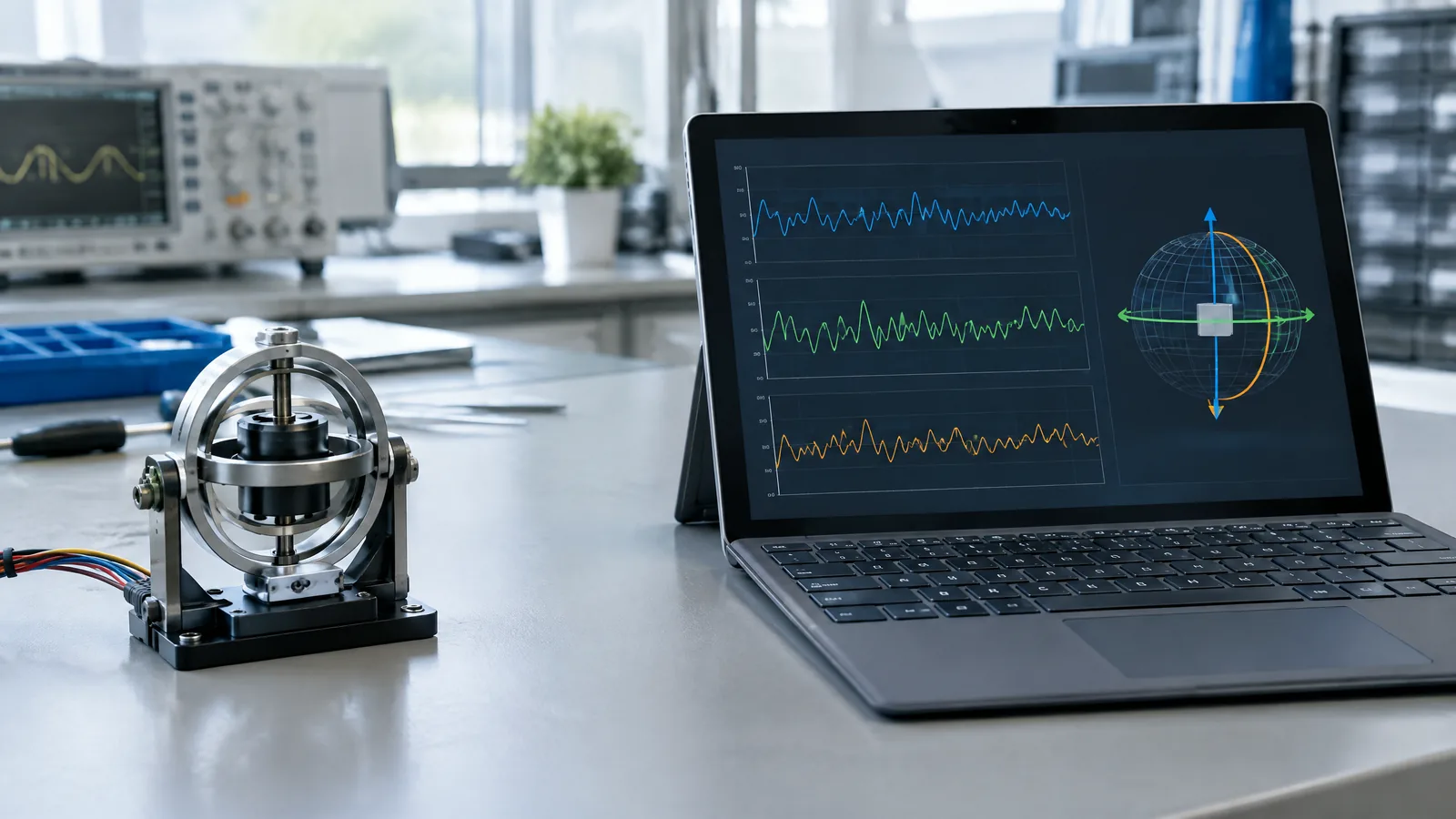
When a convertible laptop is turned into tablet mode, a motion-aware app may need to know whether the device is rotating rather than simply being moved. A laptop gyroscope sensor, also called a gyrometer, measures angular velocity—the rate of rotation around its X, Y and Z axes—not the laptop's location or a guaranteed absolute orientation.
This article is part of the computer hardware technology guide library.
Key takeaways
A laptop gyroscope is an optional physical sensor found only in compatible models, with the feature more relevant to 2-in-1 and tablet-style hardware. It reports how quickly the device turns; software may combine that signal with accelerometer and magnetometer data to estimate orientation.
A gyrometer is not the same as an inclinometer, compass or camera-based tracking system. Noise, bias, temperature, vibration and the quality of sensor fusion can affect the result, so an app should treat sensor availability and accuracy as model-specific.
What does a laptop gyroscope sensor measure?
A gyroscope measures angular velocity: how quickly the laptop rotates around one or more axes. The output is commonly represented as a rate, such as degrees per second or radians per second. A three-axis sensor can report turning about the device's three principal axes, which is useful when a screen or chassis can be rotated in several directions. [1] [2]
That makes the gyrometer different from a trackpad, webcam or accelerometer. A trackpad detects finger input, a webcam sees images, and an accelerometer reports specific force or acceleration. A gyroscope answers a narrower question: how fast is the device turning right now?
The physical sensor is normally a small MEMS component rather than a visible spinning wheel. In a typical MEMS design, electronics drive a tiny suspended mass to vibrate. Rotation creates a Coriolis-force response in a perpendicular direction, and the resulting displacement is measured—often capacitively—to estimate angular rate. [2] [3]
Is a gyroscope standard in every laptop?
No. A gyrometer is an optional component, so a laptop's product family or operating system name does not prove that the hardware is present. It is more plausible in a convertible, detachable or tablet-style Windows device where motion-aware software has a clear use, but even similar-looking models can have different sensor equipment.
Check the exact model specification or the sensor list exposed by the operating system instead of assuming that a 2-in-1 includes every phone-like sensor. Microsoft describes the gyrometer as a sensor that apps can use when they care about rotation speed, and it also advises developers to decide whether sensor input is required or merely an additional control option. [1]
An external USB or Bluetooth motion device is a separate instrument, not the laptop's built-in gyroscope. It may provide its own inertial data, but compatibility, drivers, placement and calibration then belong to that external hardware and the app using it.
What can Windows do with a laptop gyrometer?
Windows exposes a Gyrometer sensor that reports angular velocities along the X, Y and Z axes when compatible hardware and drivers make it available. A motion-based app could use those readings for a rotational gesture, a device-as-controller interaction or another feature that responds to turning. The exact behaviour depends on the app, its update rate and the device's sensor implementation. [1]
Windows separates raw or direct sensor concepts from higher-level values. Its Inclinometer provides pitch, roll and yaw derived from accelerometer, gyrometer and magnetometer data. Its OrientationSensor likewise derives orientation data from those sensor inputs. In other words, an orientation shown by software may be a fused estimate, not a direct measurement produced by the gyroscope alone. [1]
A practical app should handle the missing-sensor case. If a gyrometer is unavailable, the app can offer touch, keyboard, mouse or another supported input where that makes sense. A blank setting or missing motion feature therefore does not automatically mean that the laptop is faulty.
Gyroscope versus orientation, tilt and heading
These terms are related but not interchangeable. The gyroscope supplies rotation-rate information. An orientation value is usually calculated by combining multiple sensor signals over time. Tilt can be estimated with gravity-sensitive accelerometer data, while a compass-like heading normally needs magnetic-field information and can be disturbed by nearby electrical or ferromagnetic materials. [1]
For example, rotating a laptop on a table can produce a gyrometer signal even when its position hardly changes. Lifting it straight up can change its motion without much rotation. Software can combine both kinds of data, but the result remains an estimate with assumptions about the device axes and the environment.
A gyroscope also does not directly provide GPS location, travel distance, screen content or a reliable north direction. Treating the word orientation as a synonym for gyroscope can lead to the wrong expectation about what a laptop can detect.
Limitations: noise, bias and drift
A laptop gyrometer can report a small non-zero rate even while the device appears still. Microsoft notes that gyrometers can suffer from noise or a constant bias on one or more axes. An app may compare the reading with accelerometer information and apply compensation, but the result depends on the sensor, driver and software design. [1]
MEMS construction helps make an inertial sensor compact, but compact does not mean error-free. Technical reviews describe sensitivity and performance trade-offs involving the vibrating structure, damping and operating conditions. A tuning-fork arrangement can reduce sensitivity to some linear acceleration, shock, vibration and tilt; it does not make the sensor immune to them. [2] [3]
When angular rate is integrated to estimate a change in orientation, even a small offset can accumulate into drift. Temperature, mechanical stress, mounting, timing and the sensor-fusion method also matter. For a safety-relevant or engineering system, use the device documentation and system-level validation rather than treating a consumer laptop sensor as a precision instrument.
Where does this fit in India's technology landscape?
The same basic idea appears in much more demanding systems, but that does not make consumer laptop hardware equivalent to them. ISRO's Inertial Systems Unit says it develops inertial navigation systems based on mechanical and optical gyros, attitude reference systems, rate gyro packages and accelerometer packages for launch vehicles and spacecraft. That is useful context for India's sensor engineering work, not evidence about the specification or performance of any laptop. [4]
Frequently asked questions
What is a gyrometer in a laptop?
A gyrometer is the operating-system term often used for a gyroscope sensor. It measures the laptop's angular velocity, or how quickly it rotates around its sensing axes. It is an optional physical component, not a feature present in every laptop.
How do I know whether my Windows laptop has a gyroscope?
Check the exact model's technical specifications and the sensors exposed by its operating system or device software. Do not infer availability from the laptop being a convertible. A compatible driver and application support may also be needed before a program can use the sensor.
Does a laptop gyroscope measure orientation?
Not by itself. It measures rotation rate. Windows can derive orientation-related values by combining gyrometer readings with accelerometer and magnetometer data, so the displayed orientation is a fused estimate rather than a direct gyroscope measurement.
Is a laptop gyroscope the same as an accelerometer?
No. A gyroscope measures angular velocity, while an accelerometer measures specific force or acceleration along its axes. They often work together because rotation and linear motion are different parts of a device's movement.
Can a gyroscope tell which direction is north?
No. A gyroscope measures turning, not magnetic north. A compass-like heading normally uses magnetometer data and can be affected by local magnetic interference; software may combine it with gyroscope and accelerometer signals to stabilise an estimate.
About the image
AI-generated editorial illustration; not an actual product or mission photograph.
Source notes
Reporting record
techduopulse stores source destinations privately. Public notes remain non-clickable so every visitor journey stays on this website.
Explains the Windows Gyrometer, its X/Y/Z angular-velocity readings, noise and bias, and how inclinometer and orientation values are derived from multiple sensors.
Primary source · Research source 1Describes MEMS gyroscopes, Coriolis-force sensing, capacitive displacement detection and tuning-fork response to linear acceleration.
Primary source · Research source 2Reviews vibrating-element MEMS gyroscopes, Coriolis acceleration, miniaturisation and sensitivity trade-offs.
Secondary source · Research source 3Confirms Indian development of inertial navigation, attitude-reference, rate-gyro and accelerometer systems for launch vehicles and spacecraft; does not establish consumer laptop specifications.
Primary source · Research source 4New application-focused laptop article distinct from the existing broad gyroscope guide. It explains optional hardware availability, Windows gyrometer semantics, the difference between angular velocity and fused orientation, external instruments, and practical limitations without making model-specific or performance claims.


