OriginOS update eligibility means more than seeing a launch post or a list for another country. For an iQOO or vivo phone in India, the practical answer comes from four things: the exact handset name, its current software build, its India software channel and an official update notice that matches all of them. Check the phone first, then the manufacturer’s India support route. If no signed over-the-air update is offered, do not factory-reset the phone or install a file from a group just to get ahead of the rollout.
This article is part of the software engineering technologies guide library.
The quick answer: how to check OriginOS update eligibility
Write down the exact model and the software version shown on your phone, open its normal update page, and compare that information with the matching iQOO India or vivo India support listing. You can treat an OriginOS update as confirmed for your phone only when an official India notice or the phone’s own signed update offers a package that matches the model and build. A global announcement, a similarly named variant or another owner’s screenshot is not the final check.
This may feel cautious, but it avoids the two common mistakes: assuming every phone in a series gets an update together, and installing firmware built for another variant. Both iQOO India and vivo India maintain model-selection pages for system updates. They are the right place to start after checking the phone itself.
- Open the phone’s update area and note the full device name and installed software/build number. vivo’s India guide refers to this as Settings > System update; wording can differ by device and software version.
- Choose that exact name in the relevant iQOO India or vivo India System Update selector. Do not substitute a close name such as a Pro, Lite, regional or storage variant.
- Look for a matching official notice or signed update. If one is offered on the phone, read the version and release information before downloading.
- If nothing is offered, leave the phone on its normal India software channel and check again later. Use official support when the lack of an update conflicts with a direct notice for your exact handset.
What counts as proof for an iQOO or vivo phone in India?
Put the evidence in this order. The strongest proof is a signed update offered to your phone. Next is a current official India support or rollout notice that names the exact device. A manufacturer’s general OriginOS page confirms that the software exists, but it is not a promise that every older, newer or similarly named handset will receive the same version or features.
A model family name is not enough. For example, a phone sold in India can have a different update timetable from an overseas version with a near-identical name. The same caution applies to carrier, retailer, imported and refurbished devices. If the model name on the box, the phone and the official India page do not line up, pause before doing anything invasive.
The official India update selectors are useful because they ask you to choose a named handset. Still, a support page or a user manual is not itself a guarantee of a particular major upgrade. It shows that the manufacturer has a support route for that model. The on-device offer or a direct, matching official notice remains the decision point.
| What you find | How to read it | Best next move |
|---|---|---|
| A signed OriginOS update appears on your phone | This is the clearest match for your device and current software channel. | Back up important data, read the version information, then install when you have time and a reliable connection. |
| An official India notice names your exact phone, but no update appears | The rollout may not have reached your build yet, or the notice may state conditions you still need to meet. | Wait and recheck; keep a screenshot of the model and build if you need official support. |
| A global page or social post names a similar phone | It is a lead, not confirmation for an India variant. | Check the matching India support selector and do not change regions or sideload firmware. |
| Your exact phone is absent from a current official notice | Eligibility is not confirmed from the material available to you. | Do not assume it is excluded forever, but do not treat rumours or another model’s update as a reason to modify the phone. |
How rollout timing, region and build can change the answer
Eligibility and delivery are separate questions. A phone can be part of an announced plan yet receive its update later than another unit, because the signed package must match a particular model and software build. Conversely, an OriginOS feature page can describe the current platform without saying that every feature will arrive on your handset. Keep version, model and market attached to every claim you read.
For India readers, prefer an India manufacturer page and the phone’s own update message over a translated post, a foreign retail listing or a video. A message that says ‘available now’ may describe a preview programme, a limited batch or a different country. It does not make a regional firmware package safe for your phone.
The decision is simple: choose ‘install’ only when the offer comes through the official route for the exact phone you own. Choose ‘wait’ when the evidence is broad but not model-specific. Choose ‘ask support’ when an official India notice clearly matches your exact model and the phone still does not see it after a reasonable staged-rollout period.
If the update is not showing: safe checks before you escalate
Start with the low-risk checks. Confirm the model and installed build again, restart normally if the phone is behaving oddly, and make sure the device can reach the internet through a connection you trust. Then open the normal update area once more. Do not keep tapping through unfamiliar prompts, change the phone’s region, unlock the bootloader or erase the device in an attempt to force eligibility.
Make a backup before any major update, even when the normal process says your data should remain. Save photos and files you cannot replace, and confirm that you can sign back in to important accounts. If you use an authenticator app, verify its own transfer or recovery method; a general phone backup may not be enough for every app. This preparation protects you if an update problem later requires service, replacement or a reset.
Stop and use the manufacturer’s official support channel if the phone offers a package for a different model, an installation fails more than once, the device cannot start normally, or an update instruction asks you to fetch a file from an unverified source. iQOO India and vivo India both publish System Update links and support contacts. An authorised service centre is a better escalation path than a forum package or a messaging-group download.
- Safe first: verify model, build and connection; then use the normal update page again.
- Prepare: back up irreplaceable files and account-recovery information before installing a major update.
- Do not use a factory reset as a rollout shortcut. It can remove local data and does not prove that an update is available for your model.
- Escalate: contact iQOO India or vivo India through the official support route if a direct matching notice and your phone disagree, or if the update fails.
Why unofficial OriginOS packages are the wrong shortcut
A package with the right-looking name can still be intended for another model, build or market. vivo India’s firmware instructions stress using the corresponding firmware and warn that Android 8-and-later phones cannot flash a lower version. That is a useful boundary, not a reason to experiment with recovery tools when a normal update is absent.
For everyday owners, the safer choice is to let the signed over-the-air update arrive through the phone’s normal route. It avoids guessing whether a download is complete, authentic or compatible. It also gives you a clearer support path if the installation fails. A beta or preview programme is different from a stable update: only join one if the official invitation names your exact model and you accept that early software can be unsuitable for a phone you rely on every day.
There is no need to pay anyone, share an OTP or grant remote access to ‘unlock’ an update. A real manufacturer rollout does not require any of those steps. If a person claims otherwise, stop the conversation and use contact details from the manufacturer’s own India support page.
OriginOS update eligibility FAQs
These answers reflect official iQOO India and vivo India support material checked on 15 October 2026. For a live decision, the exact model, installed build and on-device update offer take priority.
How can I check OriginOS update eligibility?
Check the phone’s exact model and installed build in its normal update area, then use the matching iQOO India or vivo India System Update selector. Treat the update as confirmed only when an official India notice or a signed on-device offer matches that exact phone and software channel.
Does an OriginOS launch or global rollout mean my India phone will receive it immediately?
No. A platform announcement confirms the software, not delivery to every variant at once. India availability should be checked against an official India source and the phone’s own update offer, because model, build and market can affect what is delivered.
My phone is on an official system-update page. Does that guarantee a major OriginOS update?
No. It confirms that the manufacturer provides a support route for the named model. It does not, by itself, promise a particular OriginOS version. Look for a matching rollout notice or signed update for your specific handset.
Should I factory-reset or install a package from a forum when no update appears?
No. A reset can remove local data and does not create eligibility. Avoid unofficial packages, foreign-region files and recovery experiments. Back up first, wait for the ordinary signed update route, and contact official iQOO India or vivo India support if a matching update should be present but is not.
What should I do if an official OriginOS update fails?
Do not retry with random downloads. Record the exact model, current build and any error shown, then use the manufacturer’s official India support channel or authorised service centre. Keep your backup and account-recovery details available in case further troubleshooting is needed.
About the photograph
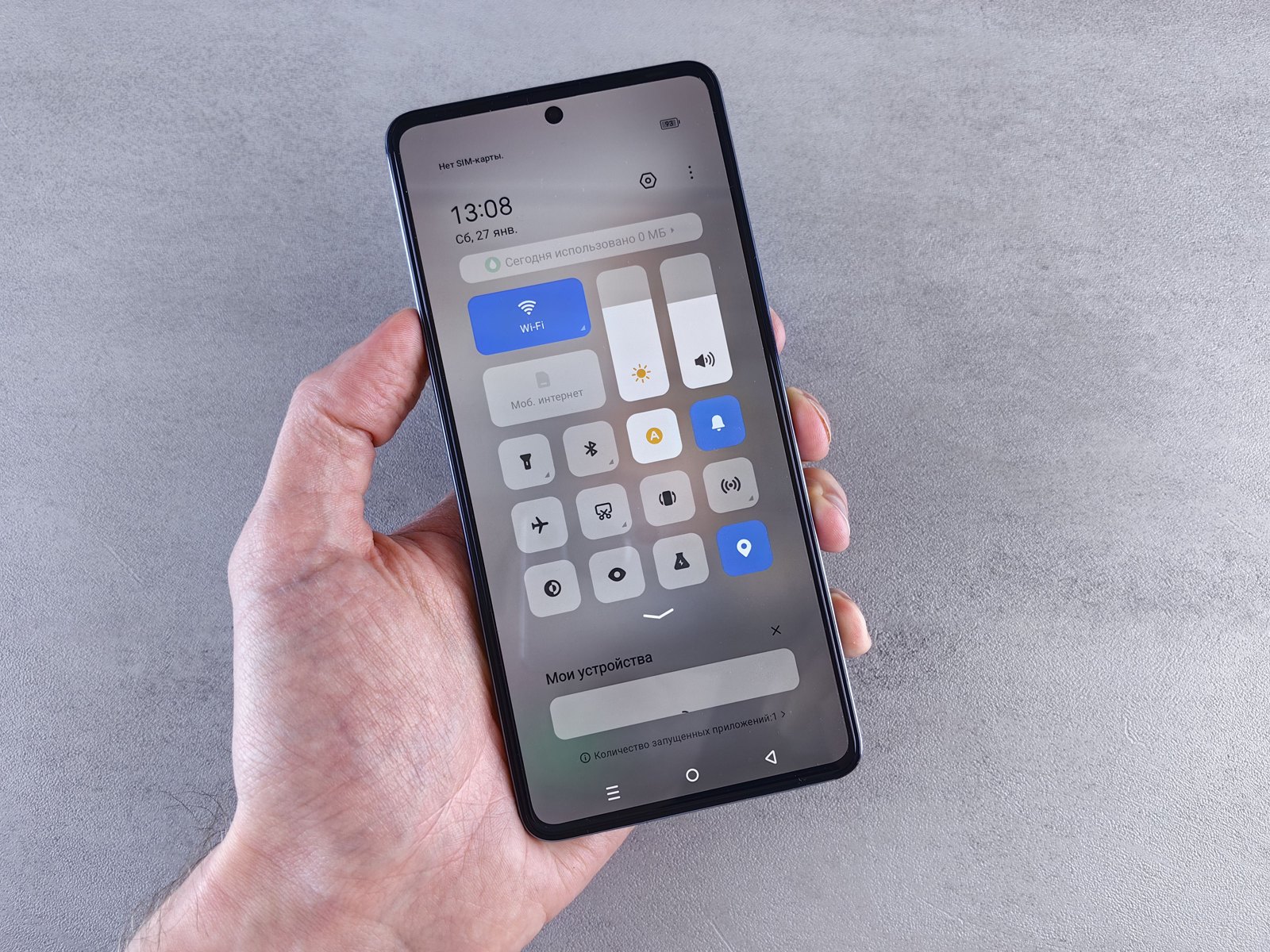
Generic smartphone photograph used as context for checking software updates; it does not depict an iQOO or vivo phone, or an OriginOS screen.
Source notes
Reporting record
techduopulse stores source destinations privately. Public notes remain non-clickable so every visitor journey stays on this website.
Source note: vivo India OriginOS 7 platform page
Primary source · Current OriginOS platform context; not used as a model-by-model India eligibility listSource note: vivo India system-update support
Primary source · India model selector and official update-support pathSource note: vivo India firmware safety guidance
Primary source · Current-version location, corresponding-firmware warning, backup and downgrade boundarySource note: iQOO India system-update support
Primary source · India model selector and official update-support pathSource note: official India support and service routes
Primary source · System Update, contact and authorised service-centre escalation optionsInitial India-aware explainer dated 15 October 2026. It separates current OriginOS platform information from model-specific confirmation, uses official iQOO India and vivo India support routes, avoids unverified model lists and dates, and prioritises backup, signed OTA updates and official escalation over resets or unofficial firmware.