To manage Nothing OS safely, first identify the version shown on your own phone, then use Nothing’s built-in update screen rather than a file from a forum or video. Back up important material before a major change, keep Wi-Fi and at least 50% battery available, and treat an update that has not appeared for your exact model as a reason to wait or ask support—not a reason to force it.
This article is part of the software engineering technologies guide library.
How to check your Nothing OS version and update status
Nothing’s support guidance separates two useful checks. In the About phone area, you can see the software information and whether Nothing flags an update. The official installation route is in the System area. Seeing a newer version discussed online is not the same as seeing an update approved for the exact phone in your hand.
Open Settings, then use the published paths below. If your phone shows a slightly different label or arrangement, do not guess from an old screenshot. Note the model name and the version displayed, then compare only with the official support information for that model and India channel. Rollouts can be staggered by region, carrier and device.
Nothing says a red icon beside the Nothing OS label on its software-information page indicates that an update is available. That is a better signal than a social post or a family-name compatibility list, but it still does not turn a beta announcement into a required update.
- Open Settings and go to About phone, then Software info, to view the Nothing OS status described in Nothing’s support guidance.
- Write down the exact model and the version shown before following any model-specific advice.
- Open Settings, then System, then System updates to check for the official over-the-air update offered to your phone.
- If no update appears, leave the phone on its current stable version and recheck later rather than downloading an unofficial package.
Prepare before you update Nothing OS
A normal over-the-air update should not be treated as a factory-reset job. Start with reversible checks: make sure you can access your key accounts, save local files you cannot replace, and confirm that an important authenticator app or recovery method will still work. A cloud backup is useful, but it is not proof that every app sign-in, download or authentication code will come back exactly as before.
Nothing’s India update help says to use Wi-Fi and have at least 50% battery for the download and installation. Give the phone time rather than beginning just before travel, an exam, a work call or a time-sensitive payment. If the update screen reports a clear problem, read that message and stop before taking disruptive steps.
Nothing’s Phone (1) backup article documents Google backup at Settings, then Google, then Backup, then Back up now. That published path is specifically documented for Phone (1), so owners of other models should check their own phone’s backup page and current Nothing support material instead of assuming identical coverage.
- Confirm access to the email address, password manager and recovery method you would need if an app asks you to sign in again.
- Back up irreplaceable photos, documents and messages, then check that the backup has finished rather than only starting it.
- Use a trusted Wi-Fi connection and make sure the battery is at least 50% before beginning the official download.
- Pause if the phone has low storage, an unfamiliar warning, a damaged battery or a repeated installation failure; do not reset the phone as the first response.
How to install the official Nothing OS update safely
Use Settings, then System, then System updates. This is the path in Nothing’s India support article for checking and installing a software update. Read the version information shown on the phone before confirming so you know what it is offering; do not rely on a similarly named build mentioned elsewhere.
The low-risk choice is the signed update your device presents through this screen. Do not sideload a package from a messaging group, a video description or a site that claims to make an update arrive early. A package may be intended for another model, country or software channel, and forcing it can remove the simple support path if the phone fails to start normally.
Once you decide to proceed, let the phone complete its own on-screen process. Do not deliberately switch it off or attempt a reset during installation. After it restarts, check the version again and use the phone normally before changing many settings at once; that makes it easier to tell whether a new prompt or problem is tied to the update.
- Go to Settings, System, then System updates.
- Check the offered version and make sure Wi-Fi and at least 50% battery are available.
- Download and install only the update presented by the phone’s official update screen.
- After the restart, confirm the version, review any new permission prompts and keep a note of a problem message if one appears.
If the update is missing, stuck or looks wrong
Do not read an absent update as proof that the phone is unsupported. Nothing’s India Nothing OS 5.0 page says its timing is indicative and rollout can be phased by region and carrier where applicable. A model may therefore receive an update later than another phone in the same household. The on-device System updates page remains the final check for that handset.
Start with safe checks: reconnect to trusted Wi-Fi, charge the phone past Nothing’s stated 50% threshold, reopen the update screen and note the exact text of any error. If an update repeatedly fails, do not keep changing settings at random or erase the phone to chase an ordinary OTA. Use Nothing’s support route with the model, software version, date and error wording.
Escalate promptly if the phone cannot boot after an official update, becomes unusually hot, loses essential calling or data service, or gives a persistent update error. In those cases, avoid unofficial repair packages and follow the manufacturer’s recovery instructions for the exact model.
- Wait when the only issue is that a public rollout announcement has not reached your phone yet.
- Contact official support when the same official update fails repeatedly or the phone cannot be used normally after it.
- Treat a factory reset, beta install or rollback as a separate high-impact choice, not a routine fix for a delayed update.
Core Nothing OS settings to check without changing too much
Start with a small set of decisions that affect safety and daily use. The goal is not to copy somebody else’s homescreen. It is to know where the current software version sits, whether your important data has a usable backup, and what an app is asking to access after an update.
Nothing OS 5.0 can change the look of the homescreen, widgets, Quick Settings and privacy controls on supported devices. Those changes are version- and model-dependent. Review new prompts on your own phone one at a time, and decline access you do not understand or need. You can revisit a choice later; giving broad access in a hurry is harder to audit.
Use the phone’s displayed labels as the source of truth for everyday customisation. A guide written for Nothing OS 2 or Nothing OS 3 may show different placement from a newer release. This is why the version check comes before following instructions for wallpapers, Glyph controls, Bluetooth or privacy options.
| What you want to decide | Low-risk action | When to stop |
|---|---|---|
| Whether an update is ready | Check Software info and the official System updates screen. | No OTA is shown or the model/region does not match the advice. |
| Whether important data is protected | Run and verify a backup; confirm account recovery separately. | You cannot access the backup account or a critical authenticator method. |
| Whether a new app request is sensible | Read the permission purpose and allow only what the feature needs. | The request is unclear, broader than expected or tied to a feature you will not use. |
| Whether to change an interface option | Try one reversible setting, then use the phone for a day. | The setting is unfamiliar or an old guide’s screen does not match yours. |
Nothing OS 5.0, older releases and beta choices
Nothing’s India page identifies Nothing OS 5.0 as an Android 17 release, but it does not make every Nothing or CMF phone eligible. As accessed on 15 October 2026, the page specifically says Phone (1), Phone (2) and CMF Phone 1 have reached the end of major software support and will not receive Nothing OS 5.0. That statement is about this major release, not a promise about every future security or support outcome.
The same page presents a phased model timetable and says dates can change. Do not estimate eligibility from the number in a model name or from another country’s rollout. Check the exact phone, installed build and the update screen offered in India.
Open beta software is a choice for people who accept testing risk, not a shortcut every owner should take. Nothing warns that a beta can affect stability, battery life and performance. Its rollback guidance says returning to a stable version may erase all data. If you need a dependable work, study, payment or primary-contact phone, waiting for the normal stable OTA is usually the safer choice.
Nothing OS FAQs
These answers reflect Nothing’s official India and support pages accessed on 15 October 2026. The version displayed on your specific phone and its official update screen take priority if the software layout changes.
How do I check which Nothing OS version my phone is running?
Nothing’s support guidance directs users to Settings, About phone, then Software info to check update status. Record the exact model and version shown there before following model-specific advice, because rollout and feature availability can vary.
How do I update Nothing OS safely?
Use Settings, System, then System updates. Nothing’s India support article says to use Wi-Fi and have at least 50% battery. Back up important material first and install only the update offered through the phone’s official screen.
Why has my Nothing phone not received an update yet?
Nothing says rollout timing can be indicative and phased by region and carrier where applicable. An announcement or another owner’s update is not confirmation for your phone. Recheck the official System updates screen and verify the exact model and region.
Will a Nothing OS update erase my data?
Nothing’s normal OTA guidance does not tell owners to reset before a standard update, but important data should still be backed up. The company separately warns that beta software and rollback can involve bugs, reduced stability and possible data erasure, so those are different decisions.
Will Phone (1), Phone (2) or CMF Phone 1 get Nothing OS 5.0?
Nothing’s India Nothing OS 5.0 page says these three devices have reached the end of major software support and will not receive Nothing OS 5.0. Check official support for the exact model rather than treating this as a rule for every Nothing or CMF device.
About the photograph
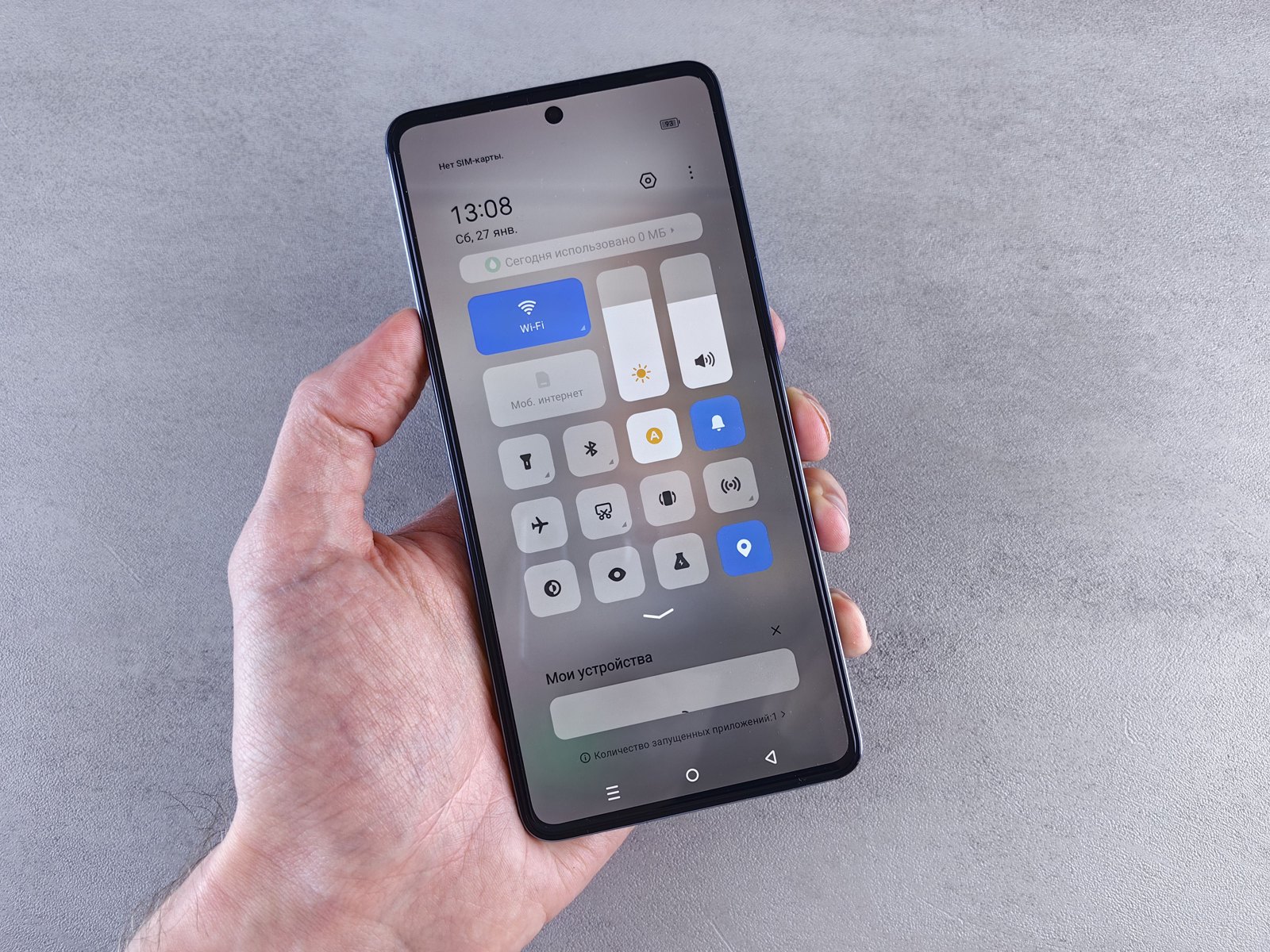
Illustrative settings screen only; this is not a Nothing Phone or a Nothing OS screenshot. Photo by Andrey Matveev via Pexels.
Source notes
Reporting record
techduopulse stores source destinations privately. Public notes remain non-clickable so every visitor journey stays on this website.
Source note: Nothing Support Centre update-availability guidance
Primary source · Software information path and Nothing OS update-available indicatorSource note: Nothing India support update-installation guidance
Primary source · Official OTA route, Wi-Fi and minimum 50% battery instructionSource note: Nothing Support Centre Phone (1) backup guidance
Primary source · Phone (1) Google backup process and immediate backup pathSource note: Nothing India Nothing OS 5.0 rollout and beta guidance
Primary source · Android 17 release, model eligibility, indicative regional/carrier rollout, beta and rollback data-loss warningsInitial 15 October 2026 India-facing explainer. Uses Nothing’s current support paths for software status, official OTA installation and Phone (1) backup; separates stable updates from beta/rollback risks; and qualifies Nothing OS 5.0 eligibility and rollout timing by model, region and carrier without inventing feature availability or menu paths.