A Galaxy S23 One UI 9 rollout headline does not mean the same download is ready on every phone in India. Here is how to separate the reported stable release from your own model’s update status, without chasing unofficial firmware or promises of an exact delivery day.
This article is part of the software engineering technologies guide library.
Galaxy S23 One UI 9: the evidence, not just the headline
The useful short answer is that a stable One UI 9.0 rollout for the Galaxy S23 series has been reported outside South Korea, but the reporting checked for this article does not confirm a single India-wide delivery date. Treat that as a rollout report, not a guarantee that your specific handset can download it now.
Samsung India’s One UI support page identifies One UI 9 as the upgrade with Android 17. Its completed-model list, last updated on 13 October 2026, does not list the Galaxy S23 family in the version checked for this article. That omission is a limitation of that dated list; it does not prove that an S23 is ineligible, and it cannot settle the current update status of an individual phone.
This article was researched at the start of 21 October IST because the device-specific query appeared in the observed India Technology search-trend snapshot. Search interest is evidence of a reader question, not evidence that Samsung has delivered an update to all users. We have not installed or benchmarked this release.
What the stable-rollout report actually says
SamMobile’s report, last updated on 19 October 2026, says the stable One UI 9.0 release began reaching the Galaxy S23 series outside Samsung’s home market. It describes Europe as the apparent first region and says the update appeared to reach beta-program devices first. Those qualifiers matter: “appears” and “seems” are observations in the reporting, not a confirmed global completion notice.
The report expects wider availability in other countries. An expectation is not an observed India release, so we are not turning it into an India start date. We also do not present the report’s small beta-to-stable download size as the size an owner on a different starting build will receive.
The S23, S23+ and S23 Ultra are a family, but a rollout observation about that family does not establish identical packages, features or timing on all regional variants. A different model, imported regional build or update channel needs its own current device evidence.
Why Samsung’s India list and a rollout headline may differ
There are two different clocks here. A support page can show a dated completed-model list, while a later report describes an update reaching an initial group of phones elsewhere. These sources answer different questions and may be updated at different times. Read the page’s displayed update date before treating an absent model as a final statement.
The defensible conclusion is narrow: Samsung India’s checked page confirms the One UI 9 and Android 17 naming, and the independent report describes a Galaxy S23 rollout in another region. Neither alone proves that your particular India-market phone has the stable release available today.
This is why the phone’s own software-update screen and the package’s release notes are more useful than a social screenshot from an unidentified handset. A beta notice, a screenshot from Europe and a completed India over-the-air update are not interchangeable pieces of evidence.
How to check your Galaxy S23 without guessing
Samsung’s India support instructions direct current Galaxy owners to Settings, Software update, then Download and install; the exact menu label can vary by model and software version. Use the built-in update checker rather than a download link attached to a comment or forwarded message. If it says your software is up to date, read that as the result for your current device and channel—not as proof that every S23 worldwide has the same version.
Record the exact model name and installed software information. Google’s Android Help guidance distinguishes the Android version, Android security update, Google Play system update and build number. A security-patch change is not automatically a major One UI upgrade, and an Android version label does not prove that every Google Play system component changed.
If an update is offered, read its release notes and download information on that phone. Do not copy a build number from a foreign-market report and assume a different number on your regional model is wrong. For the broader checks shared across Samsung models, use our existing One UI update-status guide rather than creating a second generic checklist.
Before installing: protect what you depend on
A major operating-system change is a sensible time to confirm that important files and account-recovery details are backed up. Google’s update guidance recommends connecting to Wi-Fi and charging the device to at least 75 percent before updating. Follow any additional instructions shown by Samsung on your actual phone.
Plan for a restart rather than beginning an update immediately before a journey, payment or work call. If the handset is employer-managed, check the organisation’s device policy. If you depend on accessibility tools, banking or authentication apps, read the relevant support information rather than assuming a rollout headline certifies compatibility.
There is no need to force a cross-region package or convert the phone’s firmware to pursue a faster arrival. This guide provides no sideloading, bootloader-unlocking or regional-firmware conversion instructions. A missing update prompt should lead to model-specific support checks, not a risky installation shortcut.
What the version name does not promise
One UI 9 is a software generation, not a guarantee of every feature advertised on the newest Galaxy hardware. Samsung’s feature availability can depend on the device, region and software configuration. Check the release notes for the exact S23 variant before expecting an AI tool or interface option shown on a newer model.
We do not claim a measured battery-life gain, performance improvement, bug-free installation or fixed remaining support period from this rollout report. A software update and an independent hands-on test are different kinds of evidence. The article’s role is to help an owner interpret availability, not to manufacture a recommendation from results we have not measured.
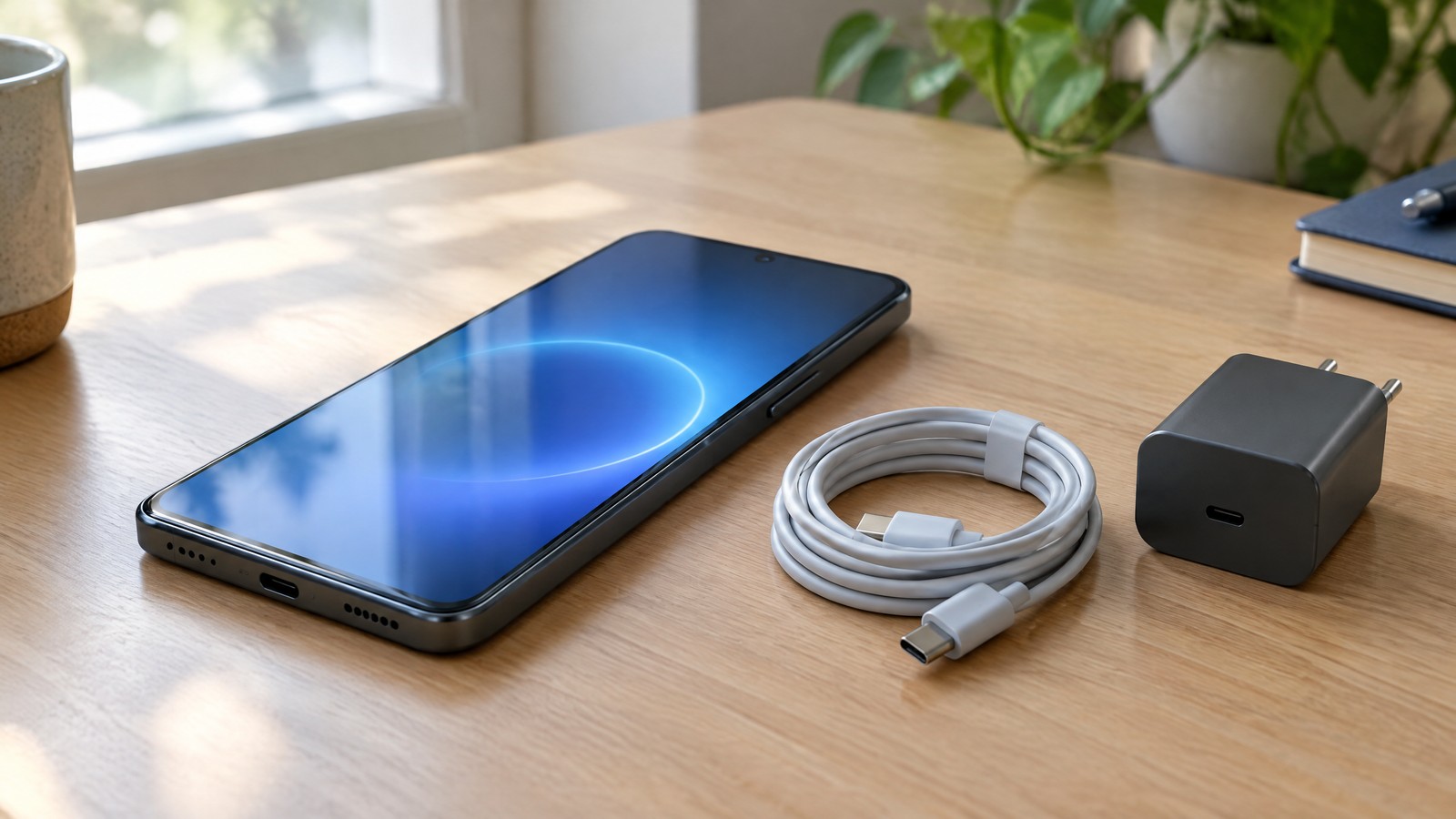
Illustration disclosure: the hero is an original photorealistic AI-generated illustration of a generic unbranded smartphone beside a charger and cable. It is not a Galaxy S23 product photograph, a One UI screenshot or proof of a completed update.
Important Points / Key Information
Use these distinctions when you compare a rollout story with what your own phone shows.
- A stable Galaxy S23-series One UI 9.0 rollout outside South Korea is reported; a universal India delivery date is not established by the checked sources.
- Samsung India’s checked completed-model page is dated 13 October 2026 and does not list the S23 family; that dated absence is not proof of ineligibility.
- The independent report describes apparent initial availability in Europe and on beta devices; do not apply a beta-to-stable download size to every starting build.
- Use the built-in update checker and your exact model’s release notes to establish current availability.
- Android version, security-patch date, Google Play system update and build number are separate fields.
- Back up important data, follow charging and Wi-Fi guidance, and avoid unofficial firmware links.
Examples / Supporting Information
Imagine an India owner whose S23 still shows the previous installed version, while a European beta participant posts an update screenshot. That difference is consistent with the limited rollout report; it does not, by itself, show that the India phone is defective or unsupported. The owner’s current built-in update result remains the relevant evidence for availability on that device.
Now imagine that an S23 receives a security update but keeps the same Android version. The patch can still be useful, but it should not be described as proof that the phone has moved to One UI 9. Check the separate software fields before sharing that conclusion. These are illustrative examples, not observations from devices we tested.
Our source check combines Samsung India’s platform roadmap and update instructions, Google’s explanation of Android update fields, and the dated SamMobile rollout report. The report’s displayed 19 October date falls outside this run’s previous-24-hour window; it is background corroboration, not a newly announced 21 October release. The fresh reason to address the question is the currently observed India search interest.
Conclusion
For a Galaxy S23 owner in India, the useful answer is not a promised download hour: it is a clear separation between a reported rollout, a dated support list and the update available on your own phone. Check the exact model and software fields, read the offered package’s notes, and keep important data recoverable.
If the update is not yet offered, avoid treating another region’s screenshot as an instruction to force it. The same careful approach also makes it easier to recognise misleading software claims and keeps the decision focused on your actual device.
Source notes
Reporting record
techduopulse stores source destinations privately. Public notes remain non-clickable so every visitor journey stays on this website.
Samsung India One UI update roadmap; updated 13 October 2026; checked 21 October 2026
Primary source · Platform naming and dated completed-model listSamsung India Galaxy update guidance; updated 1 October 2026
Primary source · Built-in update checkGoogle Android update guidance; checked 21 October 2026
Primary source · Update fields and preparationSamMobile Galaxy S23 rollout report, 19 October 2026
Secondary source · Reported rollout and regional limitationsFresh device-specific India query explainer; official update guidance and reported rollout checked 21 October 2026; no hands-on installation claims.