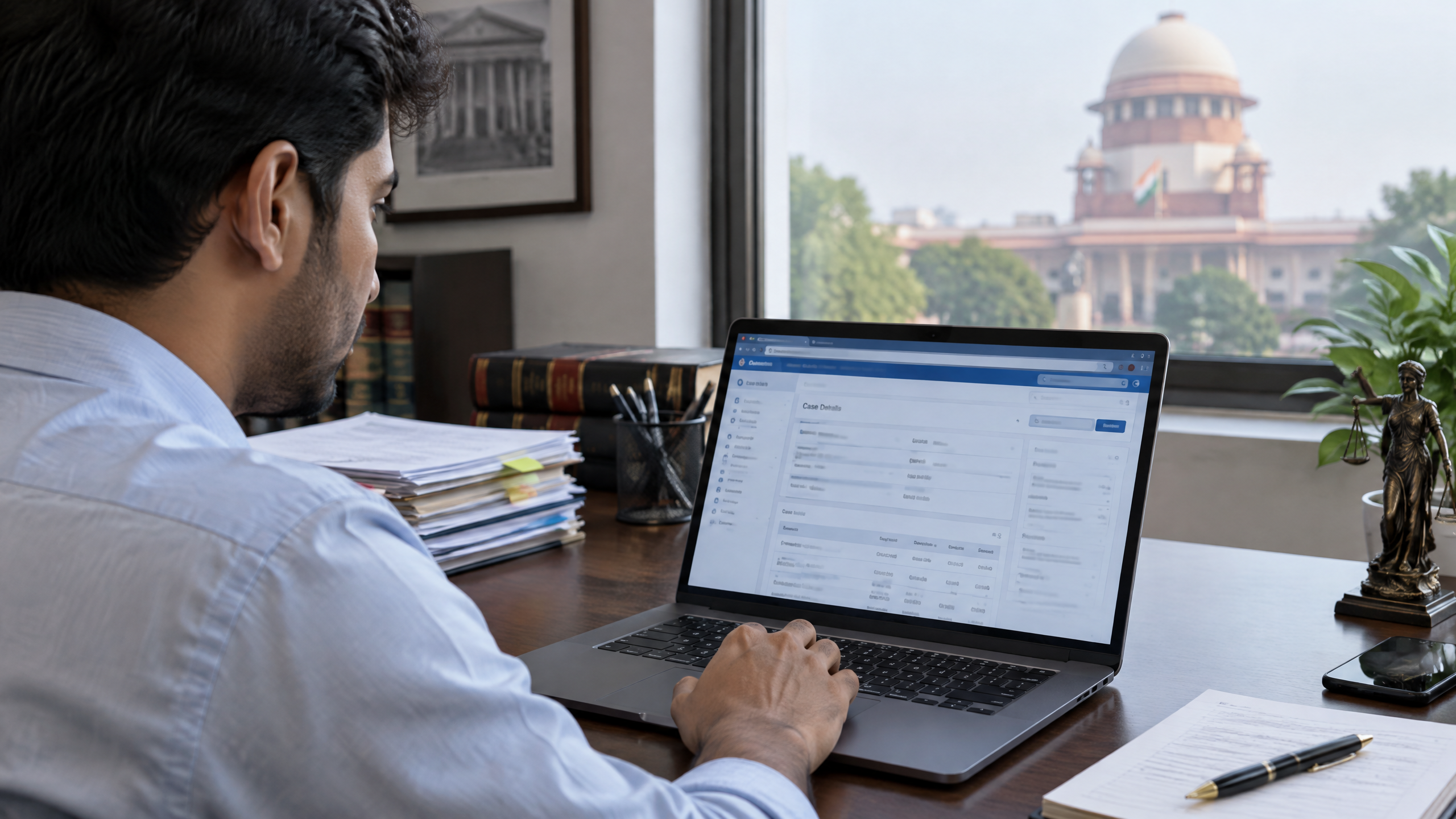
e-Courts Services India: Case Status, e-Filing and Digital Access Explained
This article is part of the software engineering technologies guide library.
What e-Courts services are — and what they are not
The eCourts project uses technology to support judicial processes in district and subordinate courts. It is implemented by the Department of Justice and the Supreme Court’s e-Committee through the High Courts. Phase III aims to expand digital records, e-Filing, e-Payments and assisted access through e-Sewa Kendras. [2]
For a litigant or family member, it helps to separate the tools into three jobs:
Look up information: search a case, locate an order or judgment, see a cause list, or find a court complex.
Submit something: use the e-Filing portal, where available and appropriate, to prepare and submit documents, e-sign and pay applicable fees.
Take part in a proceeding: follow the concerned court’s notice and directions about appearance or virtual participation.
The first task may be possible without an account. The second usually involves registration and a workflow. The third is never something to infer merely because a portal shows case details.
How to check case status
### Start with the CNR number when you have it
A CNR is the 16-character alphanumeric Case Number Record used by the eCourts Services portal. Enter it without spaces or hyphens, complete the captcha, and the portal says it can show the current status and case history. [1]
If a relative shares a CNR after a hearing, use the official portal rather than an unfamiliar site that asks for payment or unnecessary personal information. On a phone, use a current browser and protect the device and account details; TechDuoPulse’s guide to smartphone security has general device-safety context.
### If you do not have a CNR
The Case Status page lets a user first select the State, District and Court Complex, then search by party name, case number, filing number, advocate, FIR number, Act or case type. For a party-name search, the portal asks for at least three characters and a registration year; results can be filtered as pending, disposed or both. [3]
That is useful for discovering a likely record, but broad-name searches can return more than one case. Confirm the court complex, party details, case number and year before treating a result as the right case. Do not post a CNR, court document or case screenshot publicly just to ask others to interpret it.
Orders and cause lists: useful, but time-sensitive
The portal’s Court Orders section supports searches by party name, case number, court number and order date. Available orders or judgments can be opened as PDFs. [4] A PDF available on the site can help a person find an order, but it does not remove the need to verify the relevant court record when an official copy, a deadline or another formal use matters.
A cause list is a listing of matters before a selected court on a selected date. The official page requires the location, court, date and a civil or criminal choice. It also warns that the displayed cause list may differ from the actual list and directs users with questions to the court administrator. [5]
That distinction matters in ordinary family situations. A person may check a cause list to see whether a matter appears listed for a date, but should not assume that it proves the final hearing schedule, a required appearance or the outcome of a listing. Court directions and local administration control those details.
What e-Filing can do
The separate eFiling Services Portal describes an end-to-end system for filing plaints, written statements, replies and applications. It includes document upload in PDF format, e-signing, online court-fee payment and a portfolio for tracking cases. The portal describes services for litigants and advocates and says its interface is designed in English and a local language. [6]
In a simple terms, the online journey can look like this:
Register in the user category and choose the relevant court establishment.
Enter the required case and party details, then upload the requested documents.
Use the portal’s signing and payment steps where they apply.
Track what happens next in the dashboard and follow the concerned court’s instructions.
Registration is not a ruling that a filing is complete. The official manual shows statuses such as draft, pending acceptance, not accepted, pending scrutiny, defective and e-filed. It also describes separate registration requirements for advocates and petitioners in person, including OTP verification. [7] In other words, a document can be submitted digitally and still need technical checks or registry scrutiny.
The precise documents, fees, signing method, eligibility and procedure can differ by court and case. Use the official e-Filing portal’s current instructions for the selected court complex. If you need advice about your rights, representation or what to submit, obtain it from a qualified legal professional rather than relying on a general technology article.
Viewing a case, e-Filing and attending a hearing are different
This is the most important practical boundary:
| Activity | What the digital tools may help with | What not to assume |
|---|---|---|
| View a case | Find status/history, orders, cause lists or location information | That online information is legal evidence or always immediately updated |
| e-File | Register, upload documents, e-sign, pay where applicable and monitor workflow status | That every document is accepted, or that one court’s process applies everywhere |
| Attend a hearing | Find information that may help you follow the case | That a video link or online case page authorises remote participation or replaces a required appearance |
The official Virtual Courts portal makes a similar distinction: online filing, status and payments may be available, while adjudication can still require a person or lawyer to appear. Virtual Courts is an online-adjudication model, not a blanket rule for every matter. [8]
Access across India: assisted help, language and connectivity
Digital access does not mean every person has the same device, connection, language support or confidence with forms. The eCourts Services portal currently provides English, Hindi, Marathi, Gujarati, Kannada and Tamil options. Its accessibility statement describes keyboard navigation, text resizing and support for screen readers, while also noting that PDF files are currently not accessible. [1] [9]
For people without reliable data, scanning equipment or help with a digital form, an e-Sewa Kendra can be a practical route. The Department of Justice says these facilitation centres assist lawyers and litigants with information, facilitation and e-Filing. It reported 1,773 e-Sewa Kendras in district courts and 41 in high courts as of 30 June 2025, with further expansion planned. Availability at a particular court complex is not verified here, so ask locally before travelling. [10]
A mobile connection may be enough for a quick status check but less suitable for uploading many PDFs or completing a time-sensitive filing. If connection quality is a problem, plan ahead, save only your own documents securely and consider assisted access. For general context on mobile-network constraints, see TechDuoPulse’s smartphone connectivity explainer.
Three realistic examples
A family member has a CNR after a district-court hearing. They can search the official portal to see the current status and history, then check the selected court and case details before sharing the result with the person involved. They should not tell others that the portal result is legal proof or interpret the order themselves.
A litigant wants to submit an application online. They can begin at the official e-Filing portal, select the relevant court establishment and review the workflow. A dashboard status such as “pending scrutiny” or “defective” means they should follow the portal or court instructions; it is not a final decision on the dispute.
A person has limited internet access. They can ask whether the local court complex has an e-Sewa Kendra rather than assuming every task must be done from home. A centre may help with information or facilitation, but it does not replace court-specific directions.
Important limitations and safe verification
The eCourts Services portal itself asks visitors to cross-check information with the concerned authorities or relevant record. It says online information is not meant to be legal evidence and may be inaccurate or delayed. [11]
Use the official portal to find information, then verify any urgent, formal or time-sensitive point with the appropriate court channel. Keep the court name, case number, date and source of any information you record. Do not pay a third party claiming to “unlock” a public case-status result, and do not rely on an online listing alone to decide what you are required to do.
Frequently asked questions
### What is a CNR number in e-Courts?
A CNR is a 16-character alphanumeric Case Number Record used to locate a case on the eCourts Services portal. Enter it without spaces or hyphens, complete the captcha and review the returned court and case details carefully. [1]
### Can I check a case without a CNR number?
Often, yes. After selecting the State, District and Court Complex, the portal offers searches such as party name, case number, filing number, advocate, FIR number, Act and case type. Search results should be checked carefully because similar names may return multiple records. [3]
### Does e-Filing mean the court has accepted my documents?
No. Online submission and registry acceptance are different stages. The e-Filing manual includes dashboard states such as pending acceptance, pending scrutiny and defective, alongside e-filed cases. Follow the relevant portal or court instructions for the selected case and court. [7]
### Can I attend every hearing online through e-Courts?
No universal rule applies. Online status information or e-Filing access does not itself authorise remote attendance. The official Virtual Courts portal says adjudication may still require appearance in person or through a lawyer. Follow the concerned court’s directions. [8]
### Where can I get help if I cannot use the portal?
Ask the relevant court complex whether an e-Sewa Kendra is available. The Department of Justice describes these centres as providing information, facilitation and e-Filing assistance, but service availability can vary by location. [10]
Frequently asked questions about e-Courts services India
These short answers summarise the practical scope of this explainer. Service availability, eligibility and implementation details can change, so check the current official guidance before acting.
What is e-Courts services India?
e-Courts Services India: Case Status, e-Filing and Digital Access Explained explains the purpose, user experience and practical limits of e-Courts services India in India.
Who can use e-Courts services India?
Eligibility depends on the service, the user profile and the current rules or implementation of the participating organisation.
What should users check before using it?
Check the identity, consent, privacy, eligibility and support information shown by the service. Do not share sensitive information with an unverified person or interface.
Is e-Courts services India available everywhere?
Coverage and features may vary by state, department, institution, provider, device and rollout stage. Treat availability as status-labelled rather than universal.
Source notes
Reporting record
techduopulse stores source destinations privately. Public notes remain non-clickable so every visitor journey stays on this website.
eCourt India Services portal
Primary source · Research source 1Department of Justice: eCourts Project
Primary source · Research source 2eCourt India Services: Case Status
Primary source · Research source 3eCourt India Services: Court Orders
Primary source · Research source 4eCourt India Services: Cause Lists
Primary source · Research source 5eFiling Services Portal
Primary source · Research source 6e-Filing procedure user manual for High Courts and District Courts in India
Primary source · Research source 7Virtual Courts: settle your case online
Primary source · Research source 8eCourts accessibility statement
Primary source · Research source 9Department of Justice: eSewa Kendra
Primary source · Research source 10eCourts disclaimer
Primary source · Research source 11Google Search Central: Article structured data
Primary source · Research source 12Google Search Central: Breadcrumb structured data
Primary source · Research source 13Google Search Central FAQPage update history
Primary source · Research source 14New India-focused explainer covering e-Courts services India, user context, limitations and verified sources.