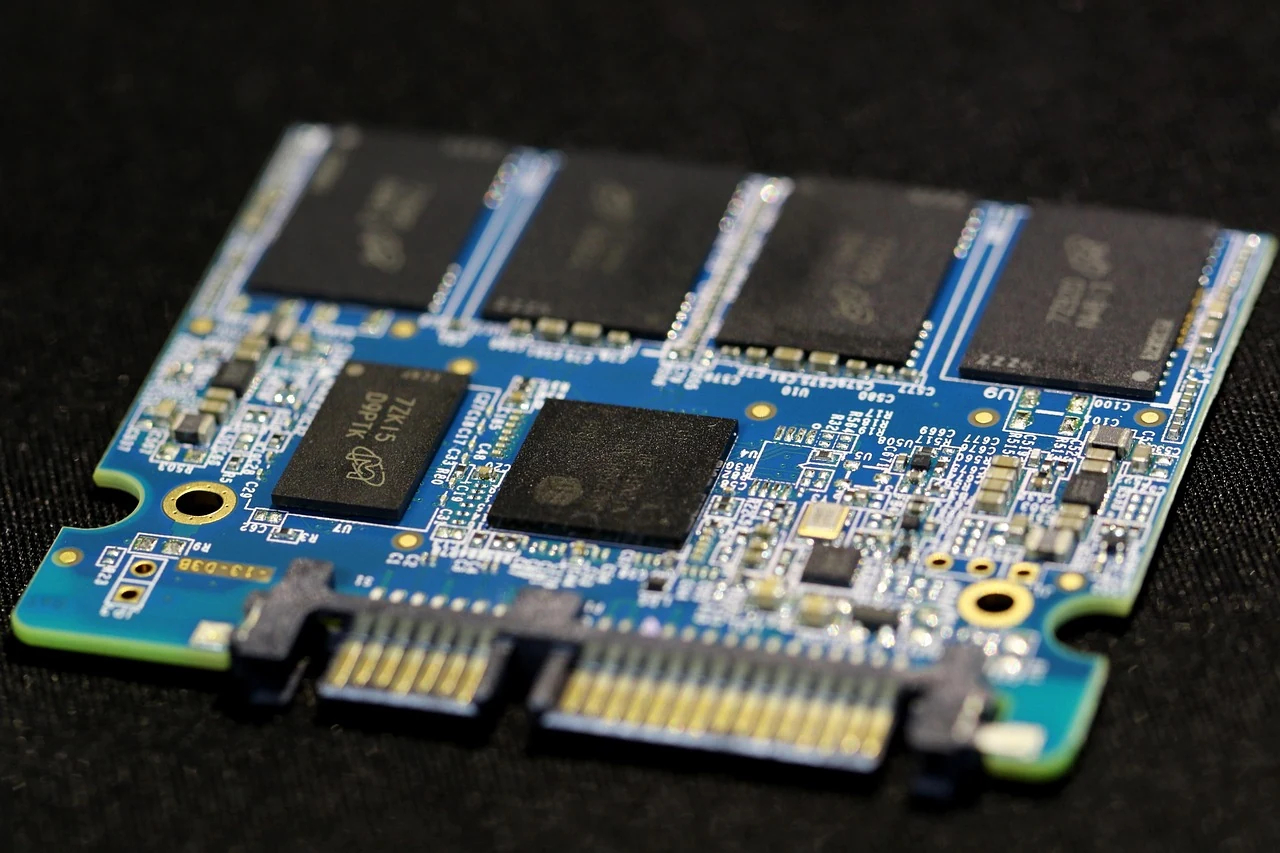

What happens after you send a message to an AI chatbot? The app prepares an input, a model processes it as tokens and generates new output, and an enabled tool may supply extra information before the reply is ready. Your typed message and the text you see at the end can be only part of that exchange. [1] [3] [4]
Following one message makes the hidden steps easier to separate: the app decides which context to supply, the model performs input processing and generation, and tools can carry out separate operations. This guide explains a common text-generation path and documented optional features, not a claim that every chatbot uses identical architecture, memory, reasoning or tools. [1] [2] [3] [4]
Show less
On this page 10 sections
- Key Takeaways
- First, the app assembles the input
- The input becomes tokens, not simply words
- Prefill prepares the model to start answering
- Generation builds the response step by step
- Reused context is not a reused answer
- Reasoning and tools can add intermediate steps
- Important Points / Key Information
- Examples / Supporting Information
- Conclusion
Part of our artificial intelligence technology guide library
Key Takeaways
- The latest typed message may be only part of the model input; instructions, earlier context and tool descriptions can be added.
- Prefill processes known input tokens; decoding builds new output using the growing sequence.
- A KV cache retains intermediate processing state, not a completed answer or permanent personal memory.
- Internal reasoning and tool requests can add steps that are not visible as final answer text.
First, the app assembles the input
Your message is an instruction or question, often called a prompt. But the text you just typed may be only part of what reaches the model. The application can add its own instructions, relevant earlier messages, material from an attached document and descriptions of tools the model is allowed to request. The model therefore receives a prepared input, not necessarily a copy of the last text box alone. [1] [4]
For a follow-up such as “Make that explanation shorter,” the earlier explanation needs to be available in the supplied context. Different apps manage this differently. They may include earlier messages or selected material rather than every turn forever. A conversation that remains visible in your chat history is not proof that all of it is being considered in the current request. [1]
A context window is the model’s finite capacity for the tokenised material involved in a request. Input and generated output must fit within the applicable limits; some models also need room for internal reasoning. This is a processing limit, not a promise of permanent personal memory. Product memory features concern what an app retains and supplies later, which is a separate question. [1]
The input becomes tokens, not simply words
A tokenizer converts text into units called tokens that the model can process. A token may represent a character, part of a word, a whole word or punctuation. Spaces, language and the model’s encoding affect the split. There is no universal rule that one word equals one token. [1]
The token sequence represents the supplied material, including more than your latest sentence where the request contains other context. A word count in the chat box therefore cannot tell you the size of the complete model input. We do not assign token counts to the examples here because no tokenizer has been run on a real request. [1]
Prefill prepares the model to start answering
In a conventional autoregressive Transformer, the first major processing phase is called prefill. “Autoregressive” means that new output is generated using the sequence that precedes it. “Transformer” names the model architecture described by this explanation; other architectures and serving implementations can differ. [3]
During prefill, the model processes the already-known input tokens and computes intermediate information needed to generate the first new token. Many input positions can be processed in parallel because the input is available before generation starts. This is different from building a response whose next token is not yet known. [3]
Part of that intermediate information is key-value state, often shortened to KV state. Keys and values are numerical information used by attention, the mechanism through which this model uses earlier token information when producing output. Retaining that state in a KV cache lets generation refer back to processed tokens without recalculating all of their keys and values at every step. It is neither human-like recollection nor a stored finished answer. [3]
Generation builds the response step by step
After input processing, the decode phase generates new output tokens. The model uses the supplied context and the tokens already generated to produce the next token, then continues from the growing sequence. In the conventional path described here, that dependency makes output generation sequential, unlike processing an input sequence that is already known. [3]
This continues until a stopping condition is reached. The application then presents the generated text, whether progressively or as a completed response. The words appearing on screen are a presentation of the output, not a direct view of every calculation inside the model. A visible sentence does not establish how much input preceded it. [3]
Generation creates a response; it does not simply retrieve a prewritten answer for every question. Nor does a repeated request guarantee identical wording. OpenAI’s caching documentation explicitly distinguishes reuse of processed input from generating a fresh response. [2]
Reused context is not a reused answer
Some systems can reuse processed state for an unchanged beginning of the input, called a prefix. A repeated instruction or reference passage may already have compatible KV state, allowing that part of input processing to be reused. New input still needs processing, and the response is generated afresh. OpenAI documents this behaviour as prompt caching. [2]
This reuse is conditional. An open chat session does not by itself guarantee a cache match, and matching, eligibility and retention depend on the system. A cache should not be confused with the app’s stored conversation history or persistent-memory controls. These are different mechanisms even when the interface makes them look like one continuing conversation. [2]
Reasoning and tools can add intermediate steps
Some models generate internal reasoning tokens that are not displayed as the final answer. OpenAI documents these separately from visible output. A brief reply can therefore follow more generation than the reader sees. This is a documented model behaviour, not evidence of human-like thought or a guarantee that the reply is correct. Not every model or request follows the same reasoning path. [1]
Tool use is a separate addition. A tool is a capability made available by the surrounding system, such as retrieving information or running an allowed function. The model can request a tool rather than immediately producing a final answer. In the documented function-calling workflow, the application executes the requested function, returns its result to the model, and asks the model to continue. [4]
The next model output may be an answer or another tool request. That is why one user message can lead to several exchanges between the application, model and tool. The model requesting a lookup is not the same as the model itself independently opening a website or executing application code. Available tools and where they run differ between products. [4]
The returned result becomes information the model can use when continuing. A tool round-trip can supply something absent from the original prompt, but its existence is not proof of correctness: the result and the final interpretation still need checking. Do not assume a reply used live information merely because it is detailed. [4]
Important Points / Key Information
The useful distinction is between the app that chooses the input, the model that processes and generates tokens, and any tool that performs a separate operation. These roles can cooperate without being the same component. [1] [4]
Context has limits, a cache stores processing state rather than a finished response, and visible output may omit internal reasoning. Together, these distinctions explain why the last message and the final answer do not reveal the entire processing path. The exact path depends on the app, model and enabled features. [1] [2]
Examples / Supporting Information
Hypothetical example: you previously supplied a short plan for an outdoor workshop, then type “Should we move it indoors if rain is expected?” This illustrates the processing sequence; it is not an observed chatbot run or a report of actual weather.
The app could include your question, relevant details from the plan and instructions about the task. That input becomes tokens and passes through prefill before the model generates a response. If the plan is not supplied in the current context, the model cannot be assumed to have its details simply because the document appeared earlier in the interface. [1] [3]
If an appropriate weather tool is enabled, the model could request a forecast for the place and date in the plan. In a function-tool workflow, the app would execute the lookup and return the result. The model would then continue generating a response using that result, or ask for missing information. Without that tool or supplied forecast, this example does not establish that the model has obtained current weather. [4]
A useful answer might explain how a forecast affects the decision, but the organiser would still check the forecast’s location and date. The example shows who supplies context, who generates text and who obtains outside information. It supplies no token total, response-time measurement or claim that a particular chatbot behaves this way.
Conclusion
When you press Send, the important sequence is input assembly, tokenisation, input processing and output generation. Reasoning or enabled tools may add intermediate steps. Reused processing state can change how earlier context is handled without turning the system into an unlimited memory or a library of saved answers. [1] [2] [3] [4]
The next time you read a chatbot reply, ask what context was available and whether outside information was actually supplied. A smooth answer is only the visible end of the process; understanding the app, model and tool boundaries helps you judge what it does—and does not—show.
How we checked thisSources (4)
We keep source links private so your reading stays on techduopulse. Each note names the publisher and document we checked.
[1] OpenAI — Understanding and counting tokens — Live help article; publication date not stated — Live help article; publication date not stated
Primary source · Tokens, context and internal reasoning[2] OpenAI — Prompt caching — Live documentation; publication date not stated — Live documentation; publication date not stated
Primary source · Processed-prefix reuse and its limits[3] NVIDIA — Mastering LLM Techniques: Inference Optimization — 17 November 2023
Primary source · Conventional Transformer prefill, decode and KV state[4] OpenAI — Function calling — Live documentation; publication date not stated — Live documentation; publication date not stated
Primary source · Model–application function-tool loopInitial source-backed owner-authorized manual publication. Original reviewed article facts, metadata and licensed real photograph preserved. Schema-only body and citation projections are recorded privately; no hands-on test or qualified human certification claimed.